Add to your wishlist

Informacje o grze
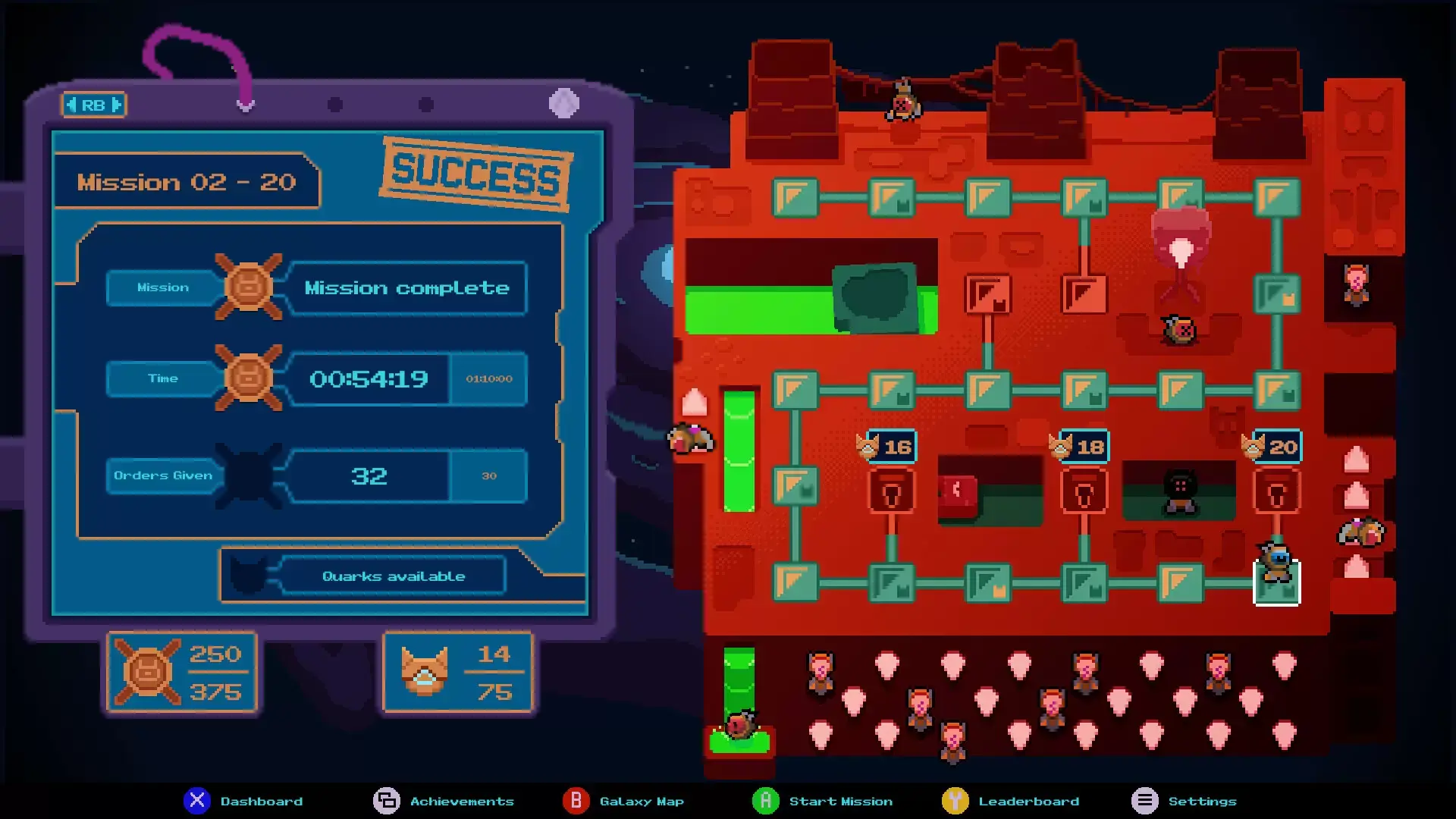
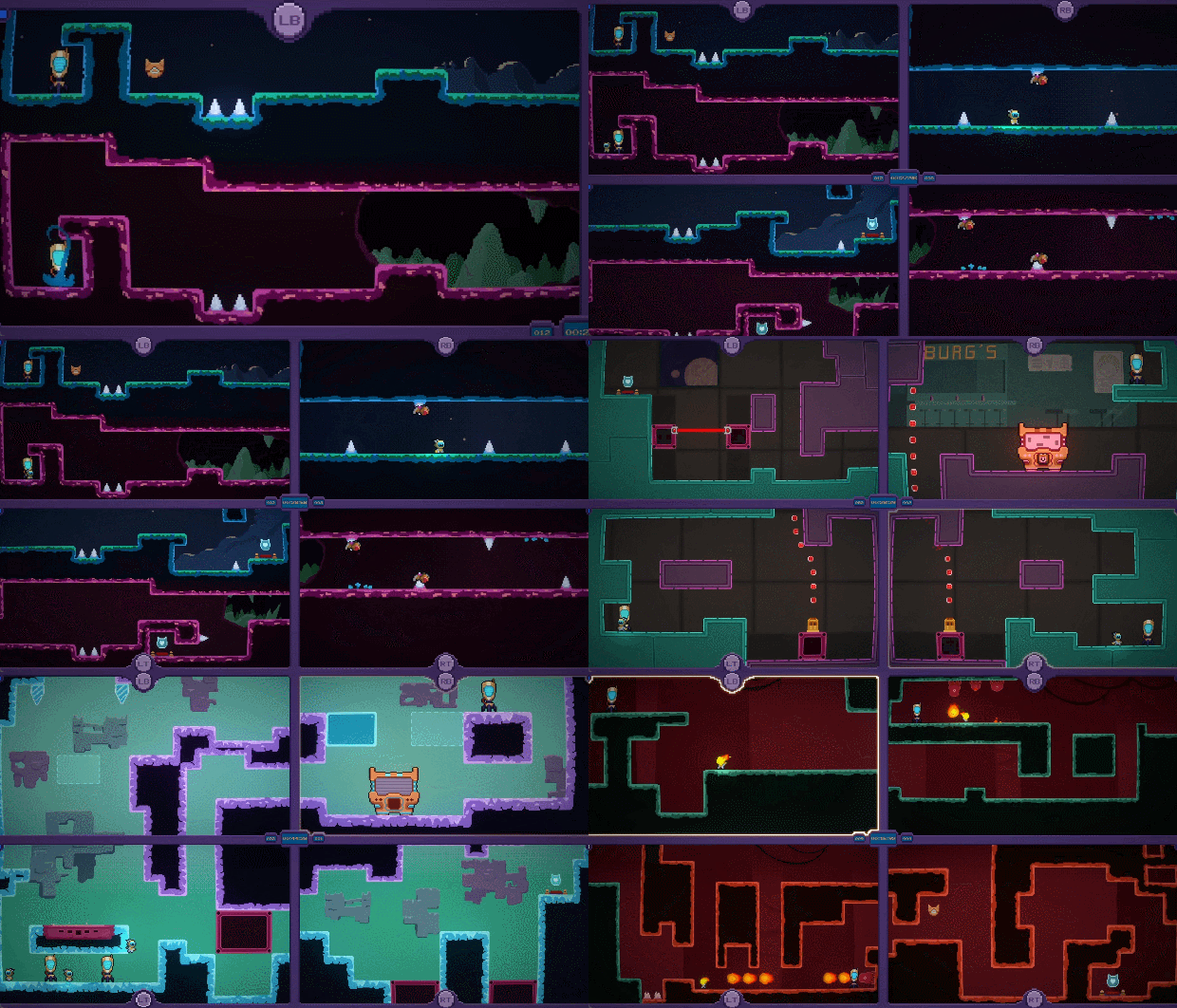
QUADROIDS IS A MIND-TWISTING PUZZLE-PLATFORMER WHERE YOU GET TO CONTROL 4 SCREENS AT ONCE!
UP FOR A CHALLENGE?
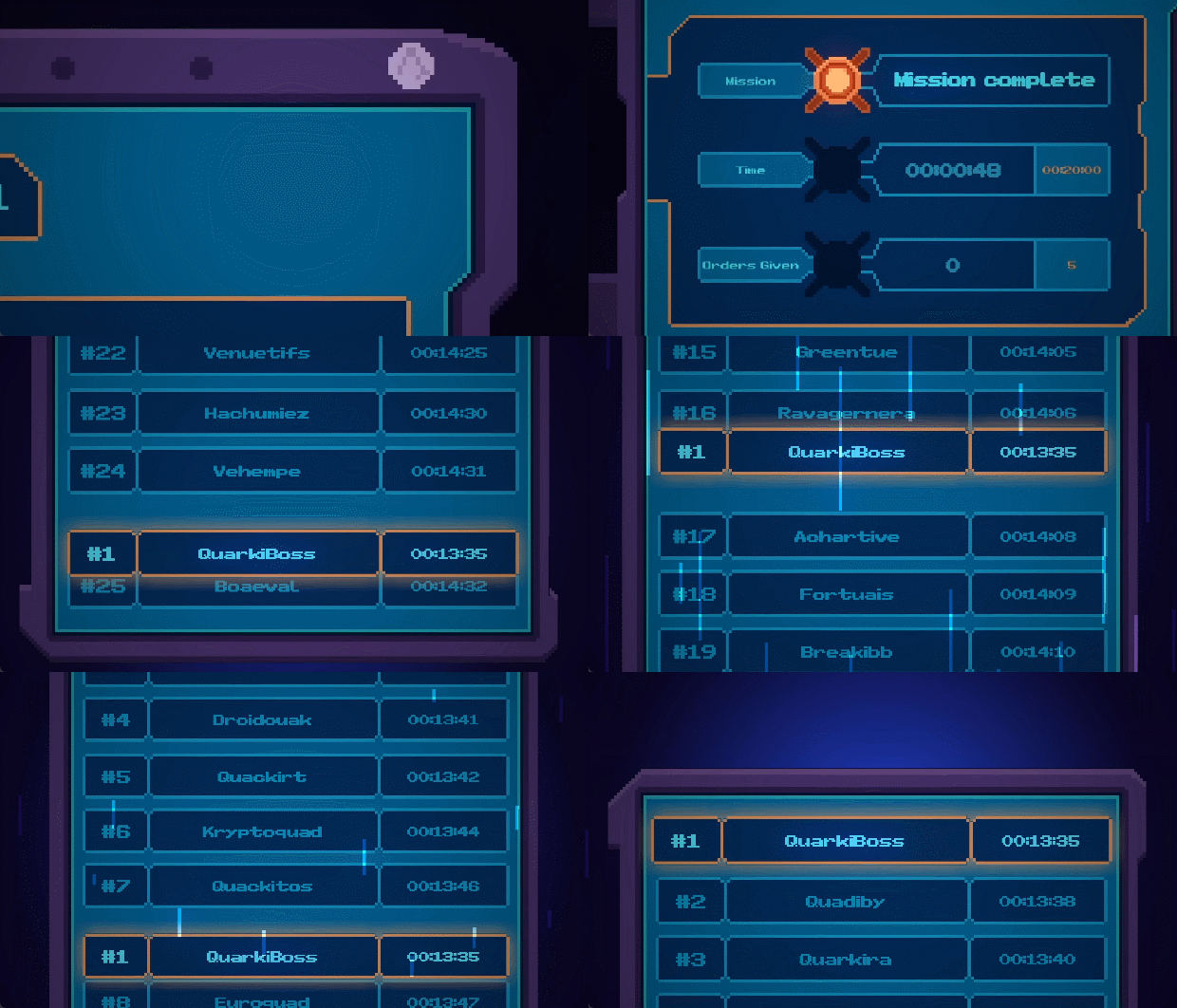
Don’t be fooled by its deceptively simple pixel-art style, Quadroids will tear your neocortex apart. Show you’re boss and compete for the top of the leaderboard!
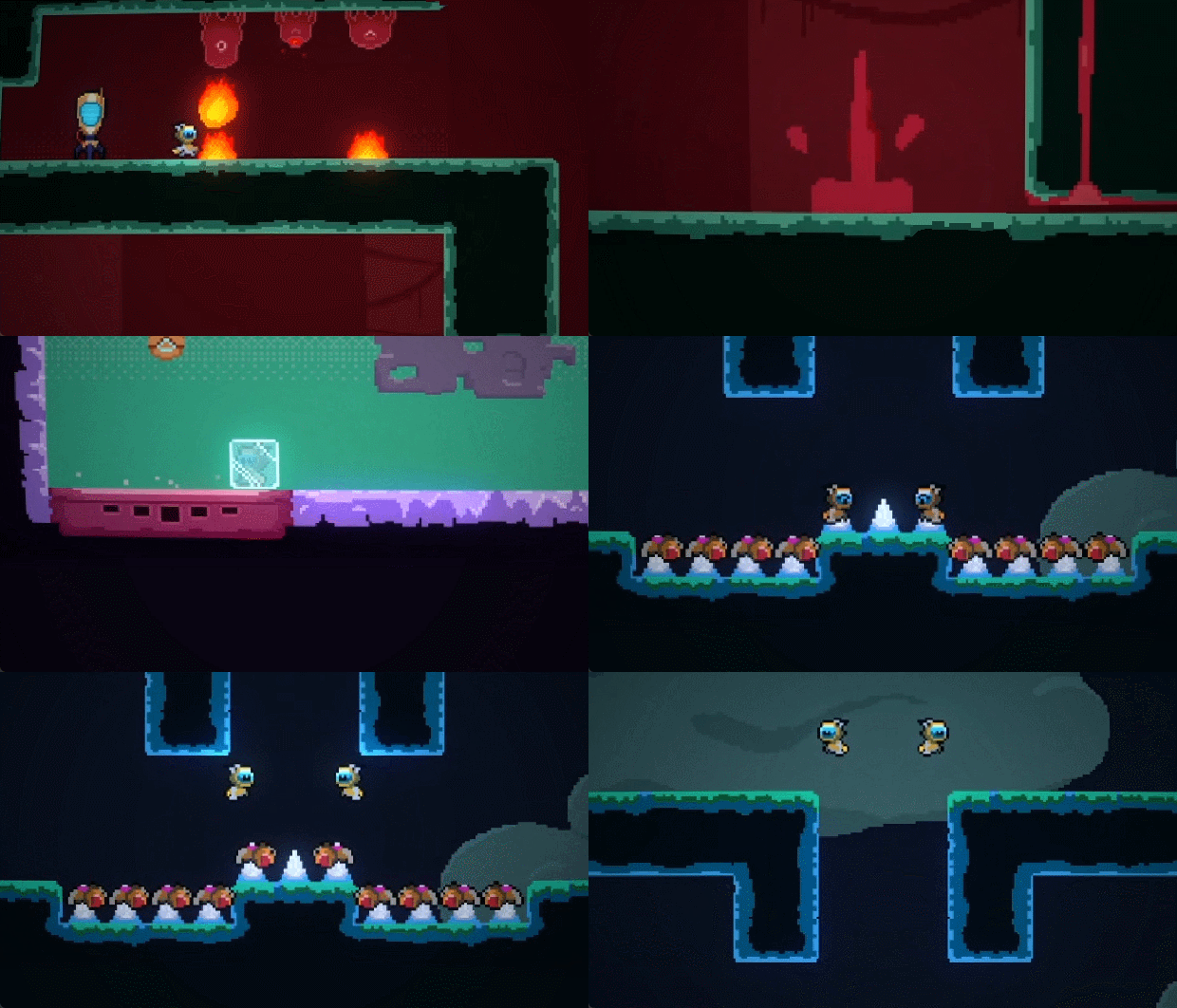
UNIQUE GAMEPLAY:
Control your Quadroids simultaneously accross four screens, and clear over 100 hazard-filled levels. Jump to avoid the acid baths, lasers, deadly spikes and other vicious traps, or strategically sacrifice your minions to create new platforming opportunities.
Play alone with the 4 screens or ask for the help of your friends in the Coop mode.
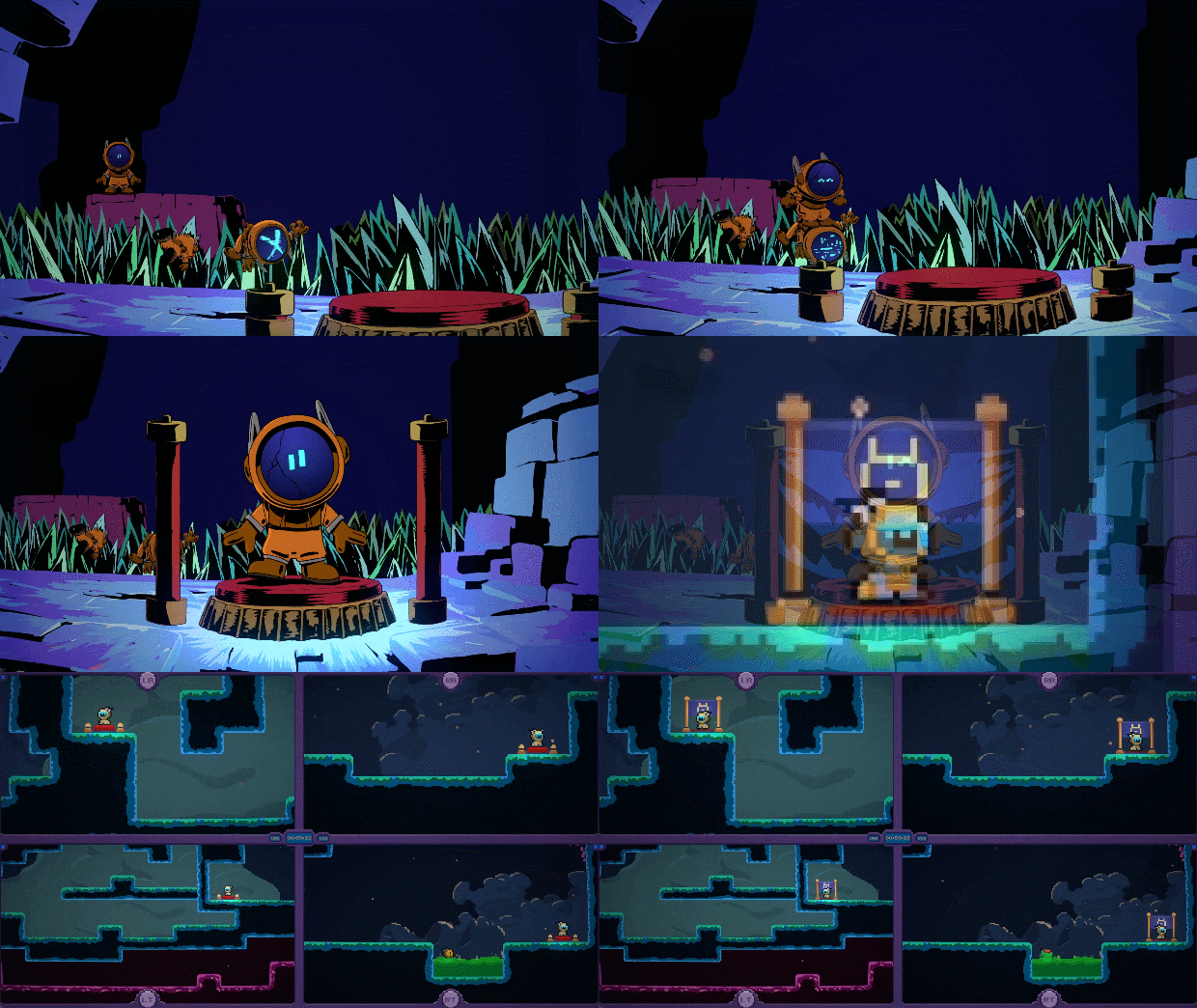
COMMUNITY
Join to share your best scores & speedruns, and unlock custom roles to show off your achievements.
Control selected game screens and appear alongside your favorite streamers with Twitch add-ons!
- Twitch Plays Quadroids: Hand over control to your viewers, allowing them to manage one or more screens. For the ultimate challenge, let them take command of all four screens using commands like !top_left, !top_right, !bottom_left, and !bottom_right to guide the Quadroids through each part of the screen.
- Volunteers!:Players can actively participate by typing "!volunteer" in the Twitch chat. The next Quadroids to jump into the game will bear the name of the volunteer, creating a personalized and unforgettable gaming experience. Handle with care, as sacrificing these volunteers is not advised!
steam
1. Zarejestruj konto Steam.
2. W menu "Moje gry" naciśnij przycisk "Aktywuj przez Steam.." i wprowadź klucz