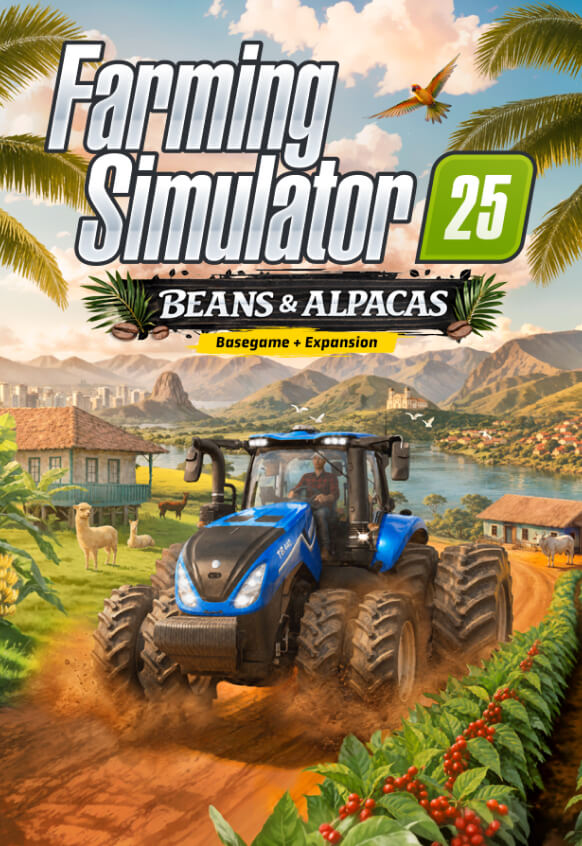
Farming Simulator 25 - Beans & Alpacas Edition
game
본 제품은 귀하의 지역에서 사용 불가능합니다

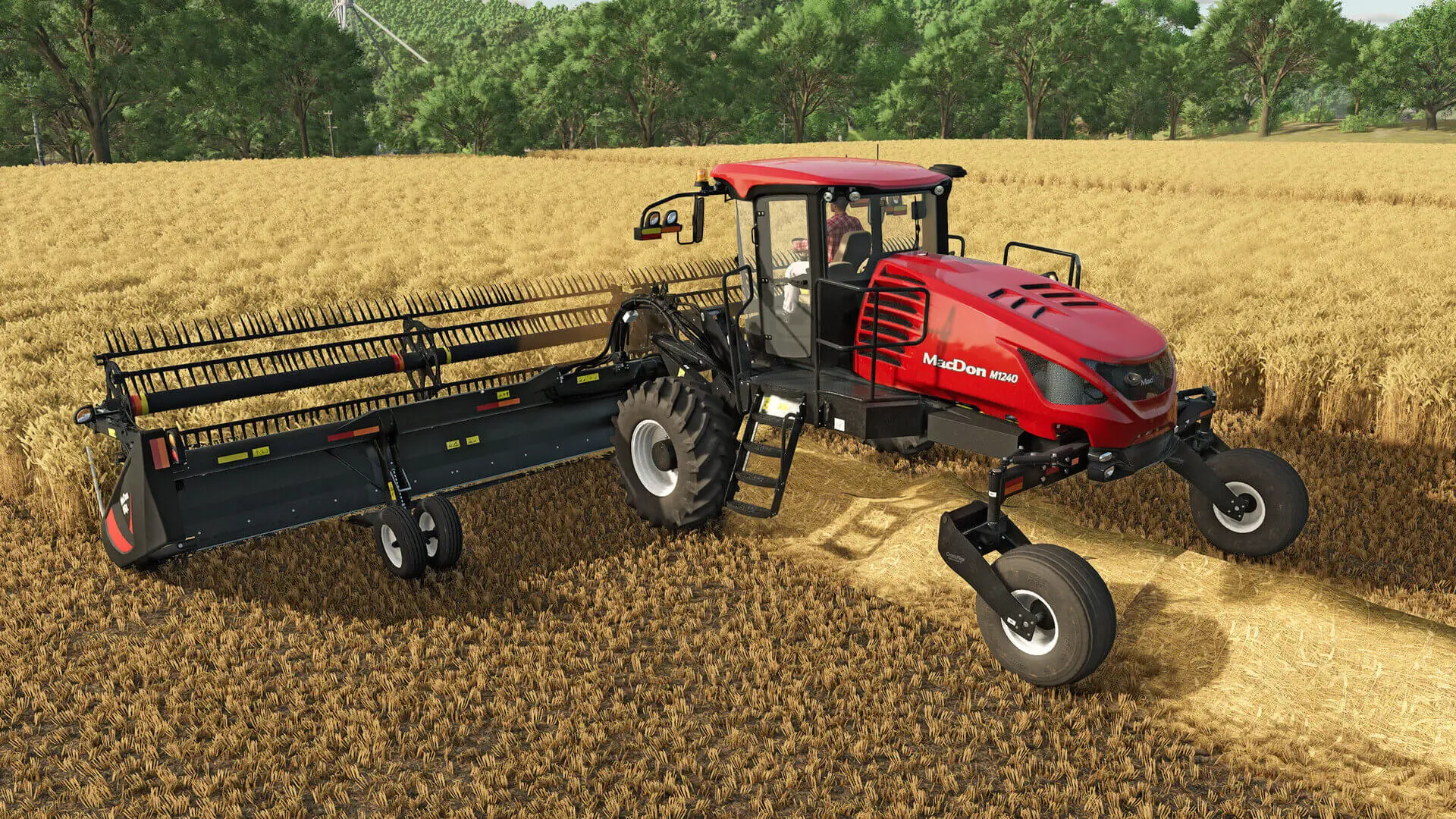
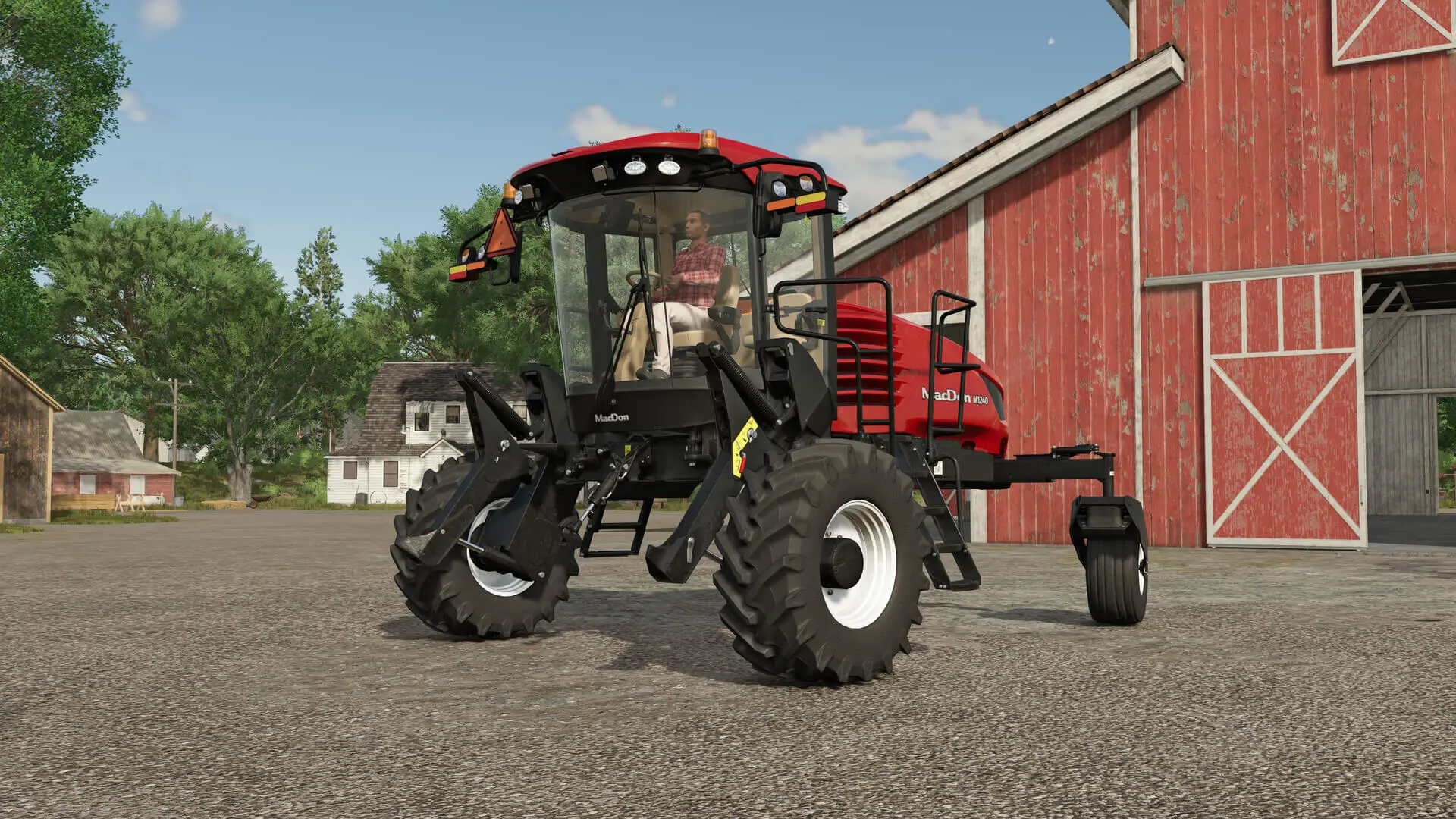
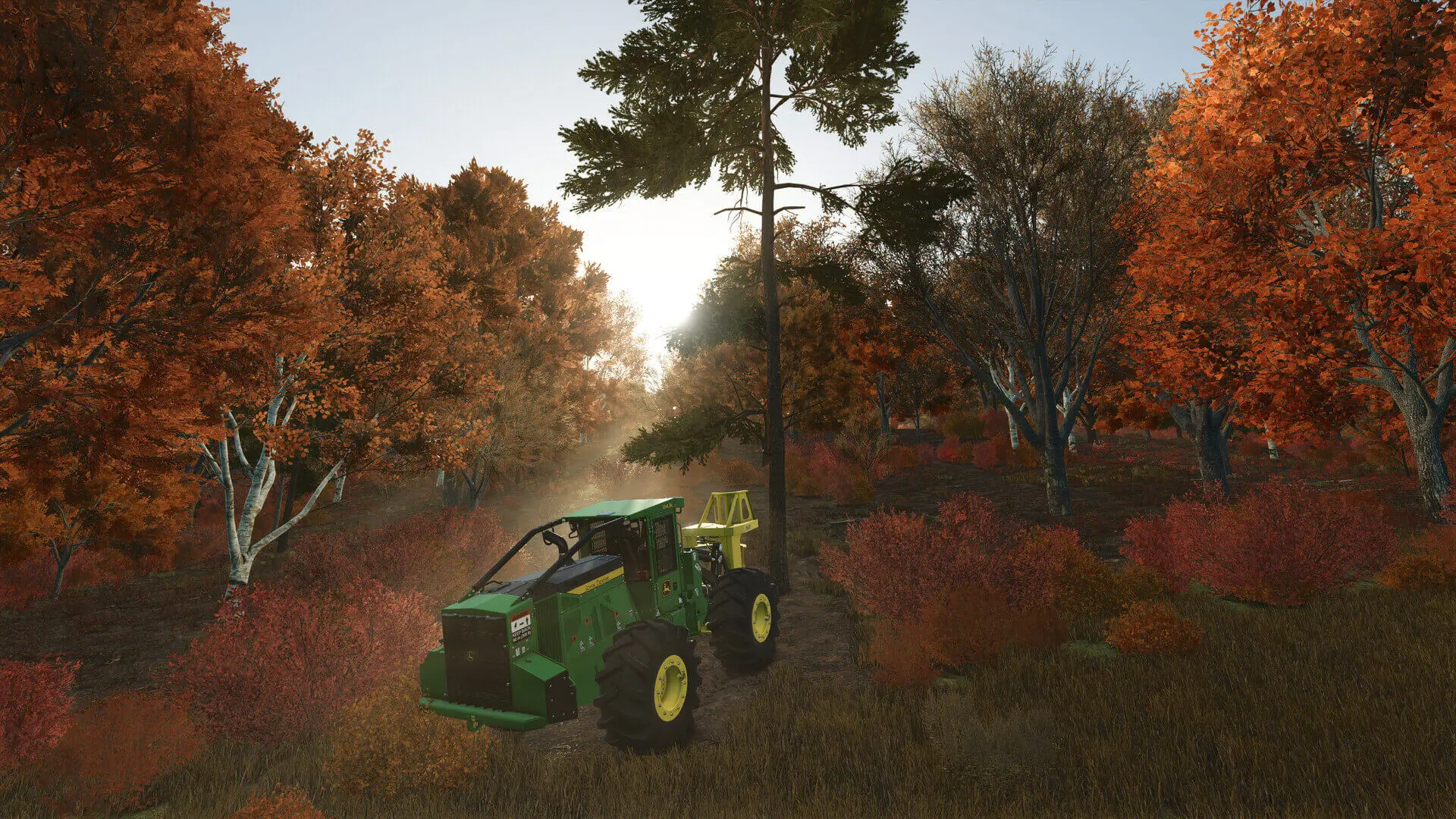
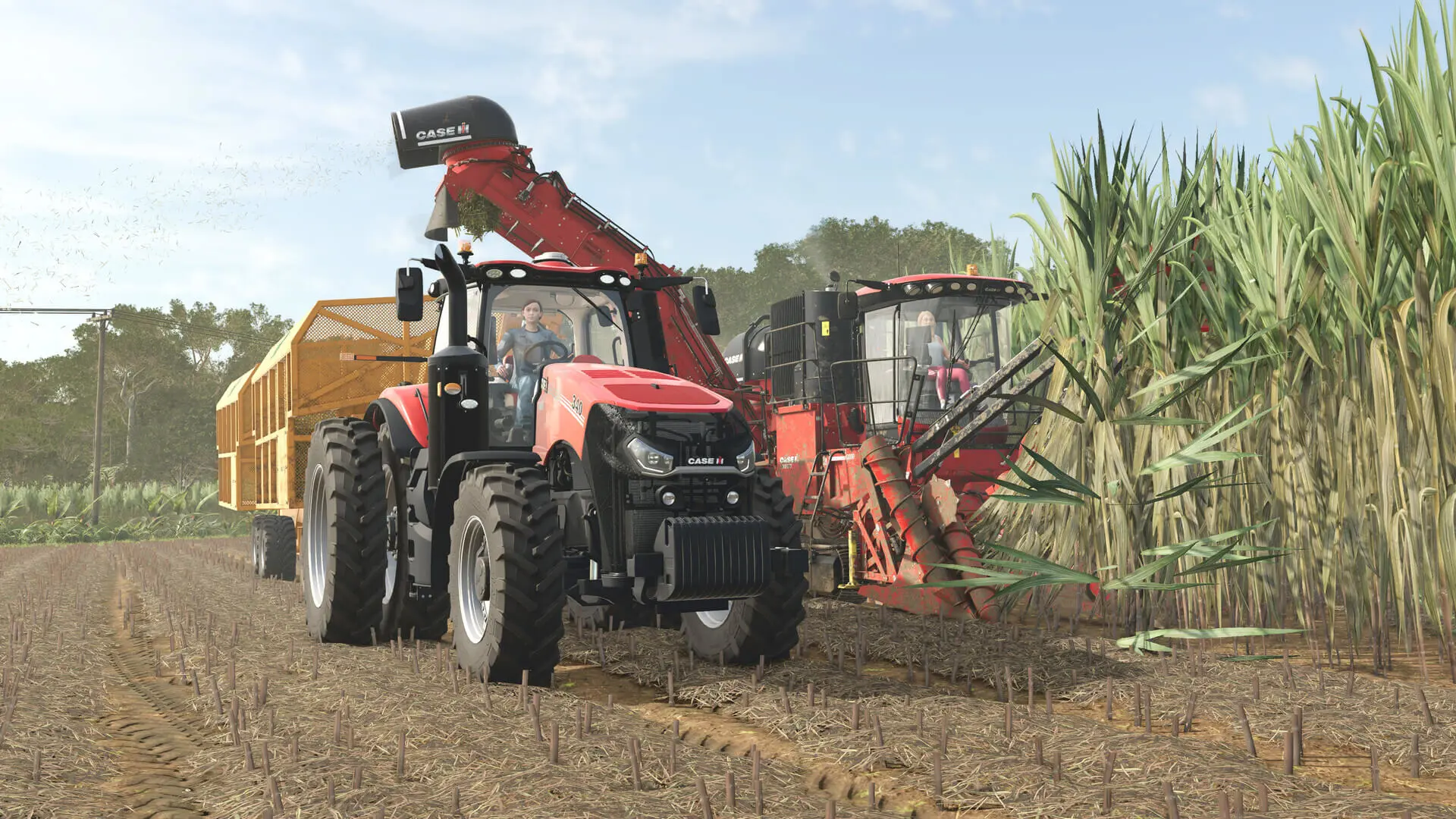
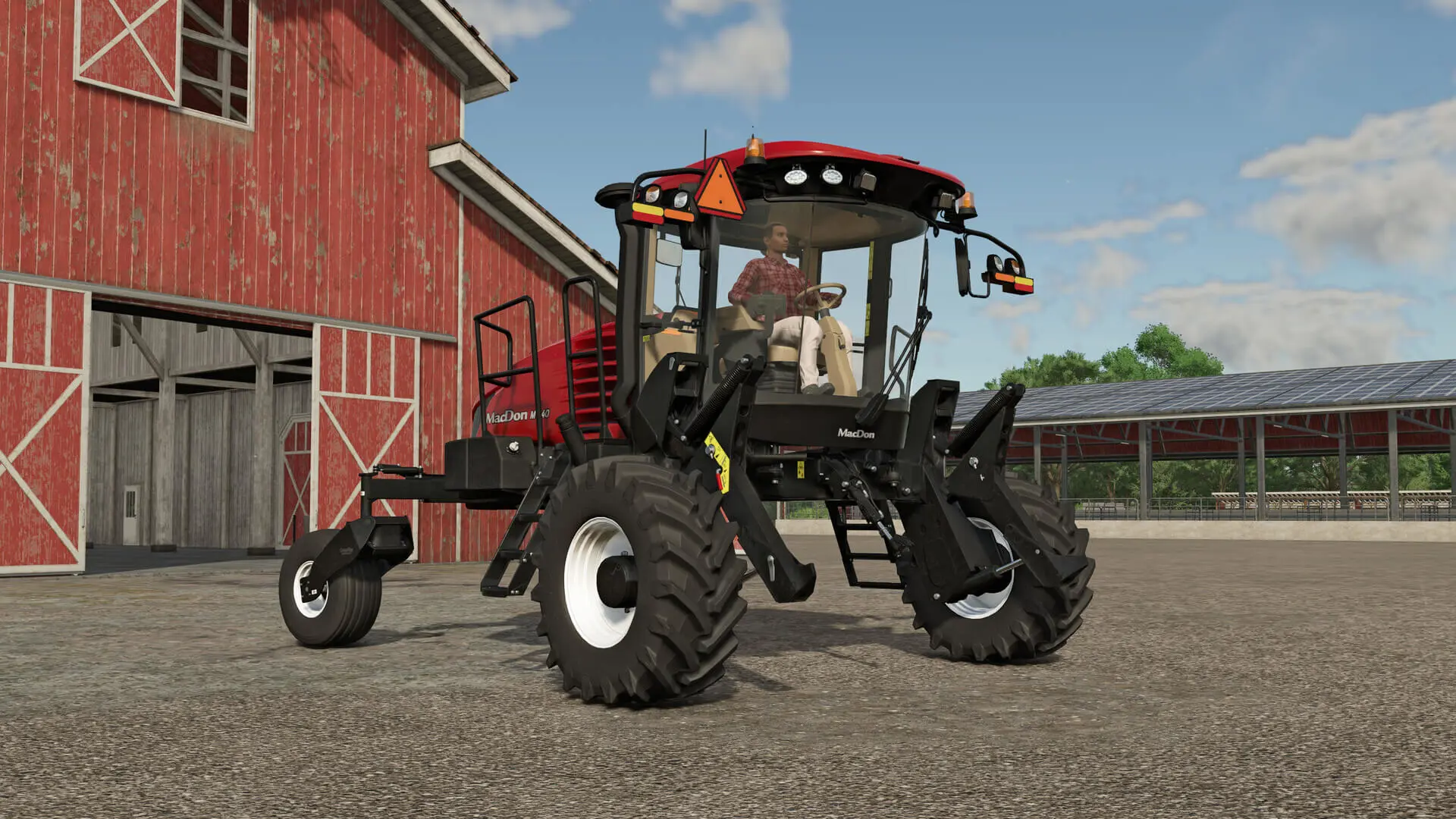
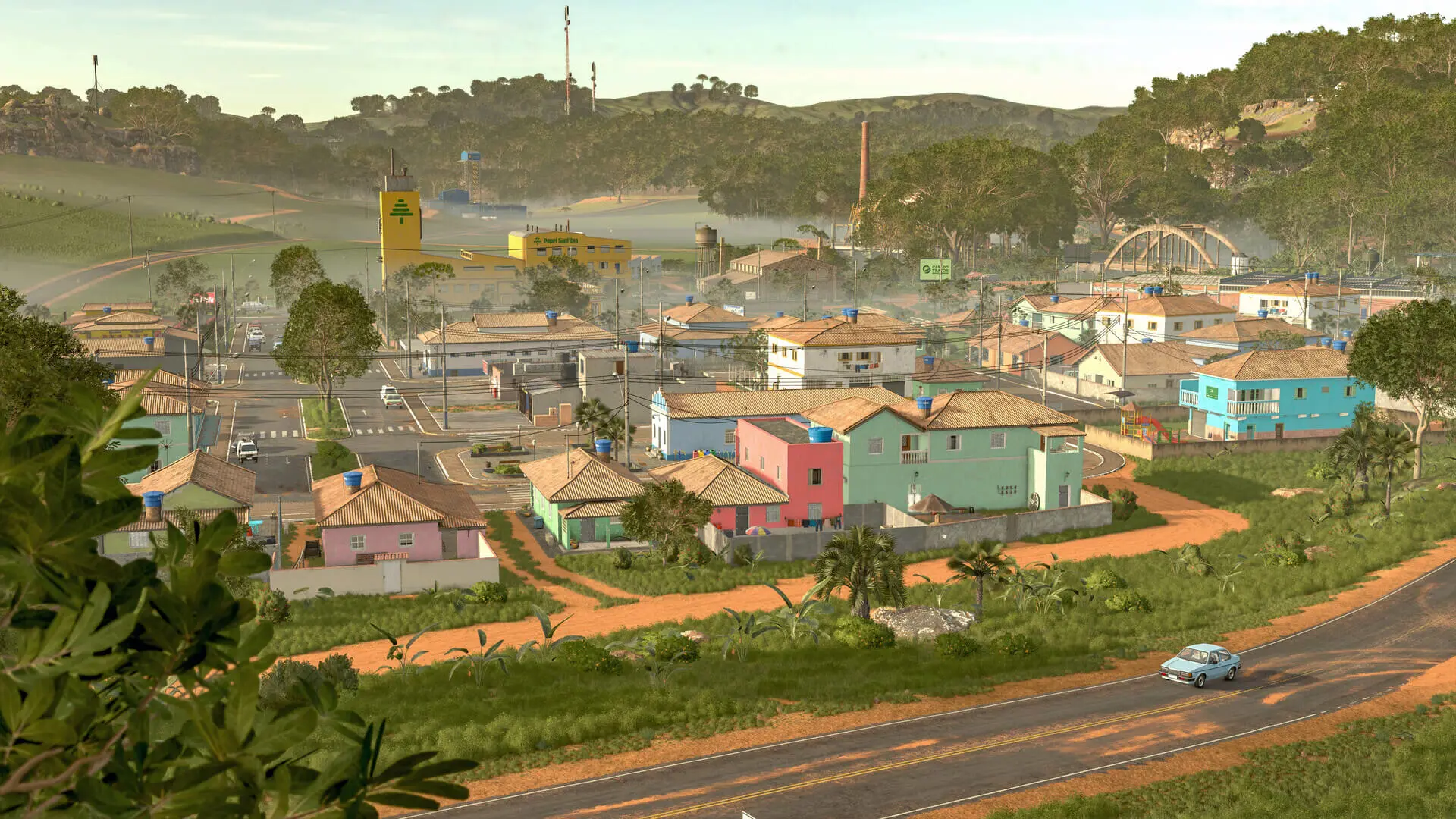
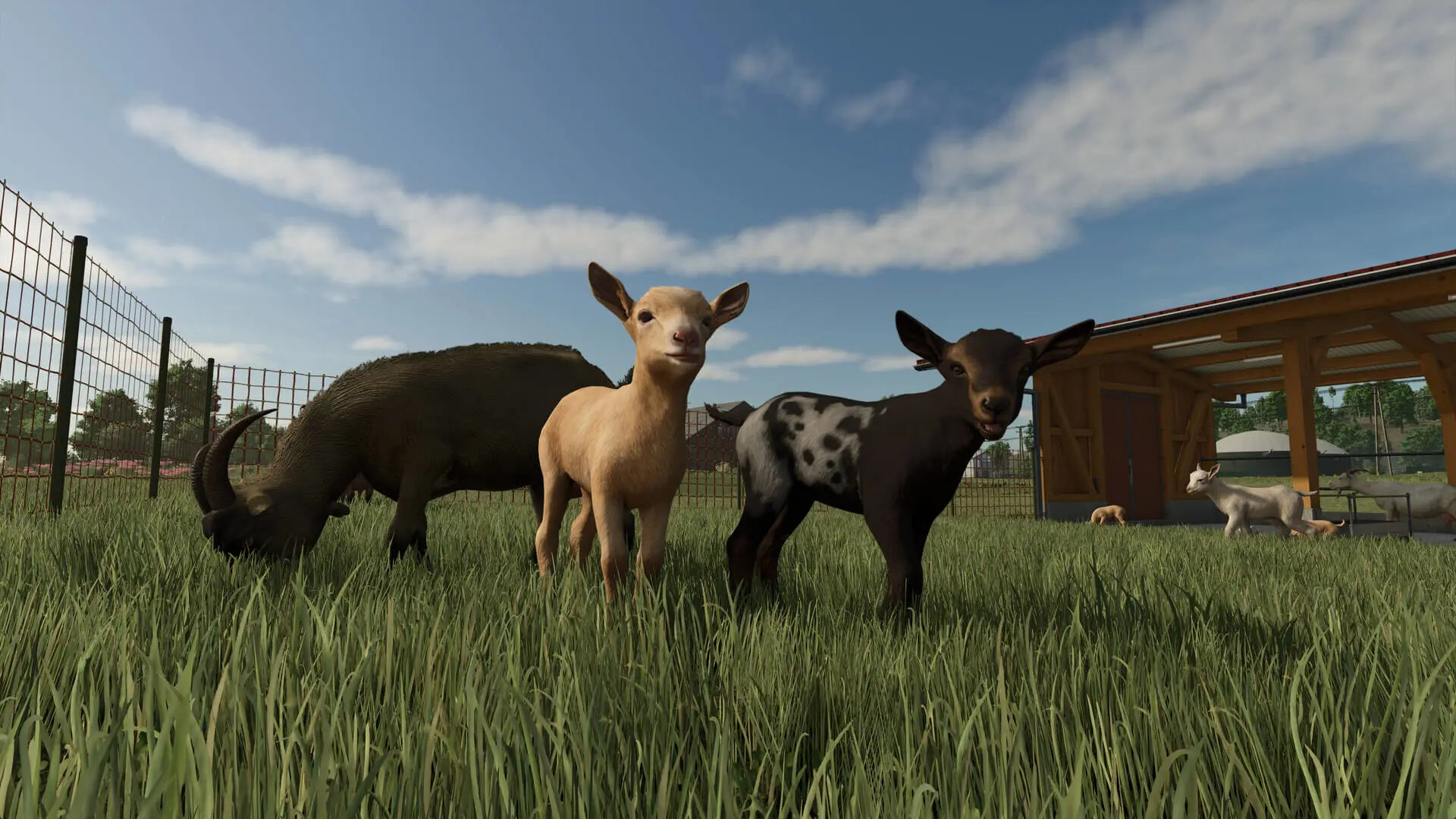
Farming Simulator 25: Beans & Alpacas Edition bundles both the acclaimed main game and the Beans & Alpacas Expansion. Enjoy 4 maps, 400+ machines, over 150 authentic brands, and new crops, animals, production chains and gameplay additions.
From Europe to North & South-America
Build a farm along winding rivers and historic grain elevators in North America, surrounded by ponds in Central Europe, in a lush East Asian landscape filled with rice paddies, or in Catuaí - a South America-inspired region where coffee plantations, red soil and dense greenery shape the land that’s the star of the Beans & Alpacas Expansion.
Expansion: Build Your Coffee Estate!
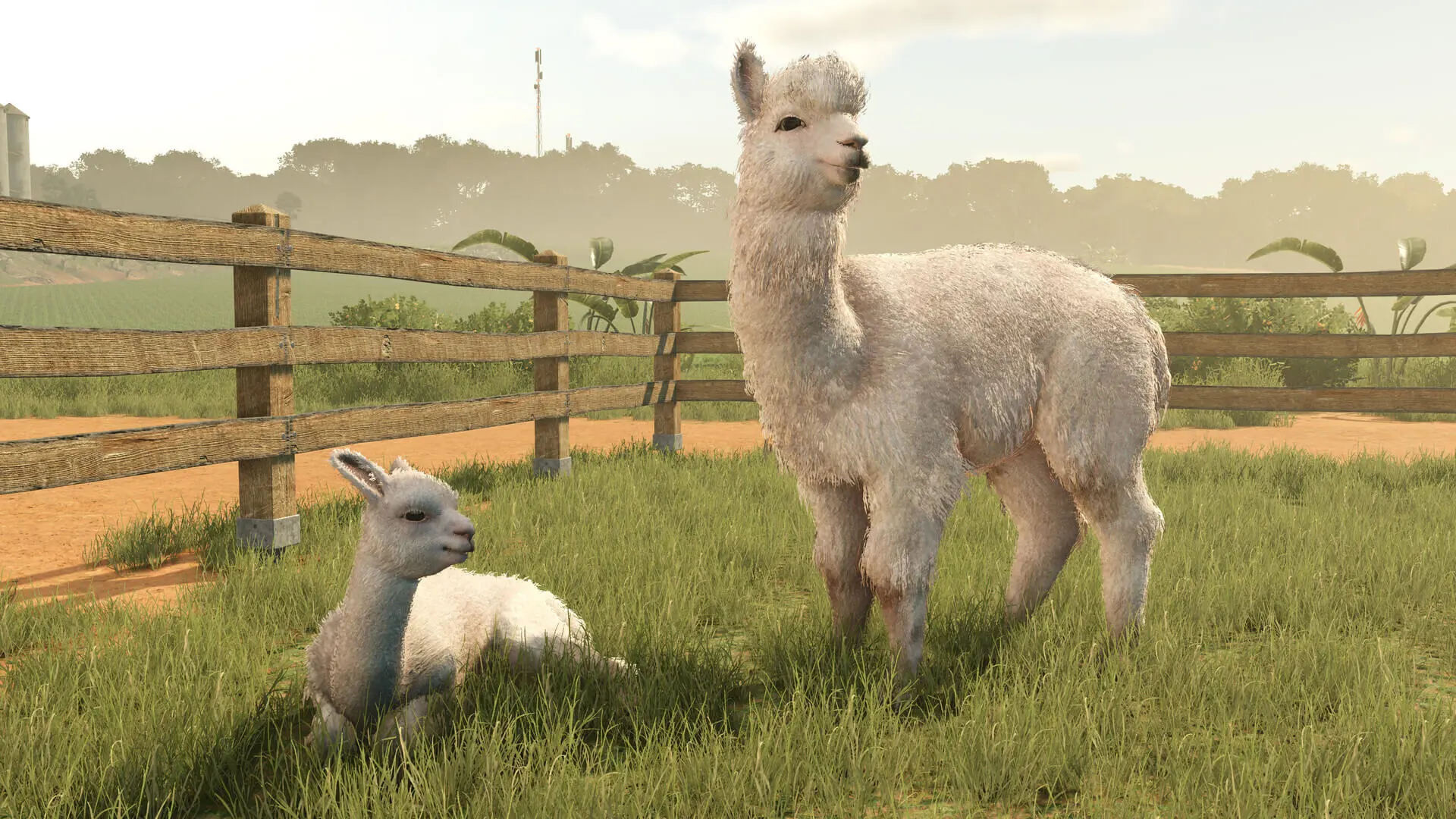
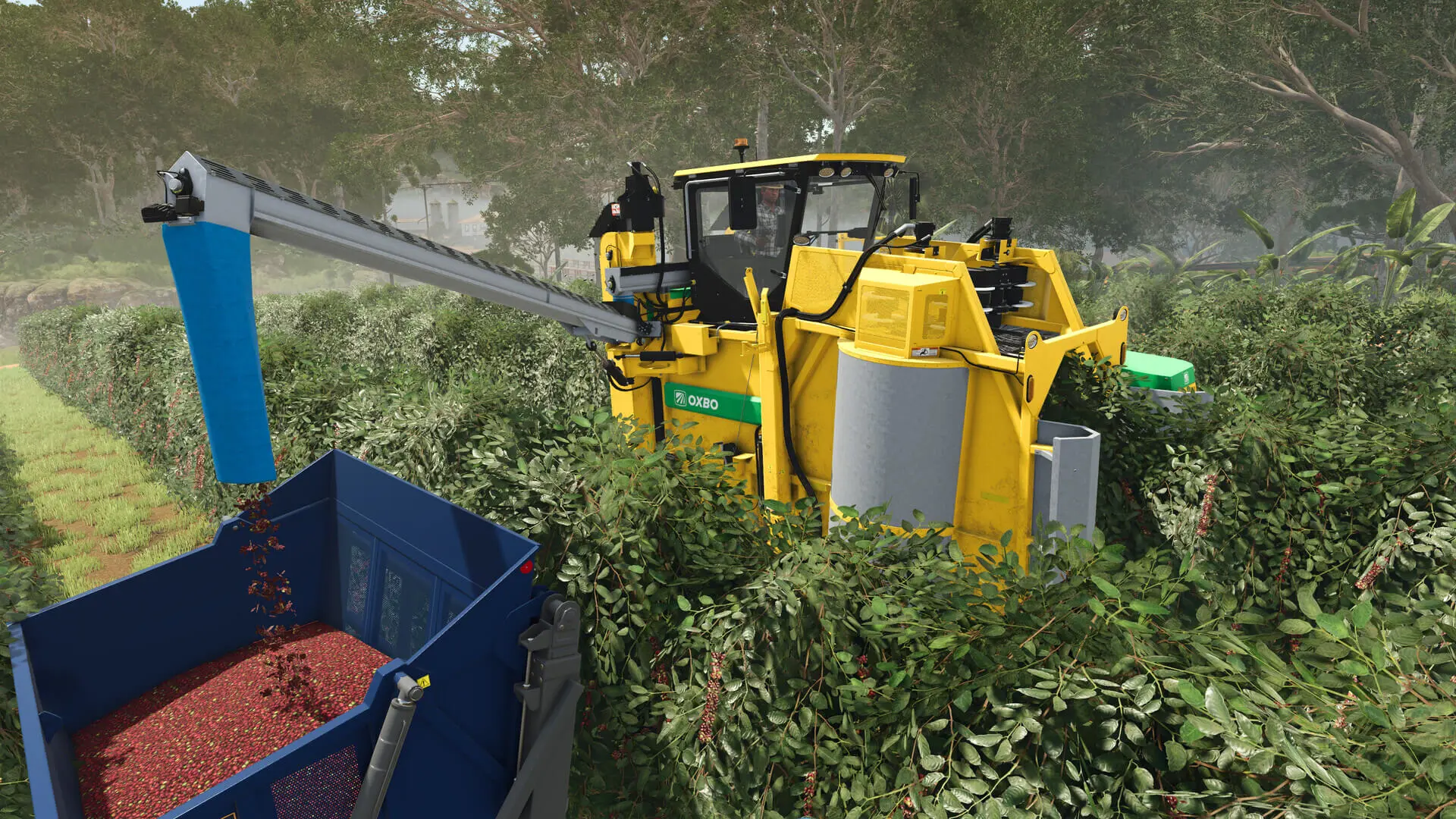
Cultivate coffee beans, raise alpacas and Brahman cows, and grow a warmer kind of farm life. Alpacas can be sheared and led, while wild animals like crocodiles and parrots bring more life to the environment. Create products like pigment and resin, repaint houses for the community, take on construction projects, discover collectibles and operate 25+ new machines from renowned brands, including newcomer Colombo Industries.
© 2024 GIANTS Software GmbH. Published and developed by GIANTS Software. Farming Simulator, GIANTS Software and its logos are trademarks or registered trademarks of GIANTS Software. All rights reserved. All manufacturers, agricultural machinery, agricultural equipment, names, brands and associated imagery featured in this game in some cases include trademarks and/or copyrighted materials of their respective owners. The agricultural machines and equipment in this game may be different from the actual machines in shapes, colours and performance. All other names, trademarks and logos are property of their respective owners.
PC Minimum:
- Requires a 64-bit processor and operating system
- OS: Windows 10 64bit
- Processor: Intel Core i5-6400, AMD Ryzen 5 1400, or better
- Memory: 8 GB RAM
- Graphics: Nvidia GeForce GTX 1050Ti, AMD Radeon RX 470 graphics card or better (min 3GB VRAM, DX12 support)
- Network: Broadband Internet connection
- Storage: 7 GB available space
- Sound Card: Sound card
- VR Support: N/A
- Additional Notes: These system requirements can´t cover all possible system configurations so issues could occur that avoid or influence the functionality in some cases.
PC Recommended:
- Requires a 64-bit processor and operating system
- OS: Windows 10 64bit
- Processor: Intel Core i7-10700, AMD Ryzen 7 3800X, or better
- Memory: 8 GB RAM
- Graphics: Nvidia GeForce RTX 2070, AMD Radeon RX 5700 XT, Intel Arc A750 graphics card or better (min 8GB VRAM, DX12 support)
- Network: Broadband Internet connection
- Storage: 7 GB available space
- Sound Card: Sound card
- VR Support: N/A
- Additional Notes: These system requirements can´t cover all possible system configurations so issues could occur that avoid or influence the functionality in some cases.
MacOS Minimum:
- OS: MacOS 11.3 or newer
- Processor: Intel Core i5-6400, Apple M1, or better
- Memory: 8 GB RAM
- Graphics: AMD Radeon RX 470 or Apple M1 or better (min. 3 GB VRAM, DX12 support)
- Network: Broadband Internet connection
- Storage: 7 GB available space
- Sound Card: Sound Card
- Additional Notes: These system requirements can´t cover all possible system configurations so issues could occur that avoid or influence the functionality in some cases.
MacOS Recommended:
- OS: MacOS 11.3 or newer
- Processor: Apple M1 Pro or better
- Memory: 8 GB RAM
- Graphics: Apple M1 Pro or better
- Network: Broadband Internet connection
- Storage: 7 GB available space
- Sound Card: Sound Card
- Additional Notes: These system requirements can´t cover all possible system configurations so issues could occur that avoid or influence the functionality in some cases.
steam
1. Steam 계정을 등록
2. "나 게임" 메뉴에서 "Steam을 통해 활성화..." 버튼을 클릭하고 키를 입력