Fairy Godmother Stories: Miraculous Dream Collector's Edition
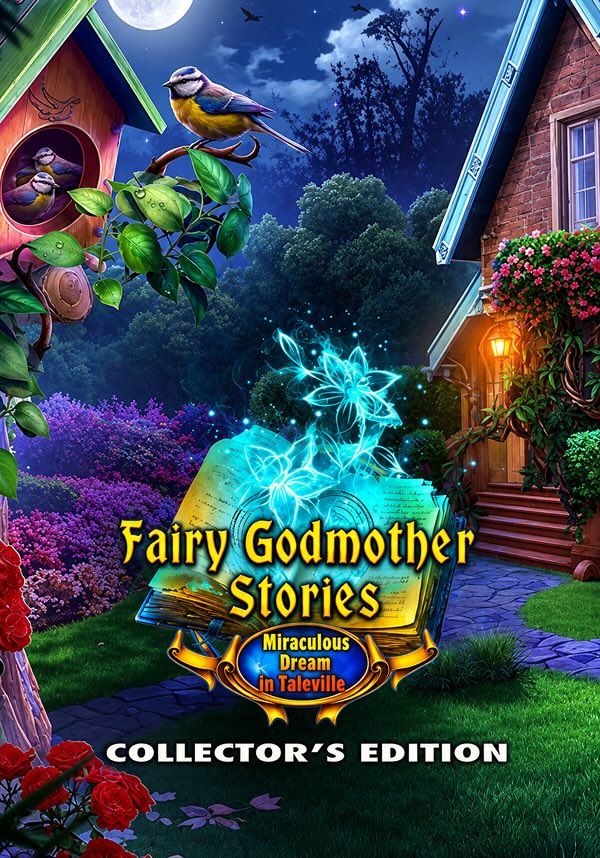
game
본 제품은 귀하의 지역에서 사용 불가능합니다

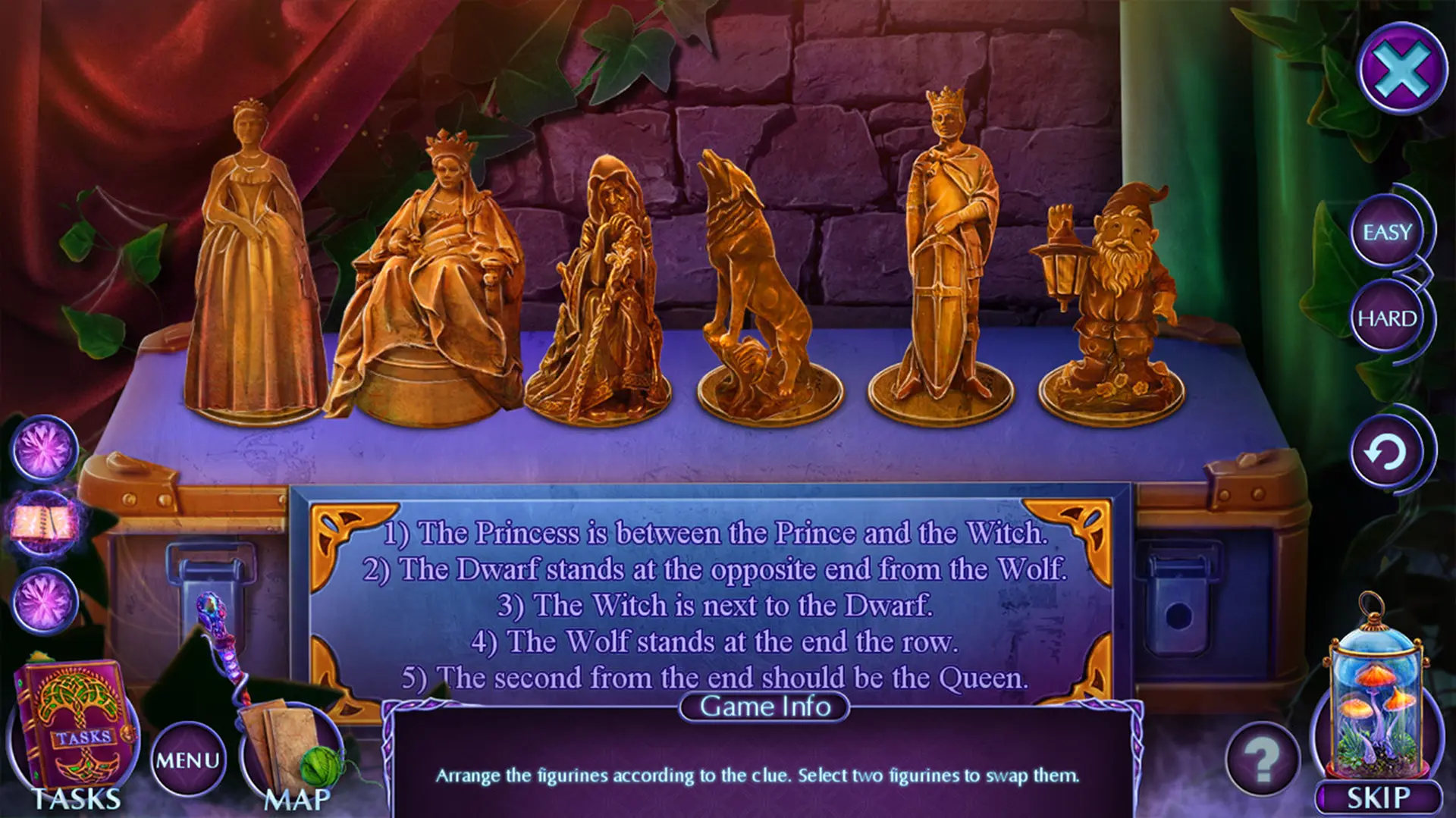
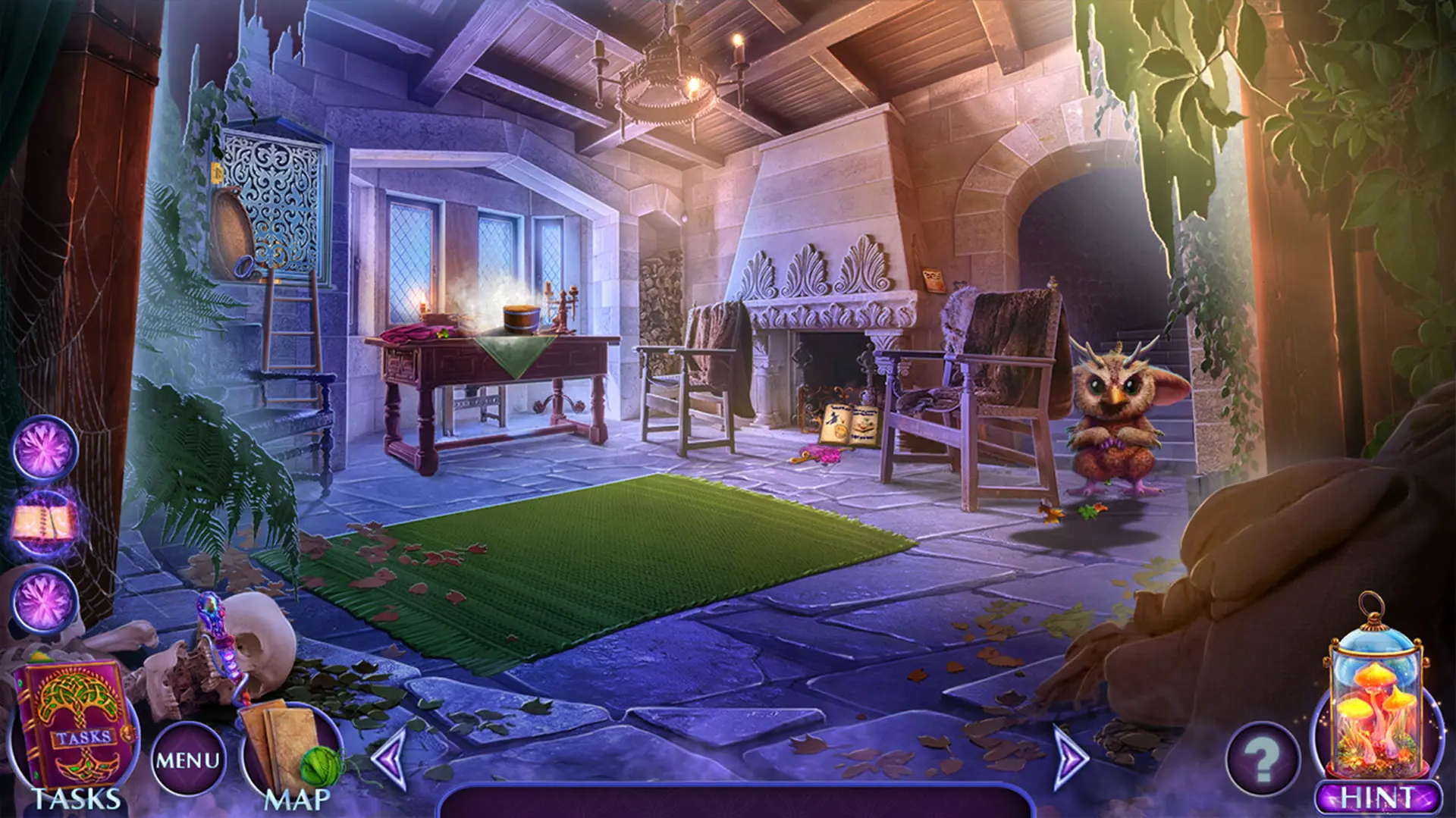
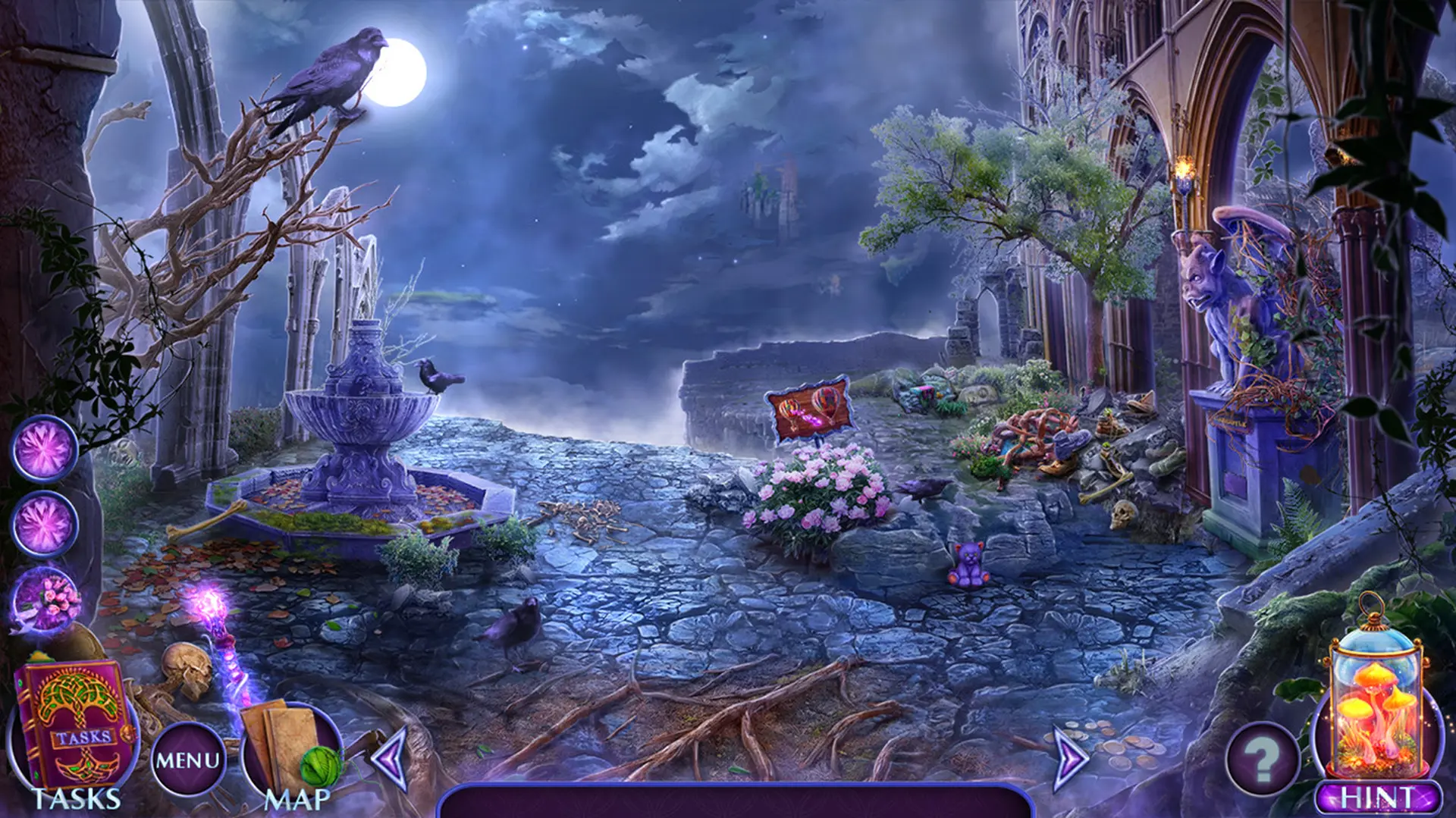
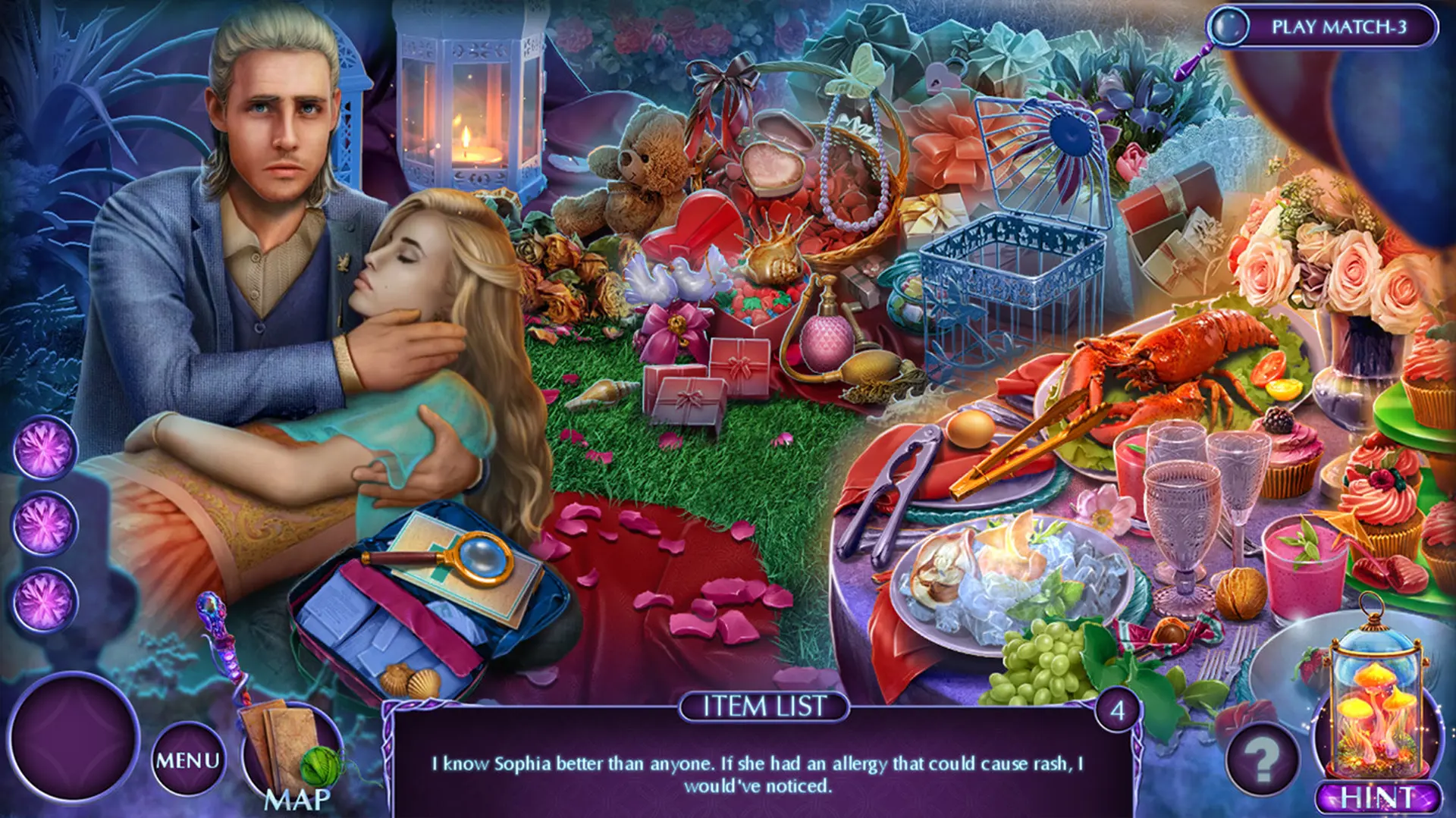
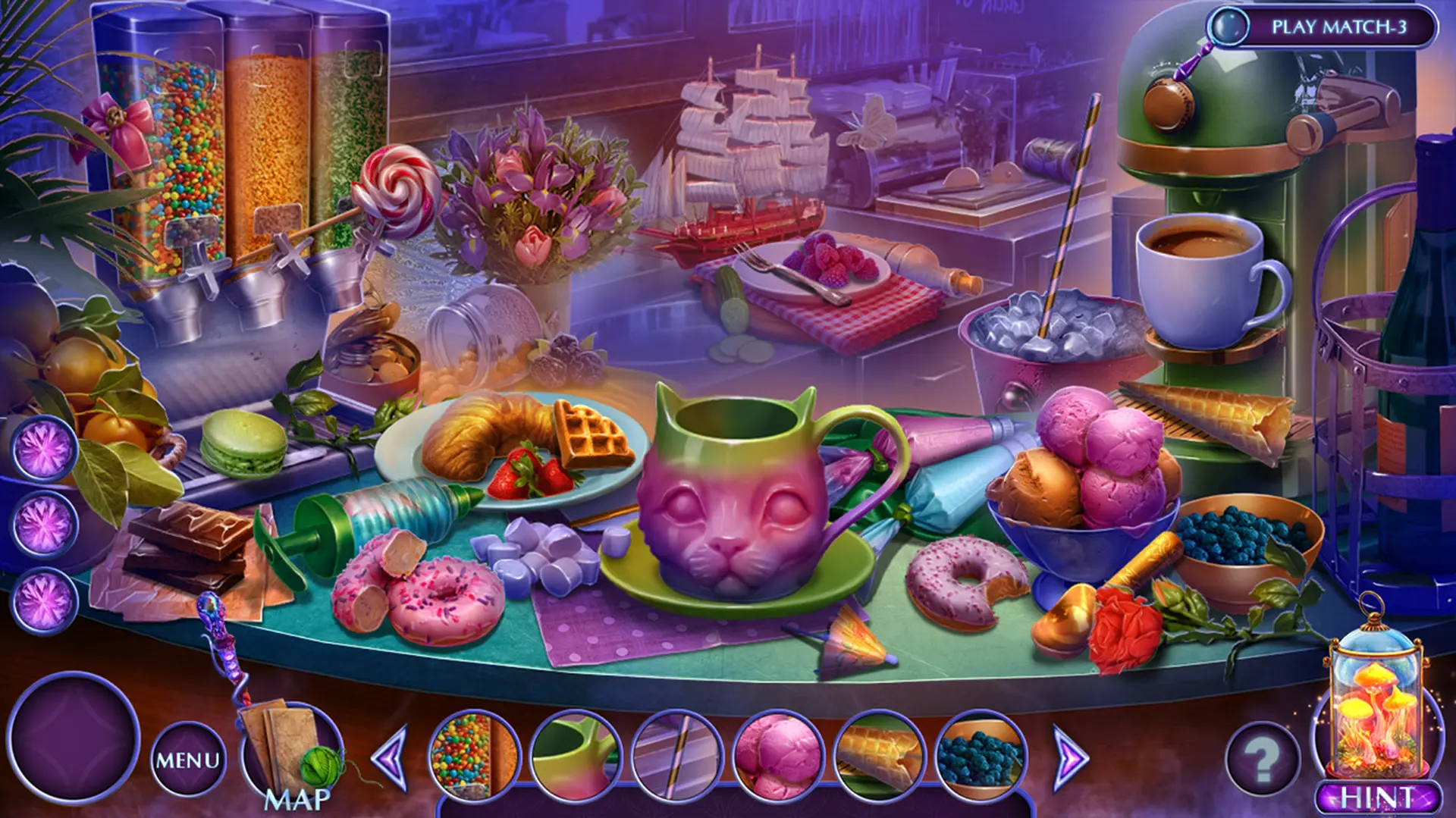
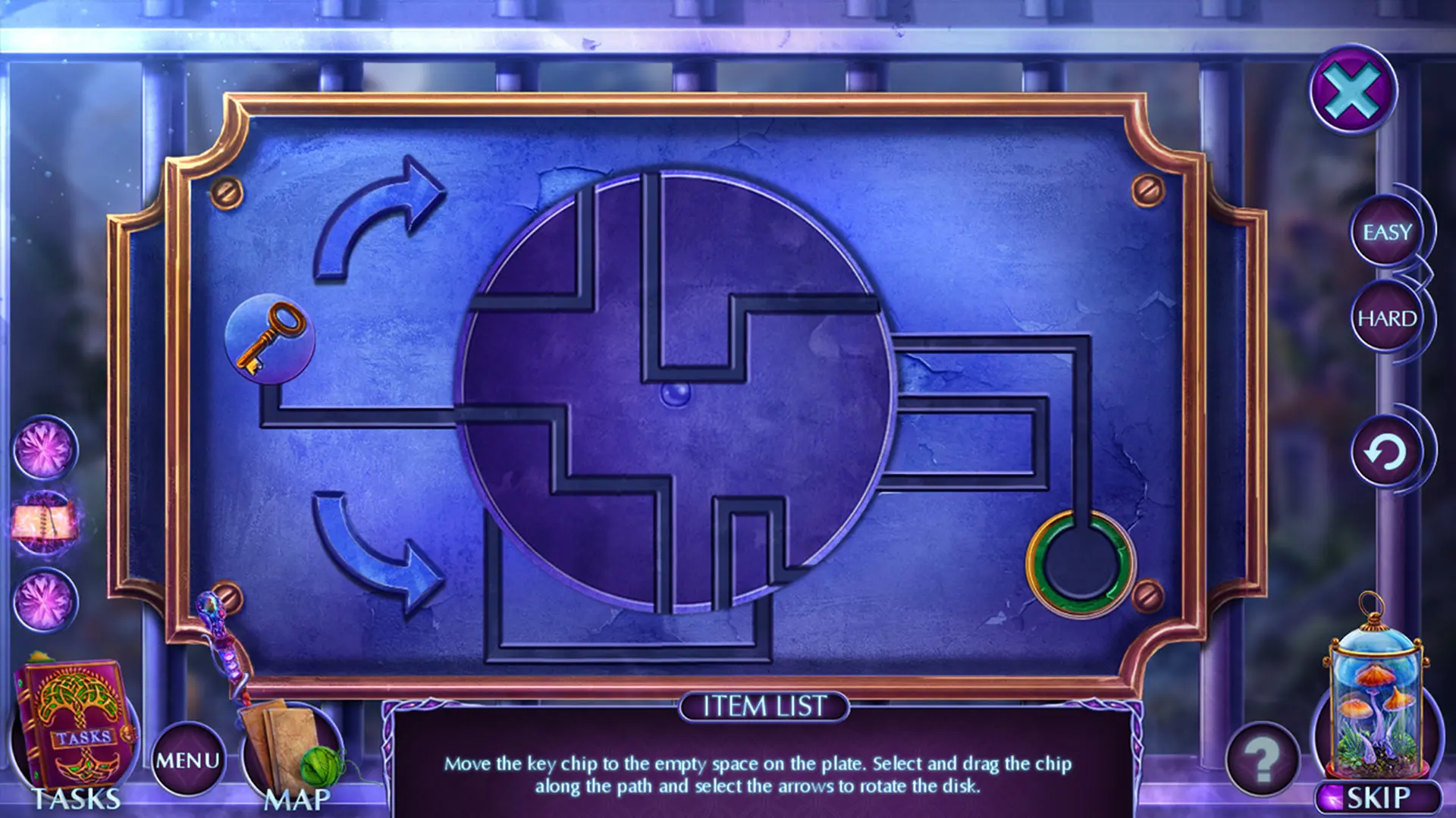
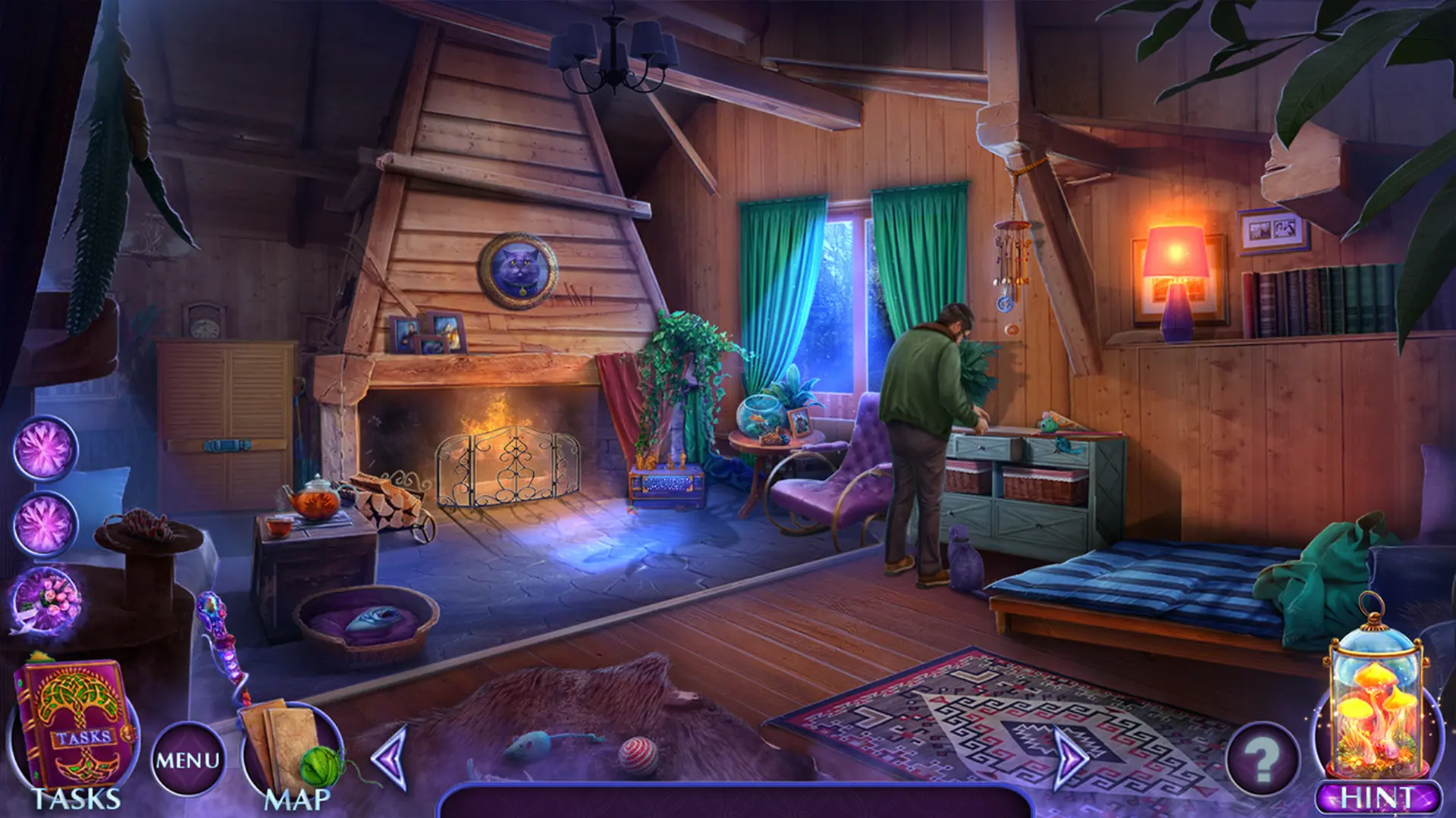
Domini Games invites you on a spellbinding adventure in the latest addition to the Fairy Godmother Stories series!
No one ever said being royalty was easy, and that’s certainly the case for your goddaughter. When Princess Sofia is put under a spell at her engagement party, only her fairy godmother can come to her rescue! It’s up to you to use your magical prowess and stellar detective skills to find who’s to blame. But working with the fairy tale residents of Taleville won’t be an easy task, and when magic’s involved, things are rarely as they seem! Do you have what it takes? Find out in this bewitching Hidden-Object Puzzle adventure!
This is a special Collector’s Edition release full of exclusive extras you won’t find in the standard version.
The Collector’s Edition includes:
- You’re poisoned with a rare potion by a lovesick witch, and time is running out to find the antidote!
- Play and re-play HOPs, movies, and mini-games - and earn all the Achievements!
- Complete your collections of Wedding Favors and morphing Witch's Gear, and exchange gems to equip your Magic Workshop!
- The helpful Strategy Guide will keep you on track in Taleville!
This is a Hidden Object Puzzle Adventure game, meaning a specific genre of story-driven, point & click adventures. Throughout the game, players are tasked to find a list of objects hidden within a particular scene, and to occasionally complete various mini-games/puzzles.
Windows
Minimum:
- OS: Windows 7 / Windows 8 / Windows 10
- Processor: 1.6 GHz
- Memory: 1024 MB RAM
- Storage: 984 MB available space
macOS
Minimum:
- OS: 13.1/12.4/11.6/10.15
- Processor: 1.6 GHz (INTEL ONLY)
- Memory: 1024 MB RAM
- Graphics: N/A
- Storage: 1545 MB available space
steam
1. Steam 계정을 등록
2. "나 게임" 메뉴에서 "Steam을 통해 활성화..." 버튼을 클릭하고 키를 입력