【Pre-order Bonus】
A set containing a charm and a sword appearance that can be used in-game.
1. Charm: Lion Dog
2. Sword Appearance: Sealed Curse
*Equipping charms will strengthen Miyamoto Musashi's abilities.
*Charms can be changed on the Equipment screen accessible in-game.
*Sword appearances are cosmetic items that change the appearance of Miyamoto Musashi. They do not alter his performance in battle.
*You can change sword appearances by selecting Change Appearance from the Spirit Mirror menu in-game.
*Spirit Mirrors, Change Appearance and the Equipment screen will become unlocked separately as the game progresses.
*Pre-order bonuses may be made available after launch.
About the Game
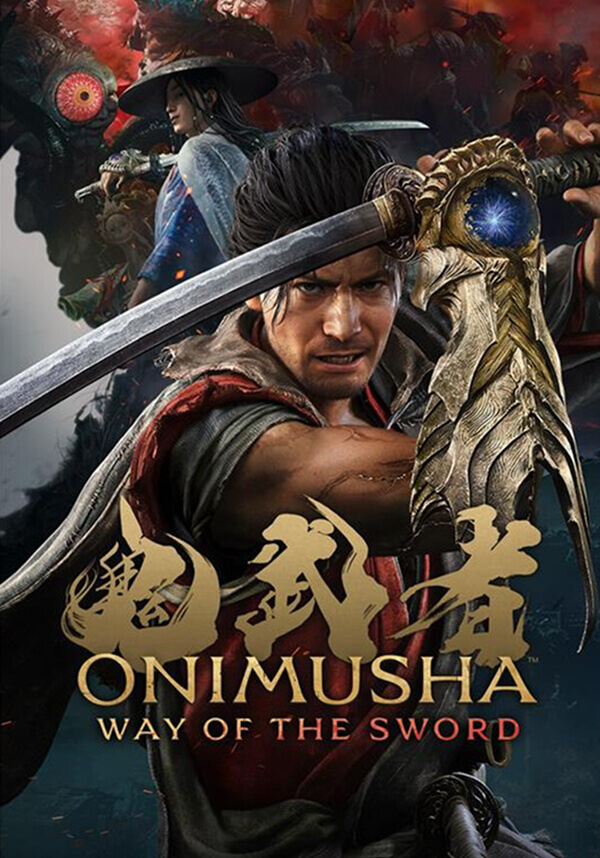
An all-new entry in the Onimusha series!
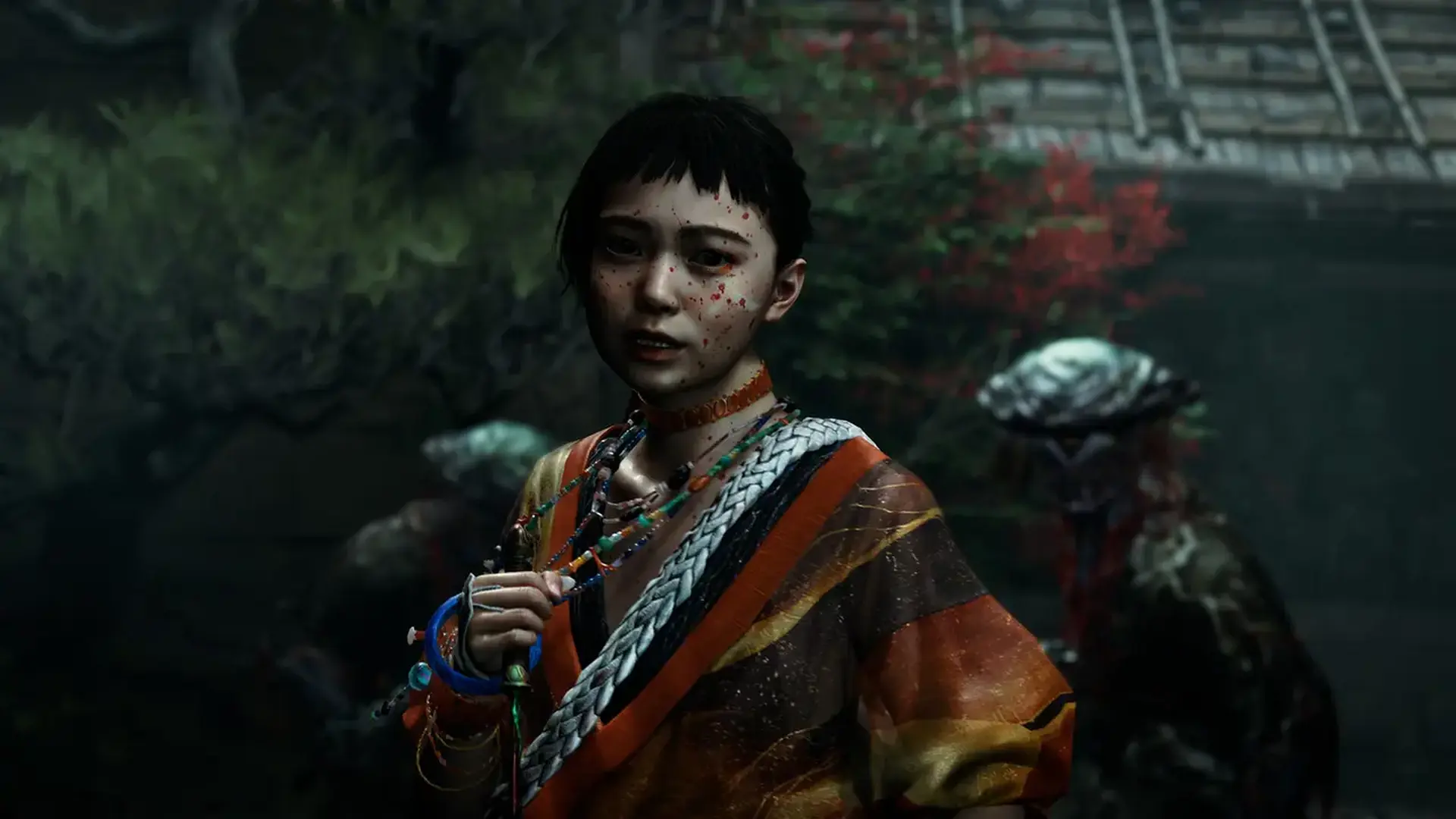
Fight through bloodstained battlefields of intense swordplay action. Explore the historic Japanese capital of Edo-period Kyoto, twisted by malevolent clouds of Malice.
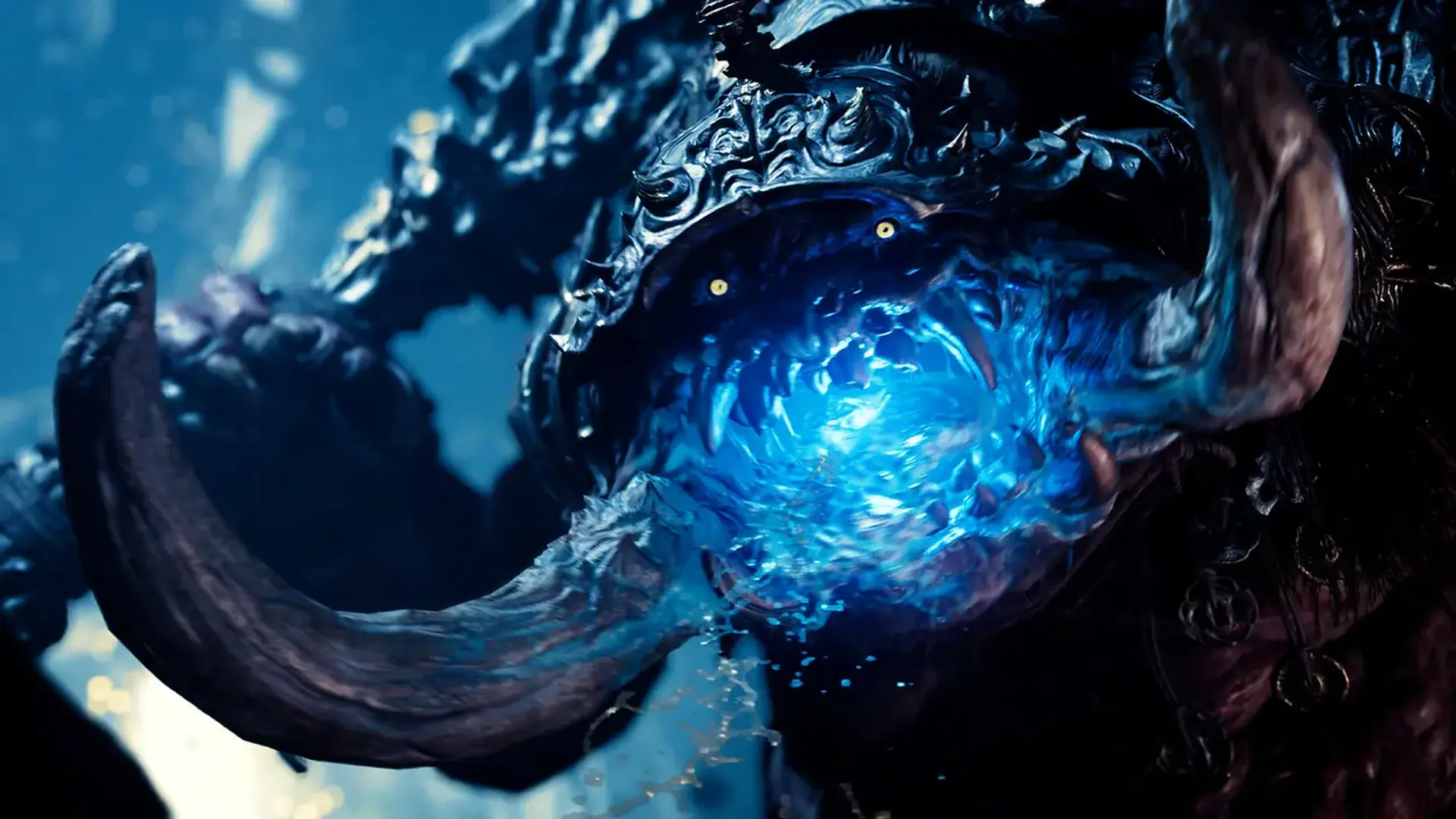
With every stage cloaked in mystery, danger and intrigue. Battle against monstrosities from the underworld known as Genma in a tale of dark fantasy.
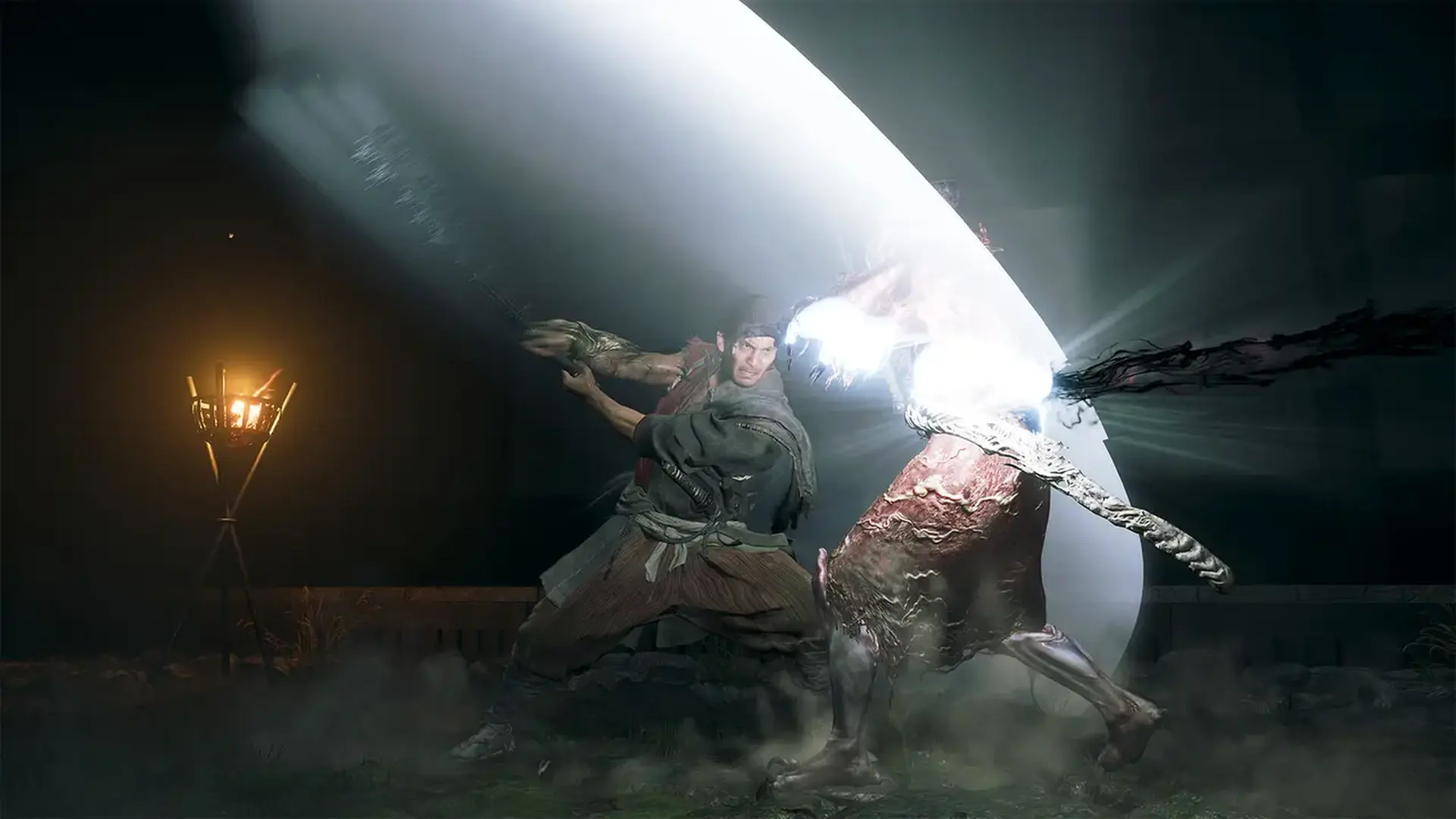
Follow the tale of a samurai who wields the Oni Gauntlet, a mystical artifact that grants its bearer the power to slay Genma.
Through gritty, blood-soaked brawls, he searches for his reason to fight. What fate awaits at the end of his path?
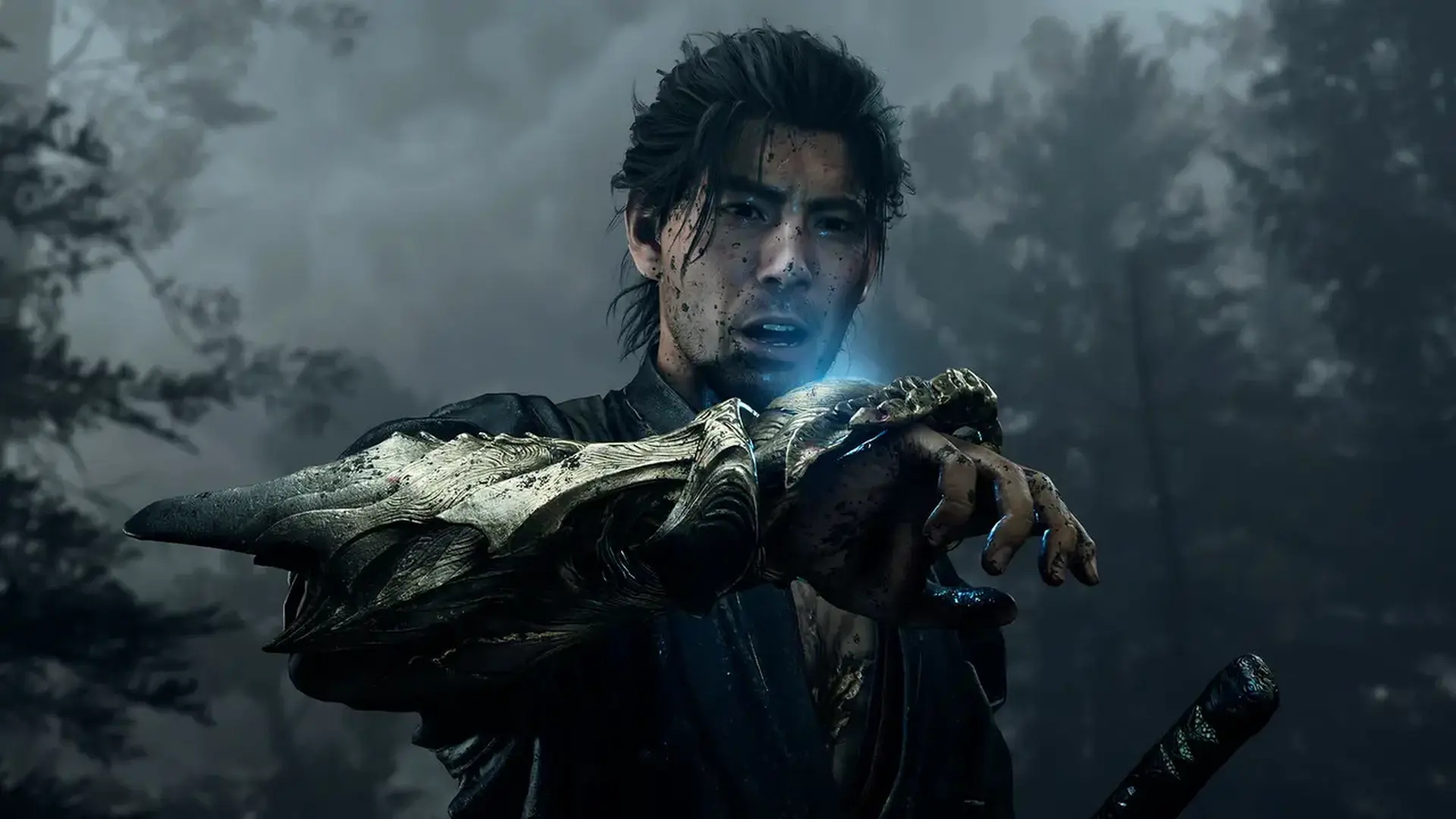
The Protagonist, Miyamoto Musashi
An ardent samurai who arrives in Kyoto looking to prove that he is unmatched in the way of the sword. However, the path before him takes a strange and unexpected turn.
The protagonist of this game is a fierce young samurai, constantly moving from one bloody and gritty fight to the next. To cement this image of a striking samurai, Capcom has turned to none other than the late, iconic Japanese samurai movie legend Toshiro Mifune to star as the face model for this rendition of Miyamoto Musashi.
Action
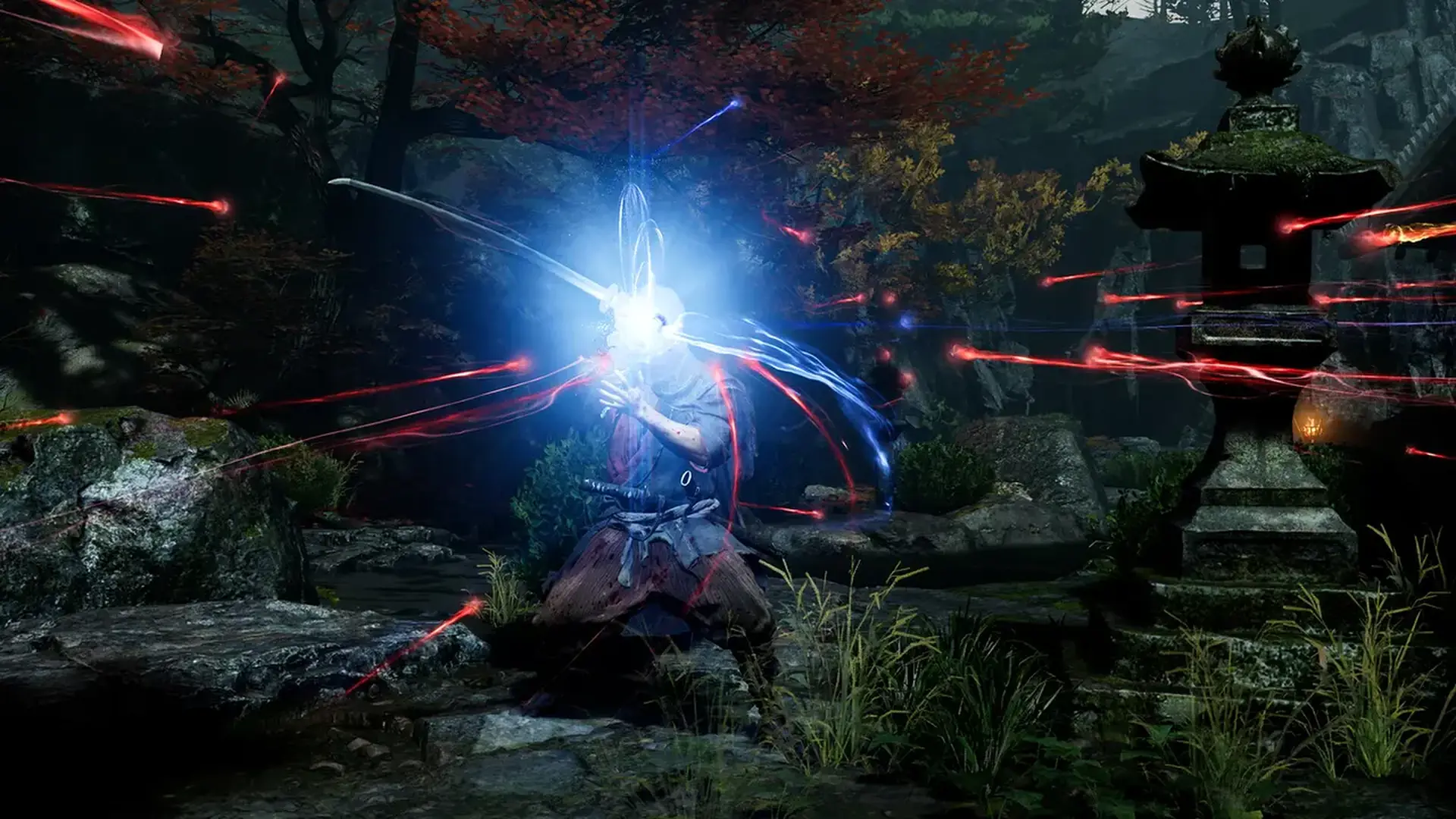
Equipped with an Oni Gauntlet, Musashi is granted power beyond human limits. Besides giving him the strength needed to cut down the Genma, it also holds numerous other abilities, such as being able to absorb Genma souls and convert them into a power source to further enhance its wearer. But who is behind the voice that rings out from the gauntlet?
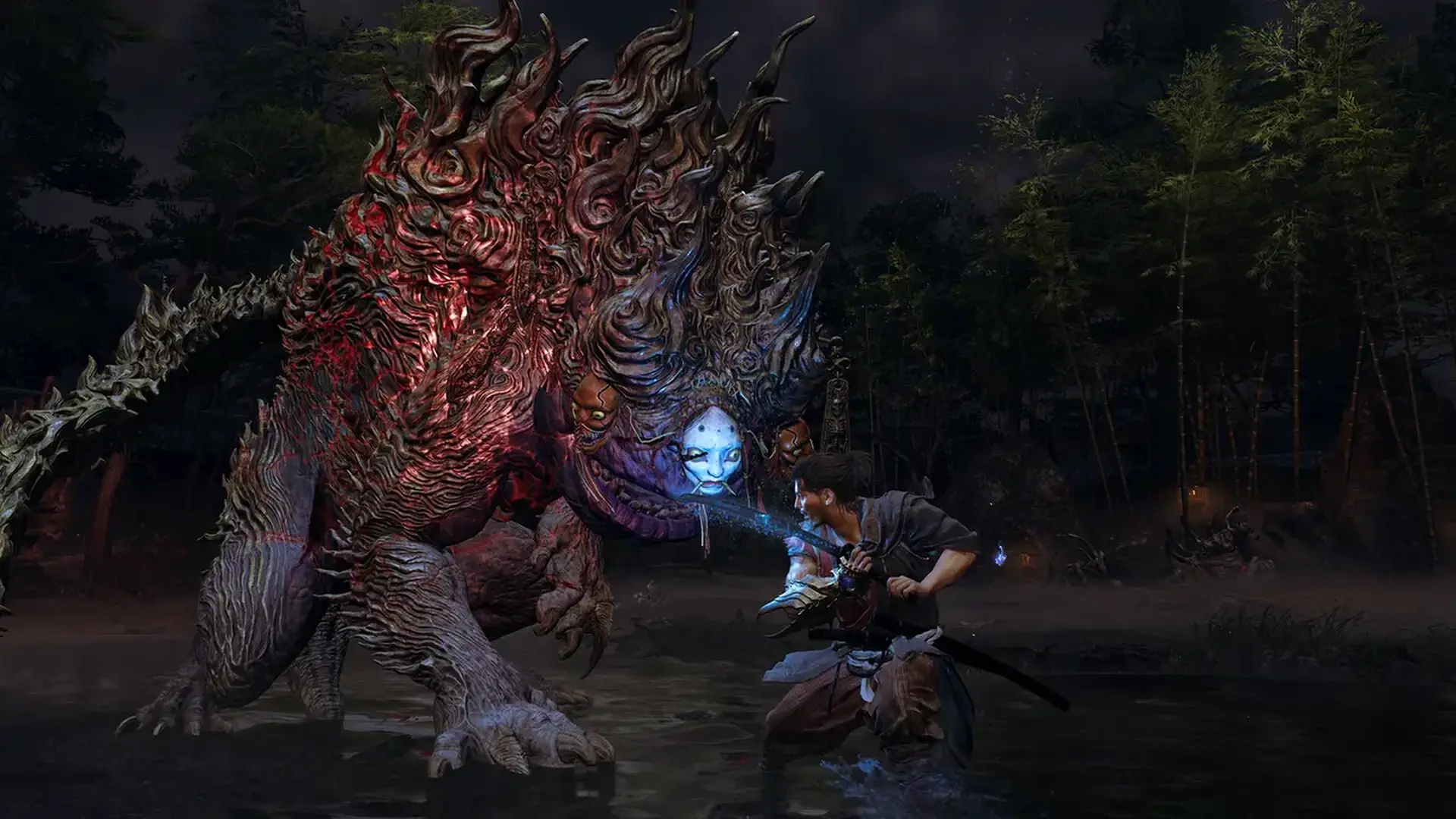
Genma
Usually found dwelling in the lowest depths of hell, the Malice enveloping Kyoto has brought these fiends into the world of the living. Their ceaseless atrocities have plunged the capital into a state of dread and panic.
Formidable Foes
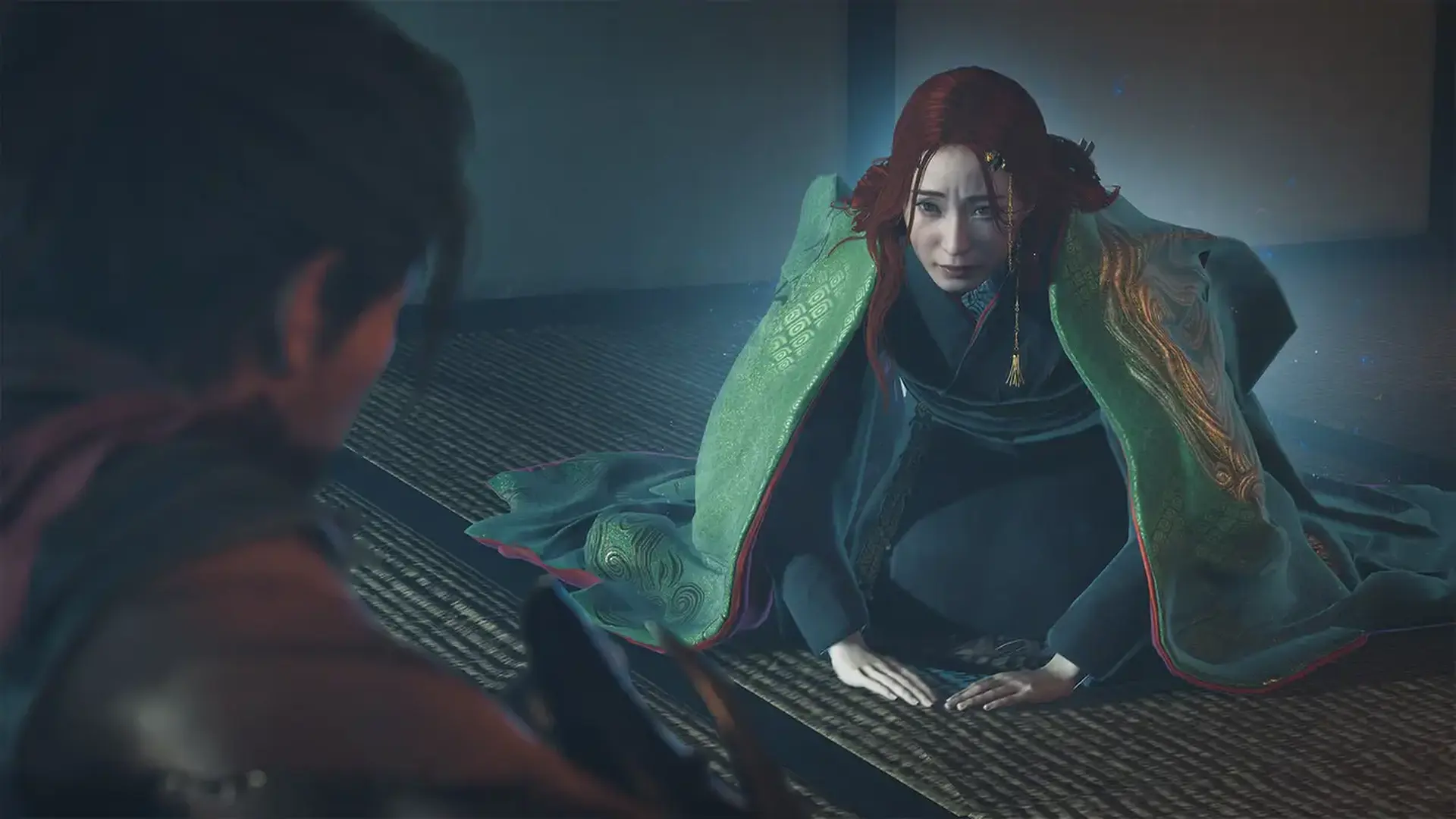
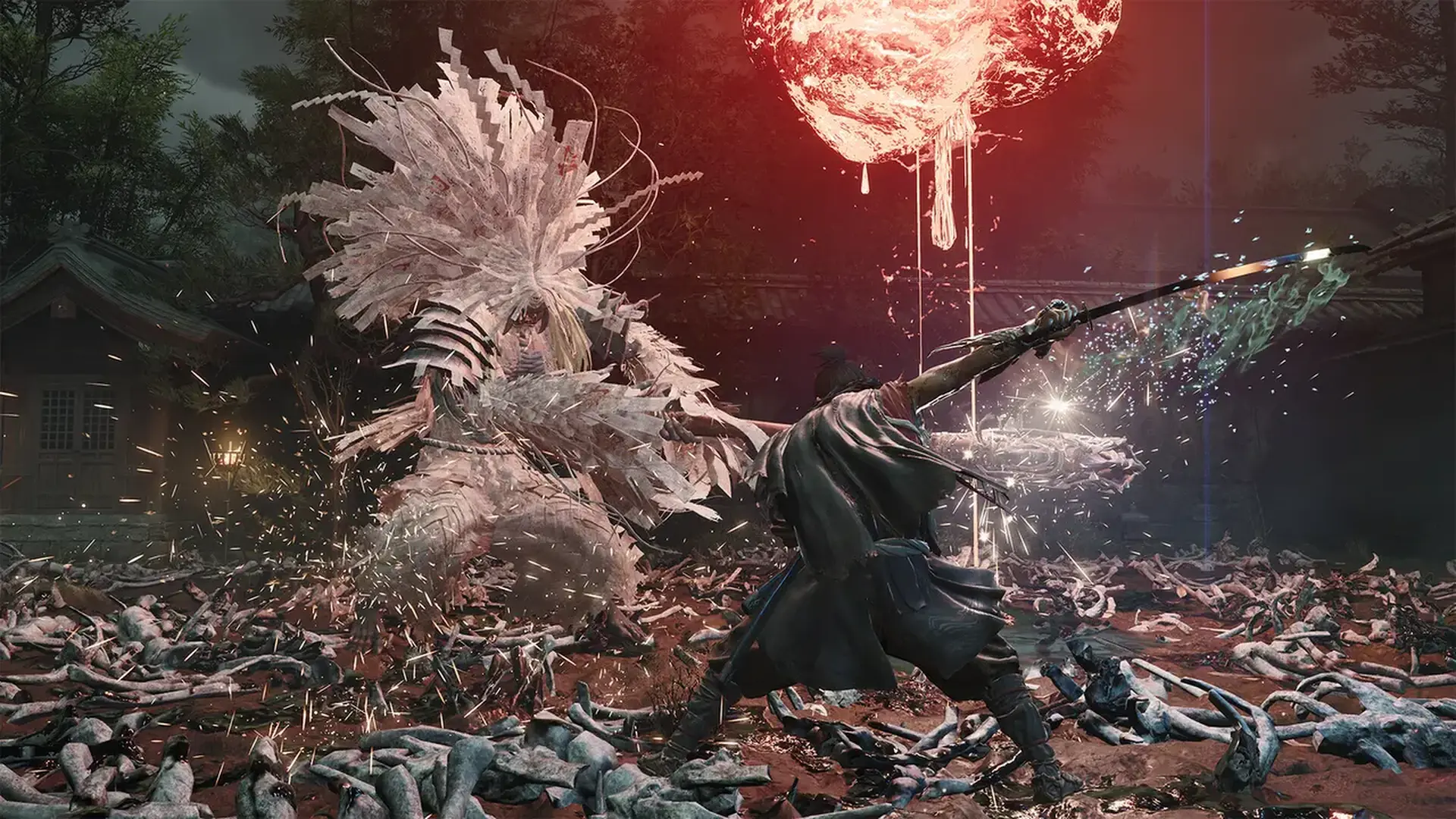
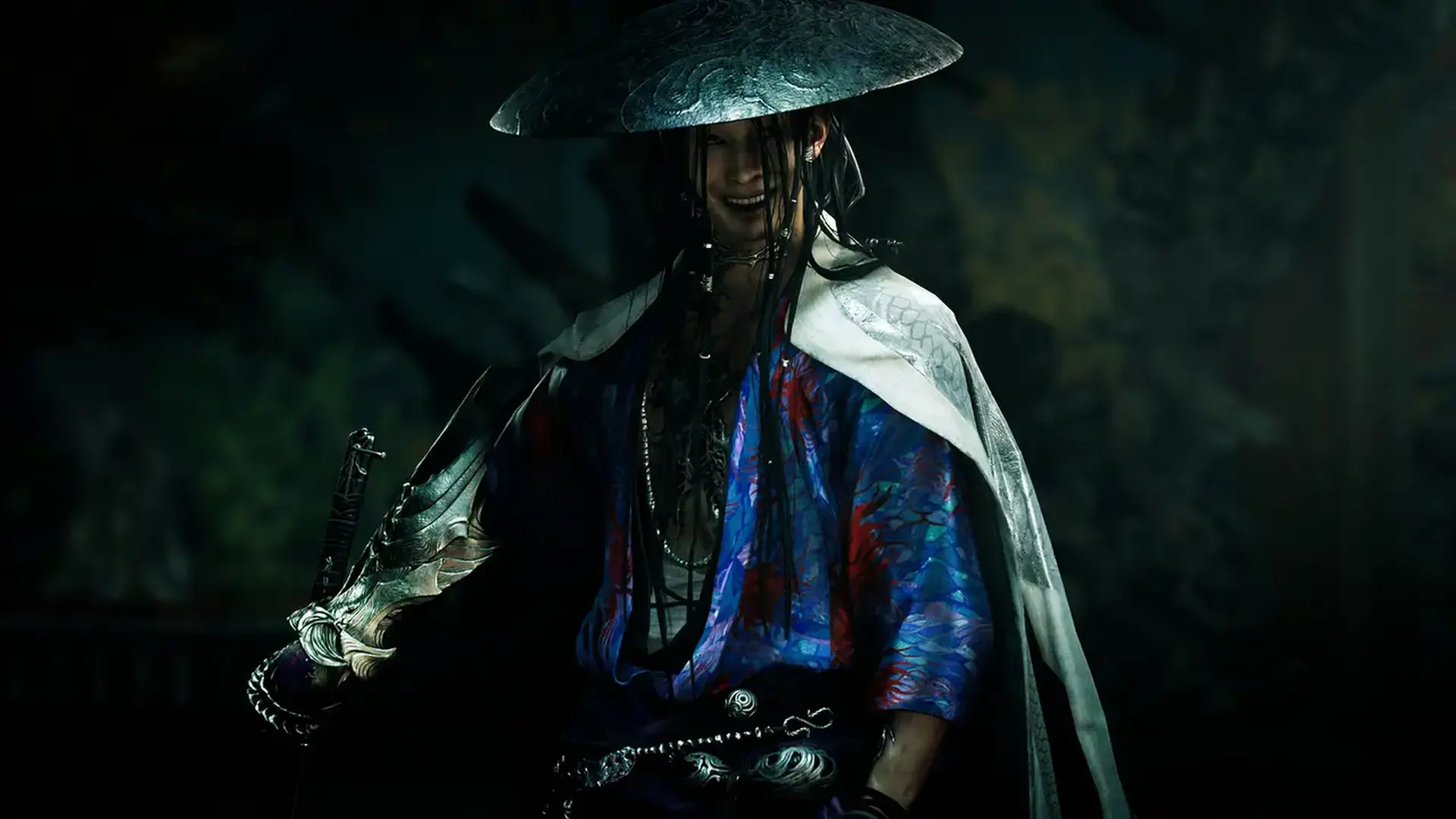
In his battle against the Genma threat, Musashi will face powerful opponents whose martial prowess rivals his own. Will he triumph, or die trying? Bloody duels to the death await in the capital.
Setting
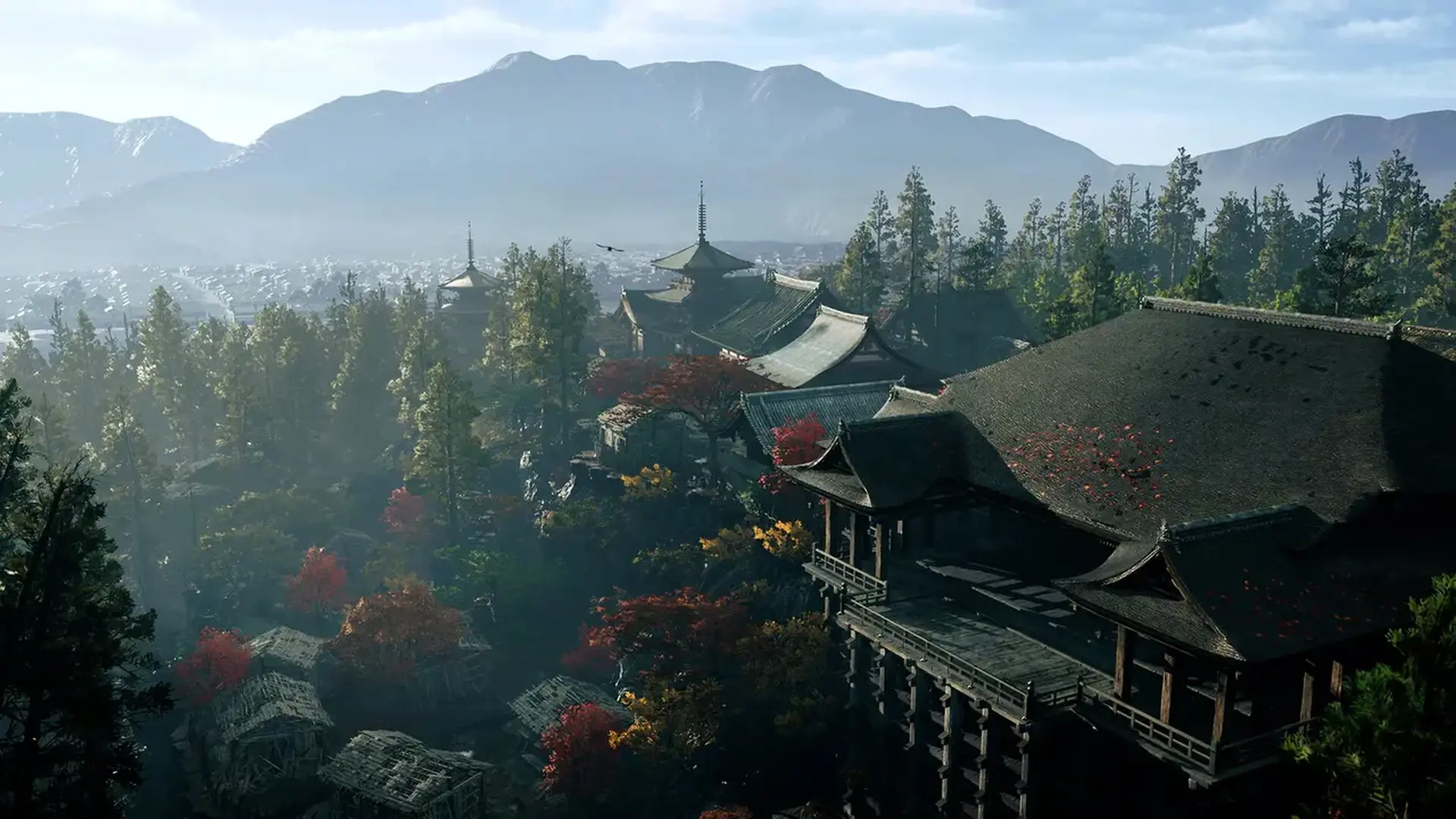
The game is set in Kyoto, home to countless shrines and temples, such as Kiyomizu-dera Temple. Twisted by Malice, the face of the capital starts to take on an eerie and foreboding appearance.
*This content is also available as part of one or more bundles. Please check your previous purchases to avoid duplication.