The site language may differ from the one you are using.
Select the language:
Apply
close

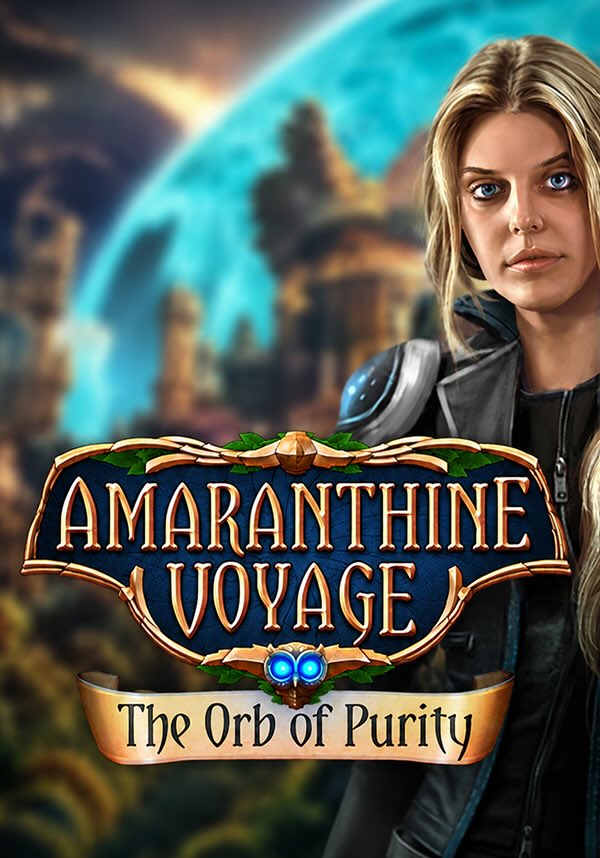
Amaranthine Voyage: The Orb of Purity Collector's Edition

game
Bahasa:
EN
Platform:
PC
Tanggal Rilis:
15 Maret 2019
Penerbit:
Pengembang:
Genres:
Beli di
Produk ini tidak tersedia di wilayah Anda
Bahasa:
EN
Platform:
PC
Tanggal Rilis:
15 Maret 2019
Penerbit:
Pengembang:
Genres:
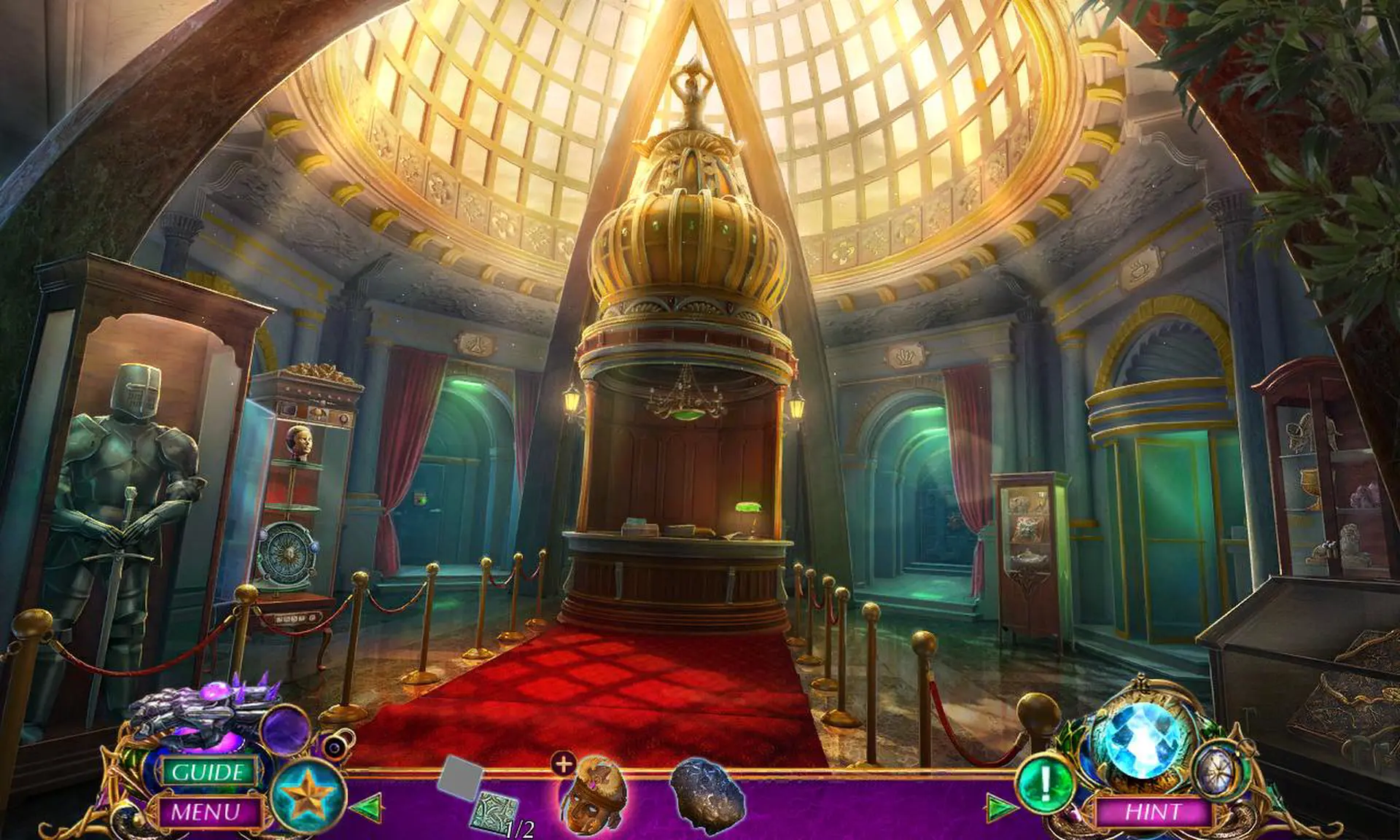
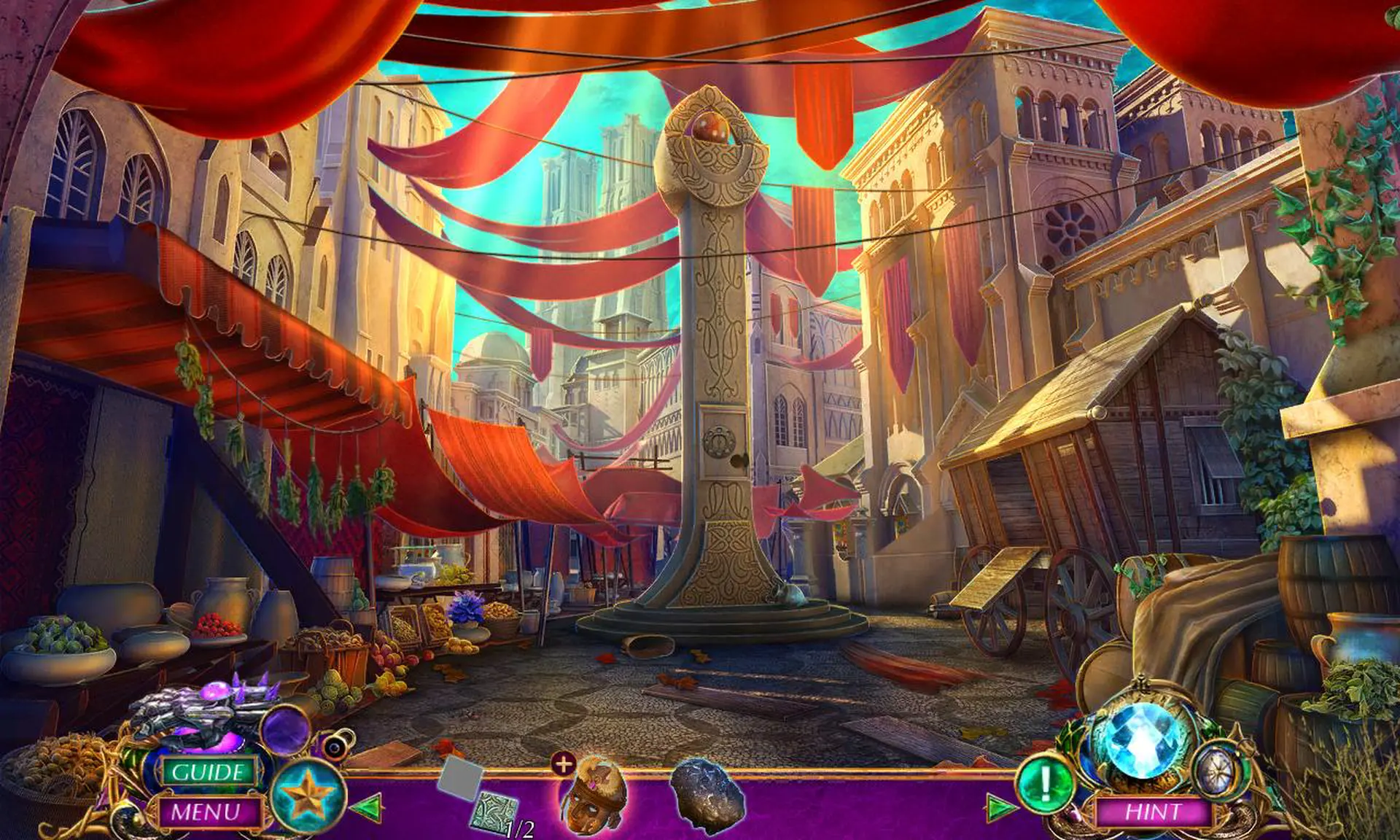
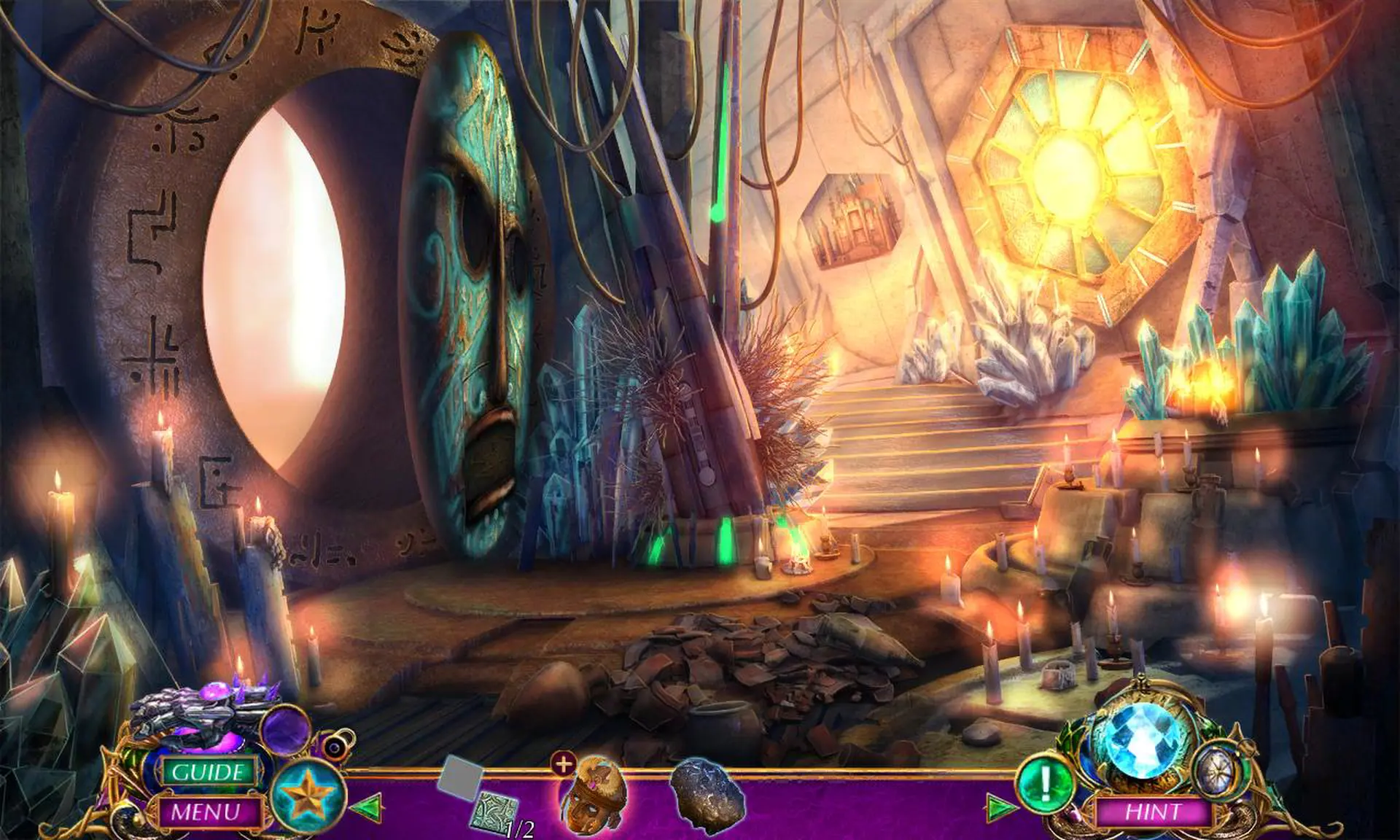
From Eipix Entertainment, the studio that created Danse Macabre and Phantasmat, invites you to explore a new world in the next Amaranthine Voyage!

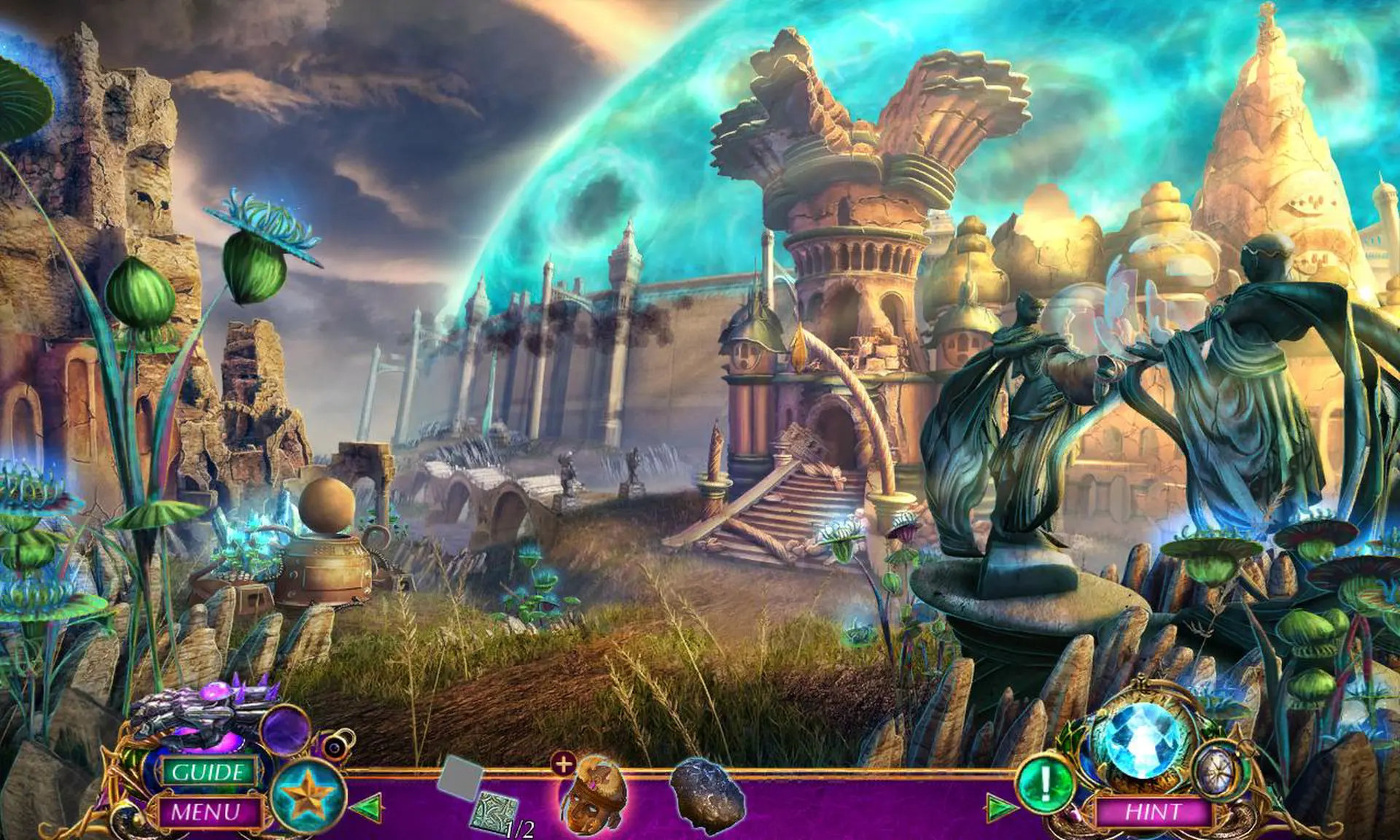
Professor Samantha Bennett has made a huge breakthrough in her harmonium research, but is shocked when a man from another world falls through her new portal. The man calls himself Kraixx and appears to be ill, pleading with Prof. Bennett to save his world. Since you're the leading expert on harmonium, Prof. Bennett calls you in, hoping you can save this strange man's life and uncover the mysteries of the dark harmonium threatening to swallow Kraixx's world. Search this new world for clues, but beware the Watchers, a cold-hearted group whose goal is to arrest anyone with magical abilities, including Kraixx. You'll have to decide who to trust in this new world where anything is possible.

This is a special Collector's Edition release full of exclusive extras you won’t find in the standard version.

The Collector’s Edition includes:

  • Foil a kidnapper in the bonus game
  • Find collectible owls and hidden souvenirs!
  • Comprehensive Strategy Guide and special achievements
  • Wallpapers, concept art, soundtrack, and more!

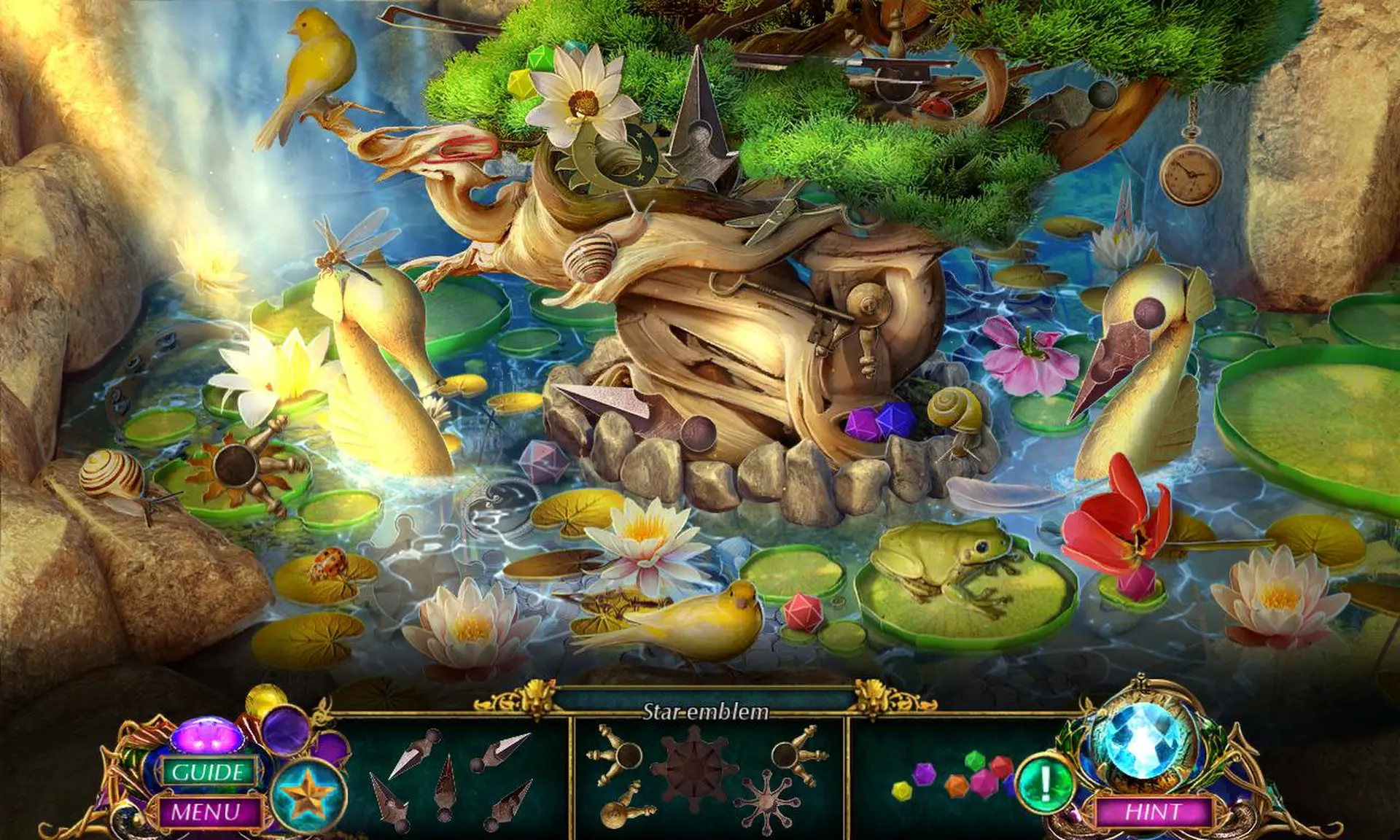
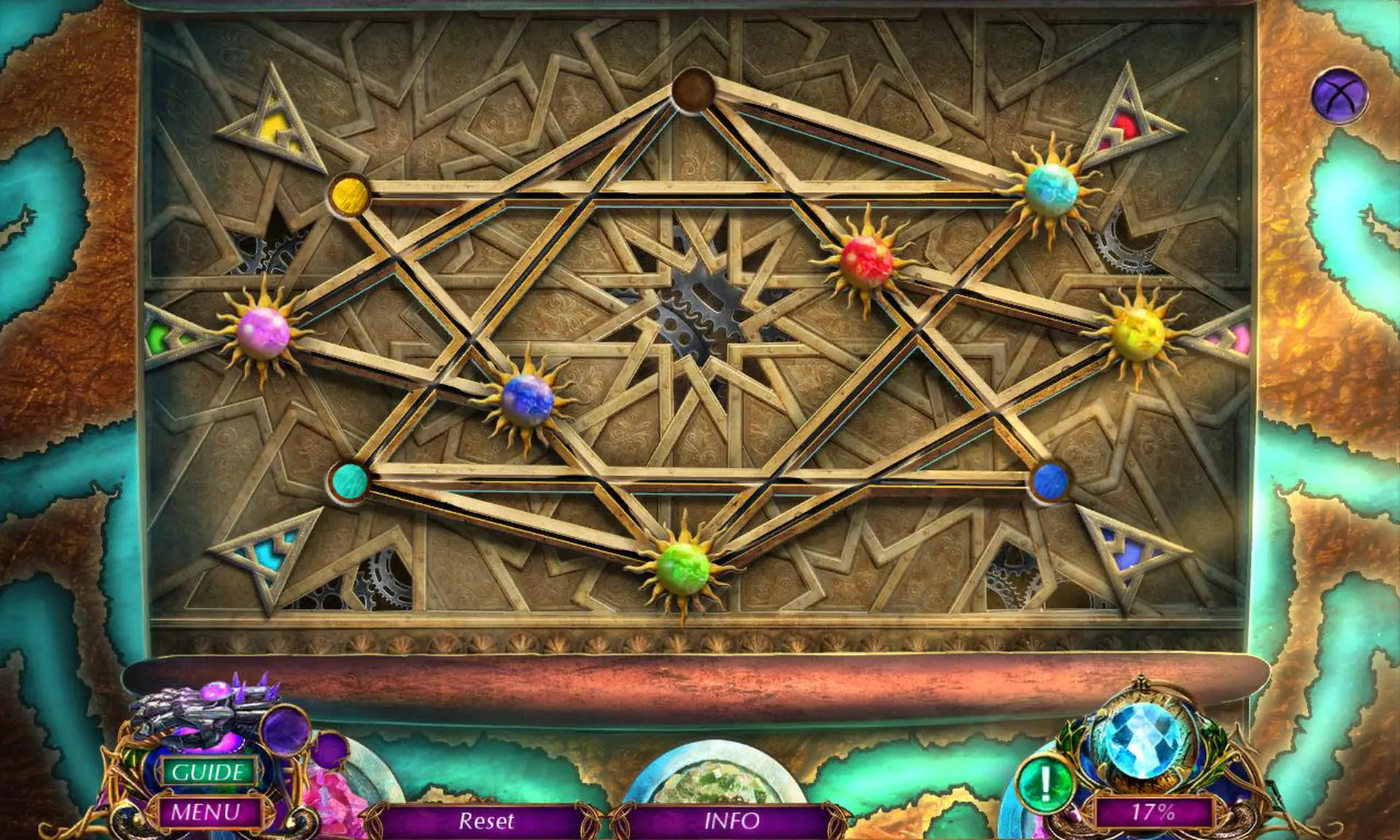
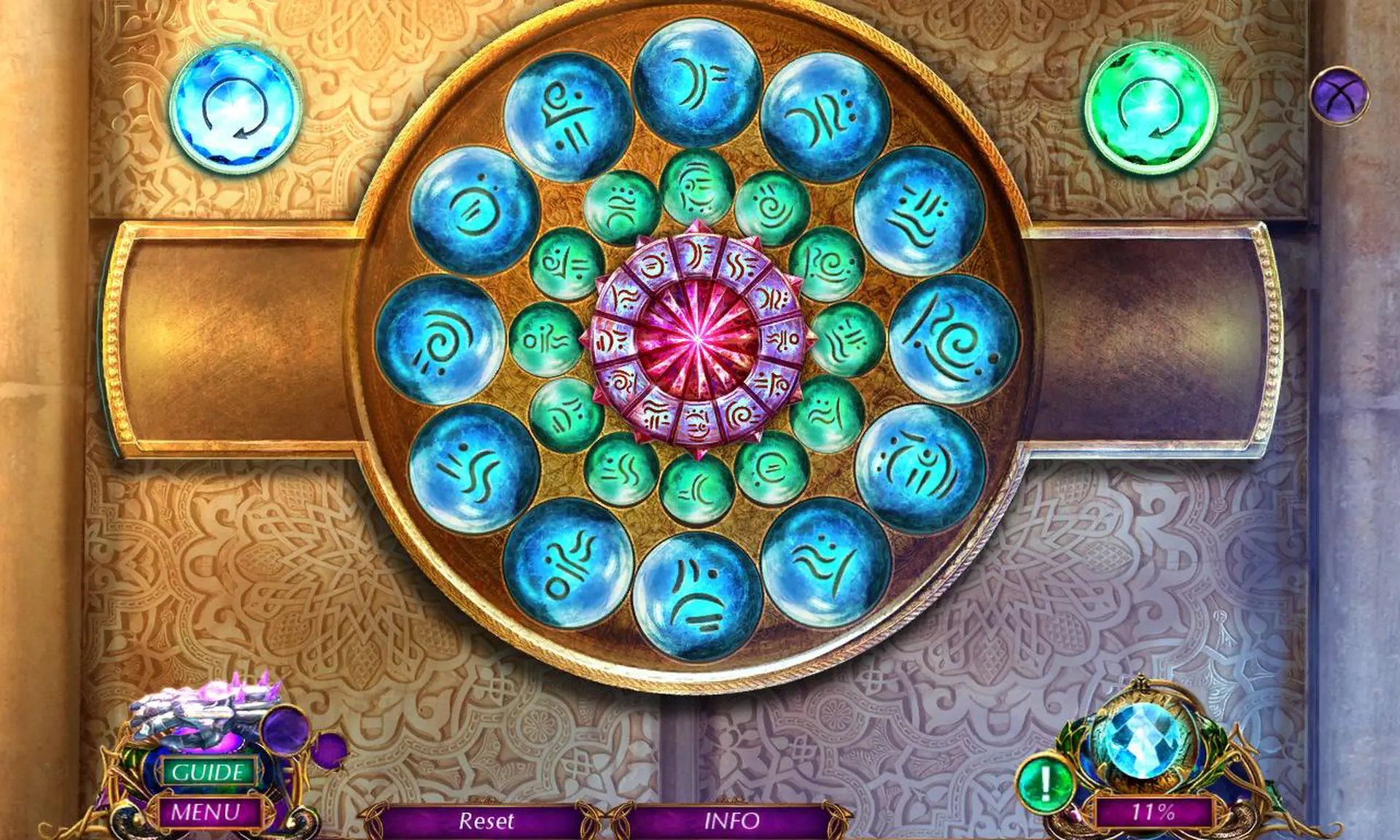
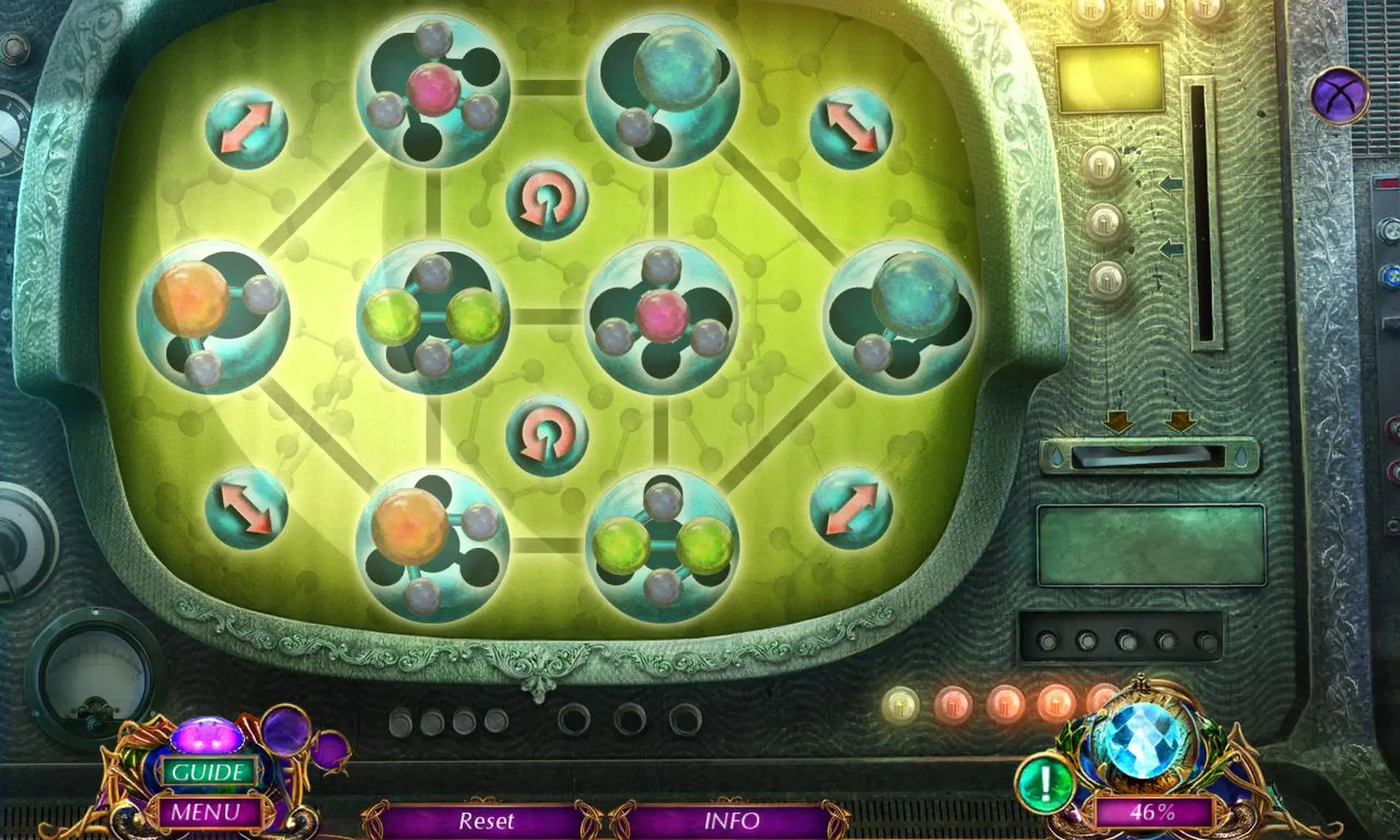
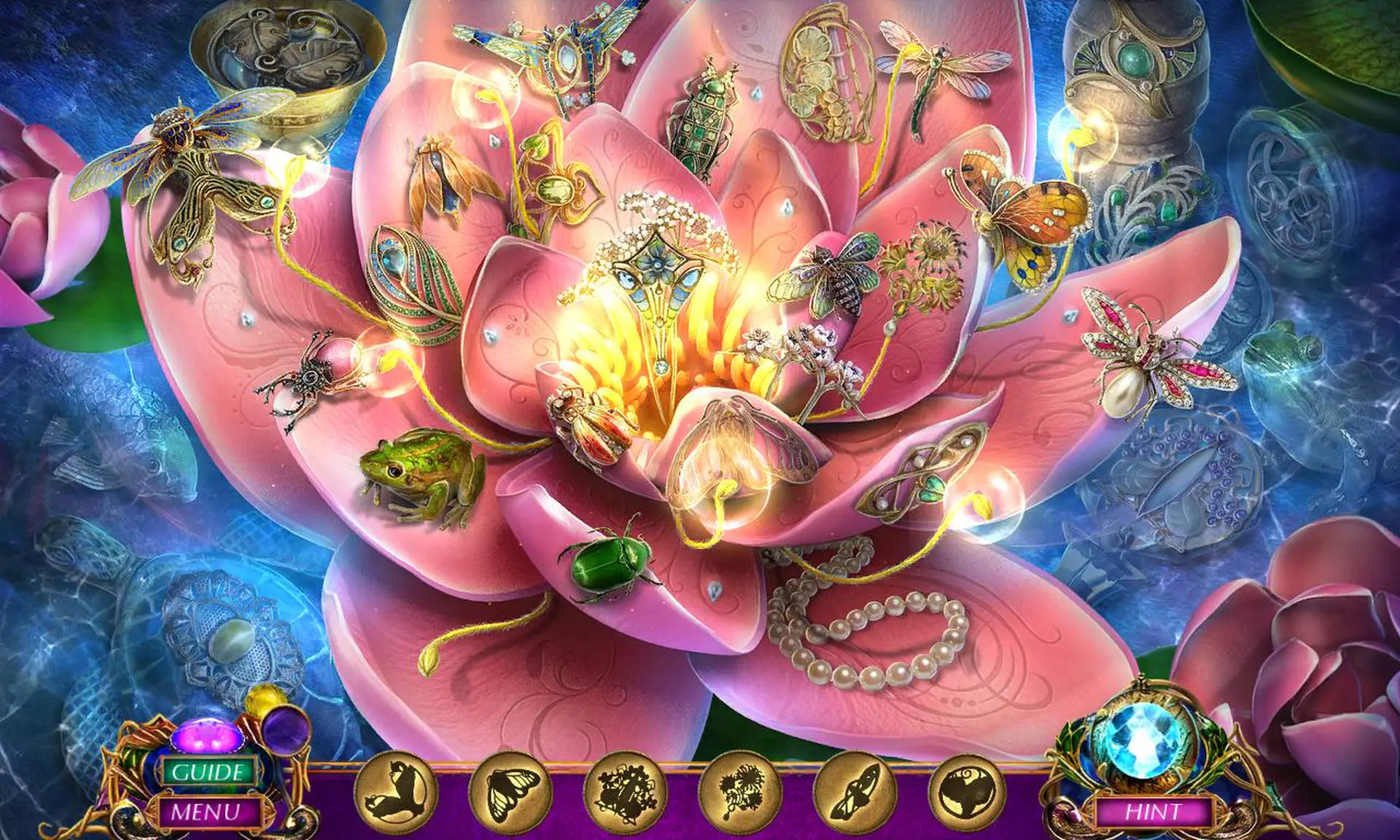
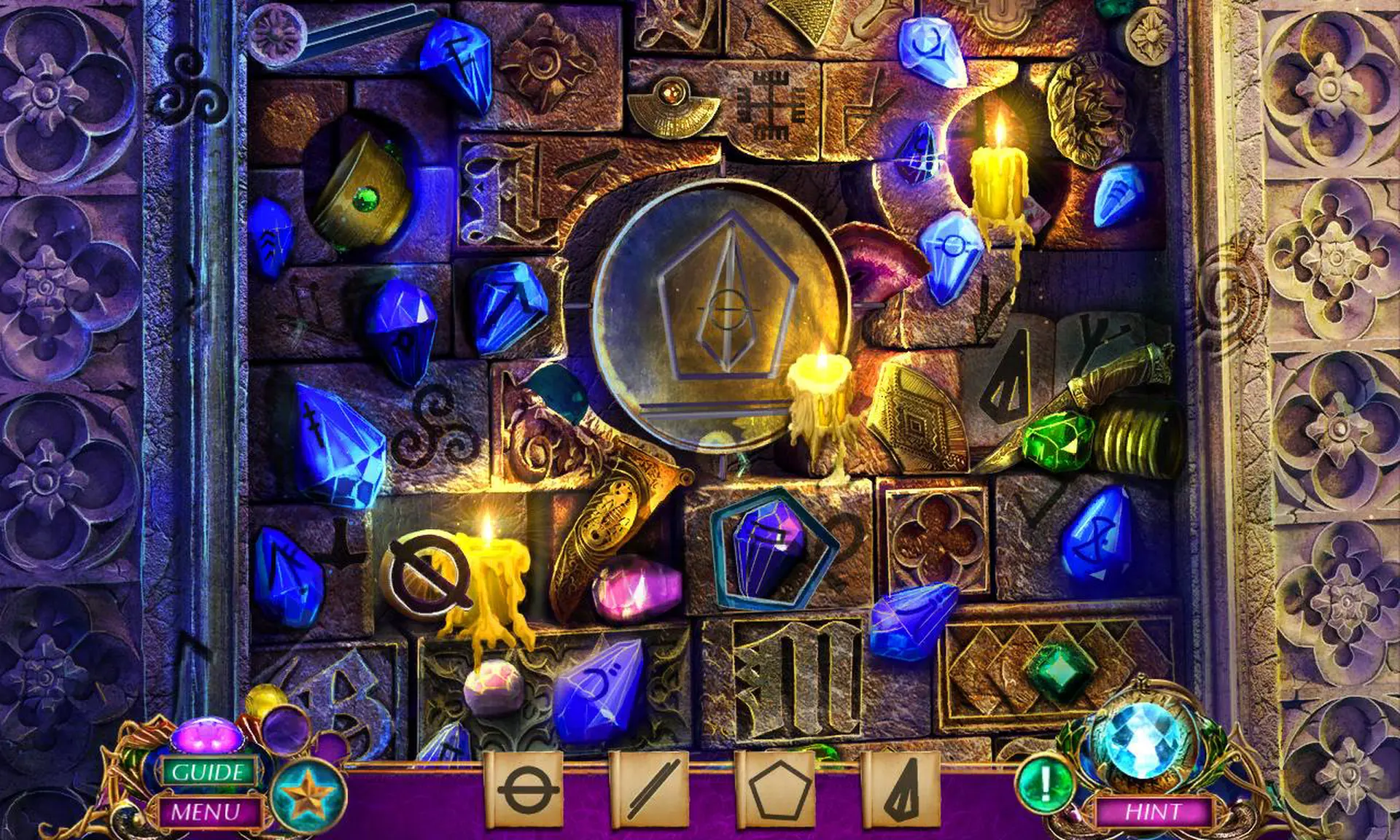
This is a Hidden Object Puzzle Adventure game, meaning a specific genre of story-driven, point & click adventures. Throughout the game, players are tasked to find a list of objects hidden within a particular scene, and to occasionally complete various mini-games/puzzles.

Minimum:

  • OS: Windows XP/Windows Vista/Windows 7/Windows 8/Windows 10
  • Processor: 1.8 GHz
  • Memory: 1024 MB RAM
  • DirectX: Version 9.0
  • Storage: 782 MB available space
steam

1. Mendaftarkan akun Steam.

2. Dari menu "Game Saya", klik "Aktifkan melalui Steam..." dan masukkan kunci