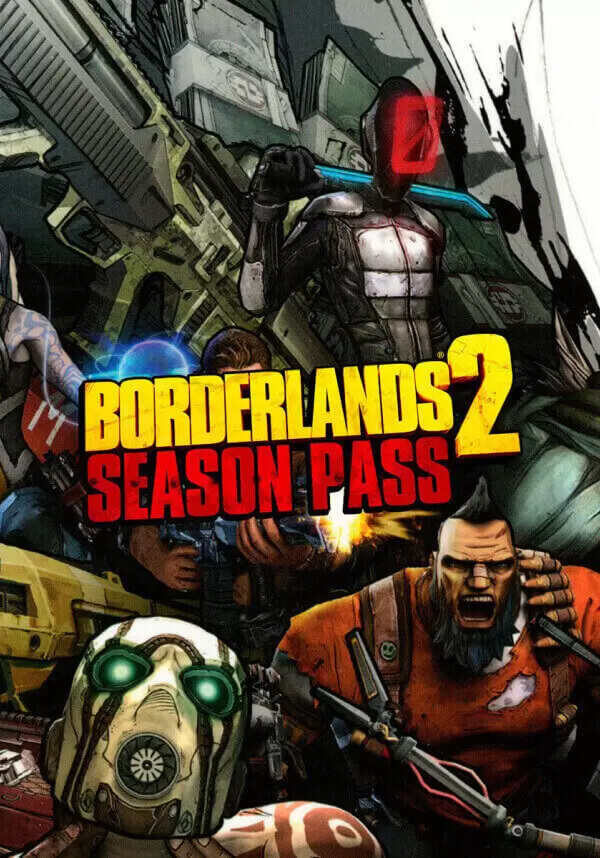
Borderlands 2: Ultimate Vault Hunters Upgrade Pack


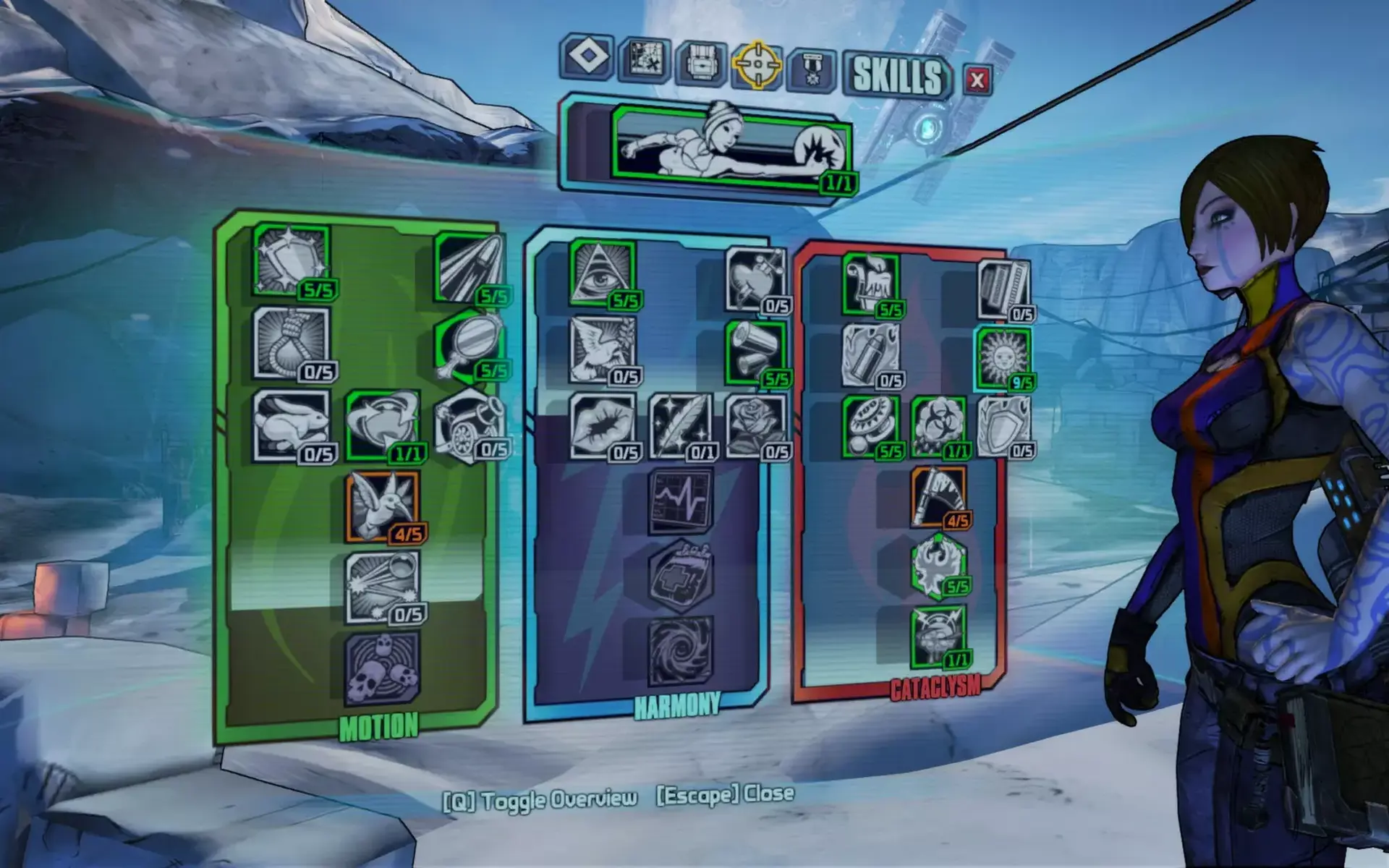
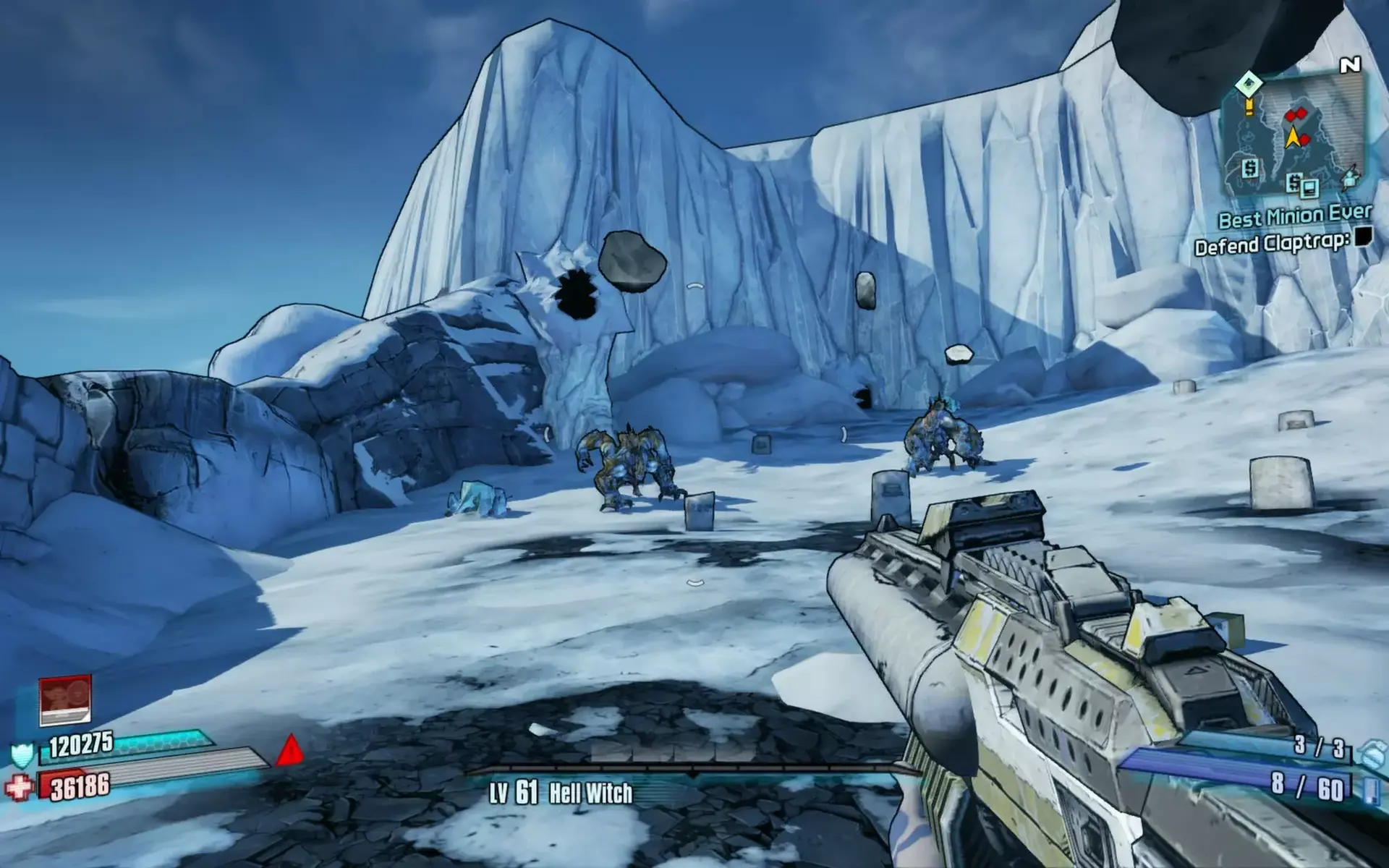
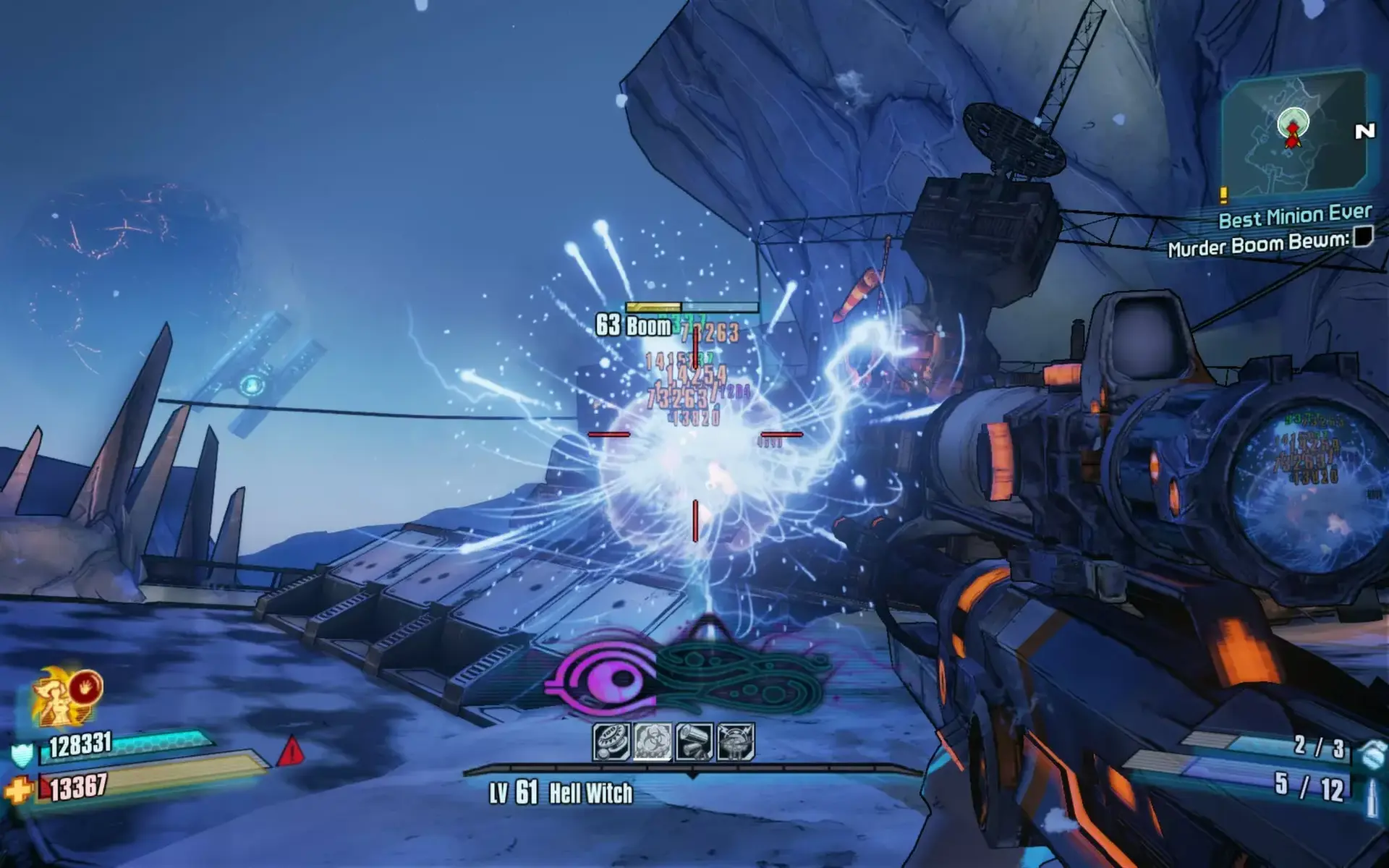
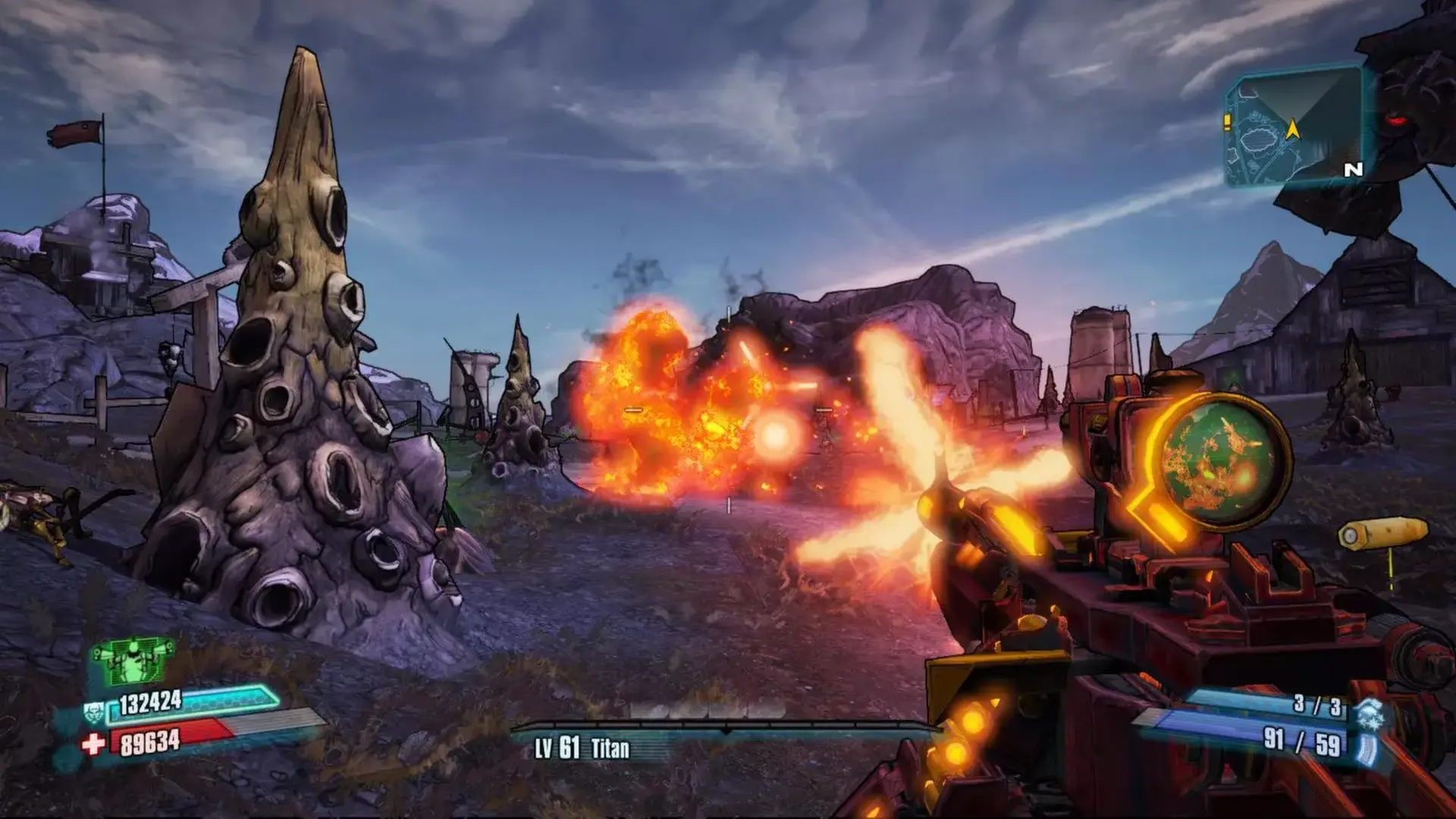
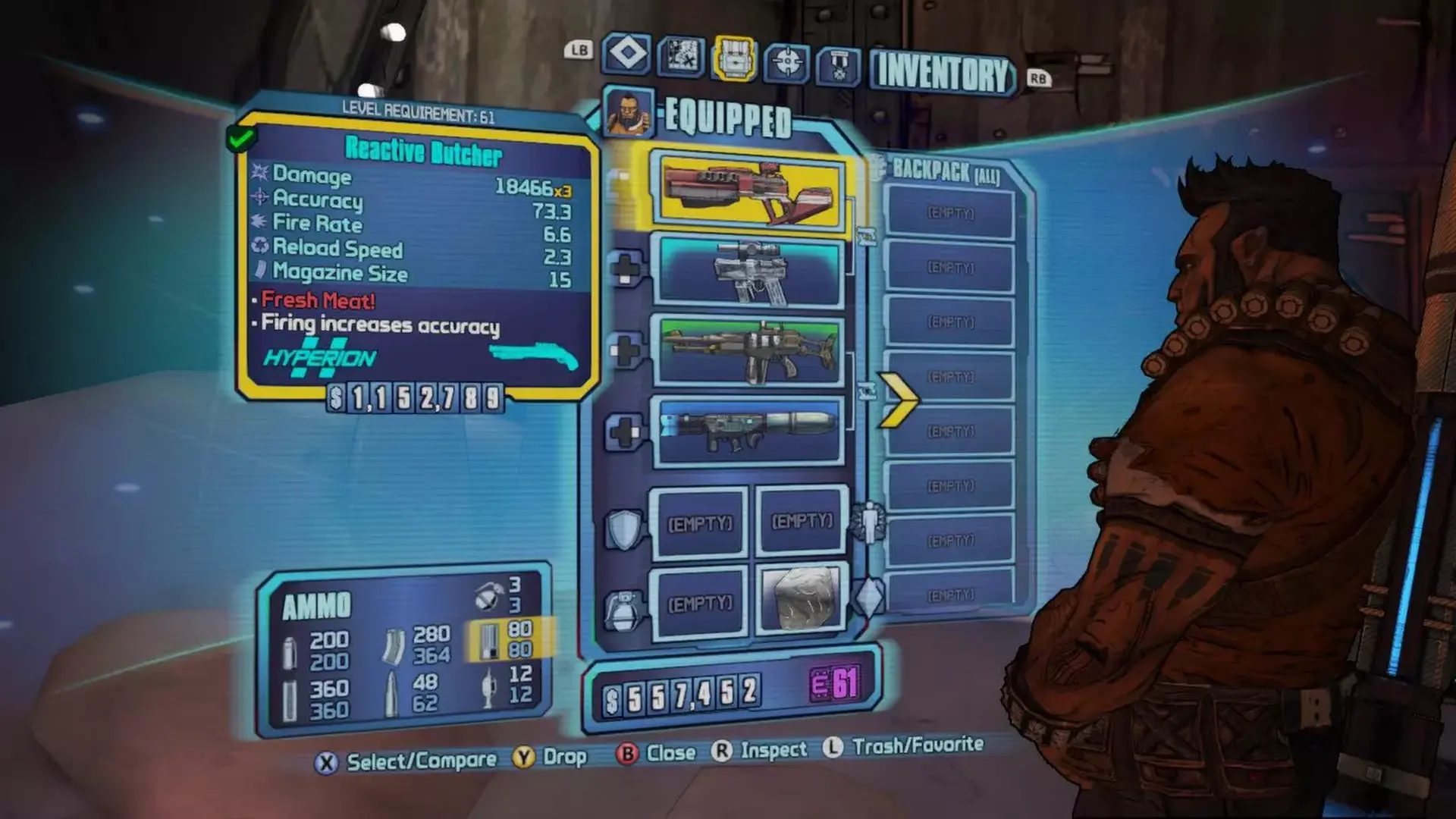
Take Borderlands 2 to the next level. The Ultimate Vault Hunter’s Upgrade lets you get the most out of the Borderlands 2 experience. This pack includes level increases up to level 61. Play through the game again with access to new weapons, gear and more. The Ultimate Pack is part of the Borderlands 2 Season Pass, now offering even more value for the price!
This content requires the base game Borderlands 2 on Steam in order to play.
Use of this product requires agreement to the following third party end user license agreement: http://www.take2games.com/eula/
© 2009 - 2012 Gearbox Software, LLC. Published and distributed by 2K Games. Gearbox Software, Borderlands, and the Gearbox and Borderlands logos are trademarks of Gearbox Software, LLC. 2K Games and the 2K Games logo are trademarks of 2K Games in the US and/or other countries. Unreal, the circle-U logo and the Powered by Unreal Technology logo are trademarks or registered trademarks of Epic Games, Inc. in the United States and elsewhere. NVIDIA and the NVIDIA logo and The Way It’s Meant To Be Played are trademarks and/or registered trademarks of NVIDIA Corporation. This software product includes Autodesk® Scaleform® software. © 2012 Autodesk, Inc. Autodesk and Scaleform are registered trademarks or trademarks of Autodesk, Inc. and/or its subsidiaries and/or affiliates in the USA and/or other countries. Powered by Wwise (ce) 2006 – 2012 Audiokinetic Inc. All rights reserved.
PC Minimum:
- OS: Windows XP SP3
- Processor: 2.4 GHz Dual Core Processor
- Memory: 2 GB RAM
- Graphics: NVIDIA GeForce 8500 /ATI Radeon HD 2600
- DirectX: Version 9.0
- Storage: 13 GB available space
- Sound Card: DirectX 9.0c Compatible
- Additional Notes: o Other Requirements:Initial installation requires one-time internet connection for Steam authentication; software installations required (included with the game) include Steam Client, DirectX 9, Microsoft .NET 4 Framework, Visual C++ Redistributable 2005, Visual C++ Redistributable 2008, Visual C++ Redistributable 2010, and AMD CPU Drivers (XP Only/AMD Only)
PC Recommended:
- OS: Windows XP SP3/Vista/Win 7
- Processor: 2.3 GHz Quad Core processor
- Memory: 2 GB RAM
- Graphics: NVIDIA GeForce GTX 560 / ATI Radeon HD 5850
- DirectX: Version 9.0
- Storage: 20 GB available space
- Sound Card: DirectX 9.0c Compatible
- Additional Notes: Initial installation requires one-time internet connection for Steam authentication; software installations required (included with the game) include Steam Client, DirectX 9, Microsoft .NET 4 Framework, Visual C++ Redistributable 2005, Visual C++ Redistributable 2008, Visual C++ Redistributable 2010, and AMD CPU Drivers (XP Only/AMD Only)
MacOS Minimum:
- OS: 10.12 (Sierra)
- Processor: 2.2 GHz Intel Core 2 Duo (Dual-Core)
- Memory: 4 GB RAM
- Graphics: ATI Radeon HD 2600 / NVidia Geforce 8800 or better
- Storage: 13 GB available space
- Additional Notes: Gamepad support: Borderlands 2 supports both the Xbox 360 wired gamepad AND the PlayStation 3 Dualshock 3 Wireless Controller NOTICE: It is possible for Mac and PC to become out of sync during updates. Within this short time period, Mac users will only be able to play other Mac users. NOTICE: This game is not supported on volumes formatted as Mac OS Extended (Case Sensitive) NOTICE: The following video chipsets are unsupported for Borderlands 2: ATI RADEON HD 2400, NVIDIA 8600m, NVIDIA 9400m, 9600m, Intel Integrated GMA 950, Intel Integrated x3100
MacOS Recommended:
- OS: 10.11.6 (El Capitan)
- Processor: 2.2GHz Intel Quad Core
- Memory: 4 GB RAM
- Graphics: ATI Radeon HD 5750 / NVidia Geforce 650M
- Storage: 20 GB available space
Linux Minimum:
- OS: SteamOS, Ubuntu 14.04
- Processor: Intel Core 2 Quad, AMD Phenom II X4
- Memory: 4 GB RAM
- Storage: 13 GB available space
- Additional Notes: Don't meet the above requirements? That doesn't mean your configuration wont run Borderlands 2. Visit the Borderlands 2 community page to share your experience with other Linux players and learn about how to send bugs to Aspyr. Your feedback will help us improve Borderlands 2 Linux and future AAA Linux releases!
1. Create a Steam account.
2. Click on the "Games" tab, choose "Activate a Product on Steam" and enter the key