The site language may differ from the one you are using.
Select the language:
Apply
close

Scarlet Hood and the Wicked Wood

game
Classification d'âge:
16+
Plate-forme:
Date de sortie:
08 avril 2021
Éditeur:
Développeur:
Genres:
Acheter
Ce produit n'est pas disponible dans votre région
Classification d'âge:
16+
Plate-forme:
Date de sortie:
08 avril 2021
Éditeur:
Développeur:
Genres:

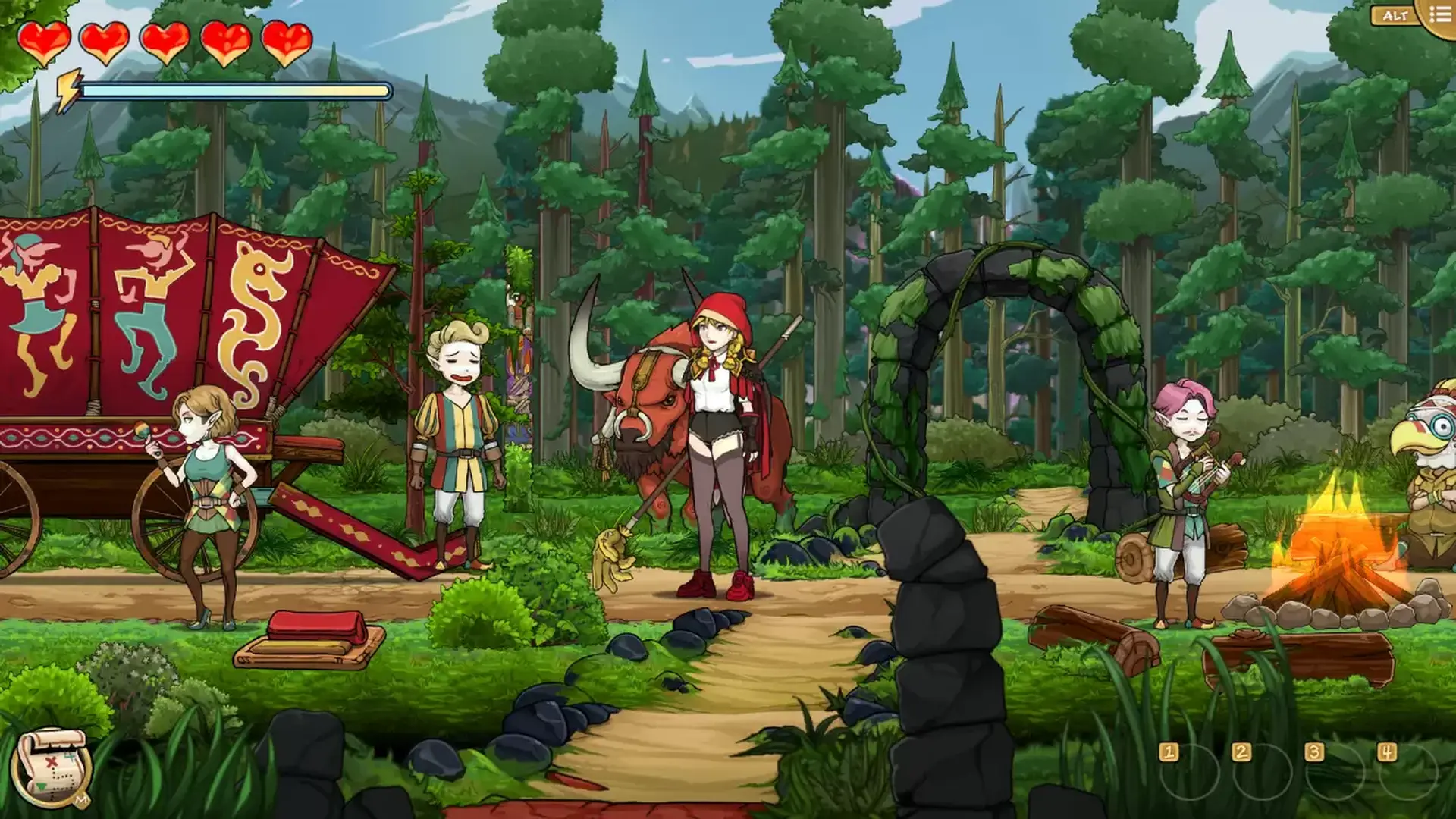
又是格罗姆王国新的一天。阳光从地平线一路延伸,一个枝繁叶茂、生机盎然的世界渐渐浮现,这里充满着魔法、美丽和古老文化留下的宝物。这片土地是矮人族的家园,但并不只有他们,还有七女巫、铁皮骑士、会说话的野兽、可怕的怪物和商队。

image

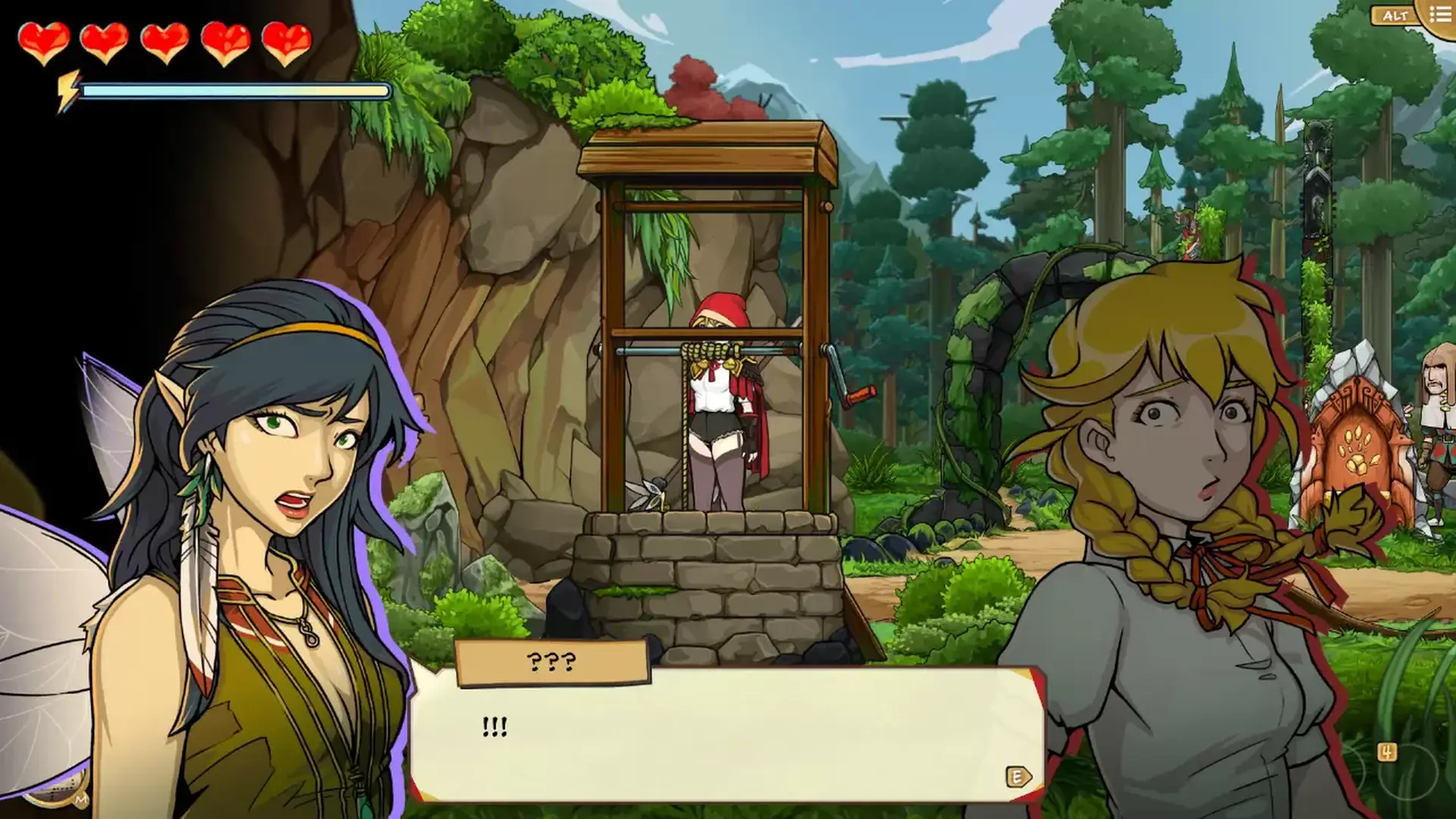
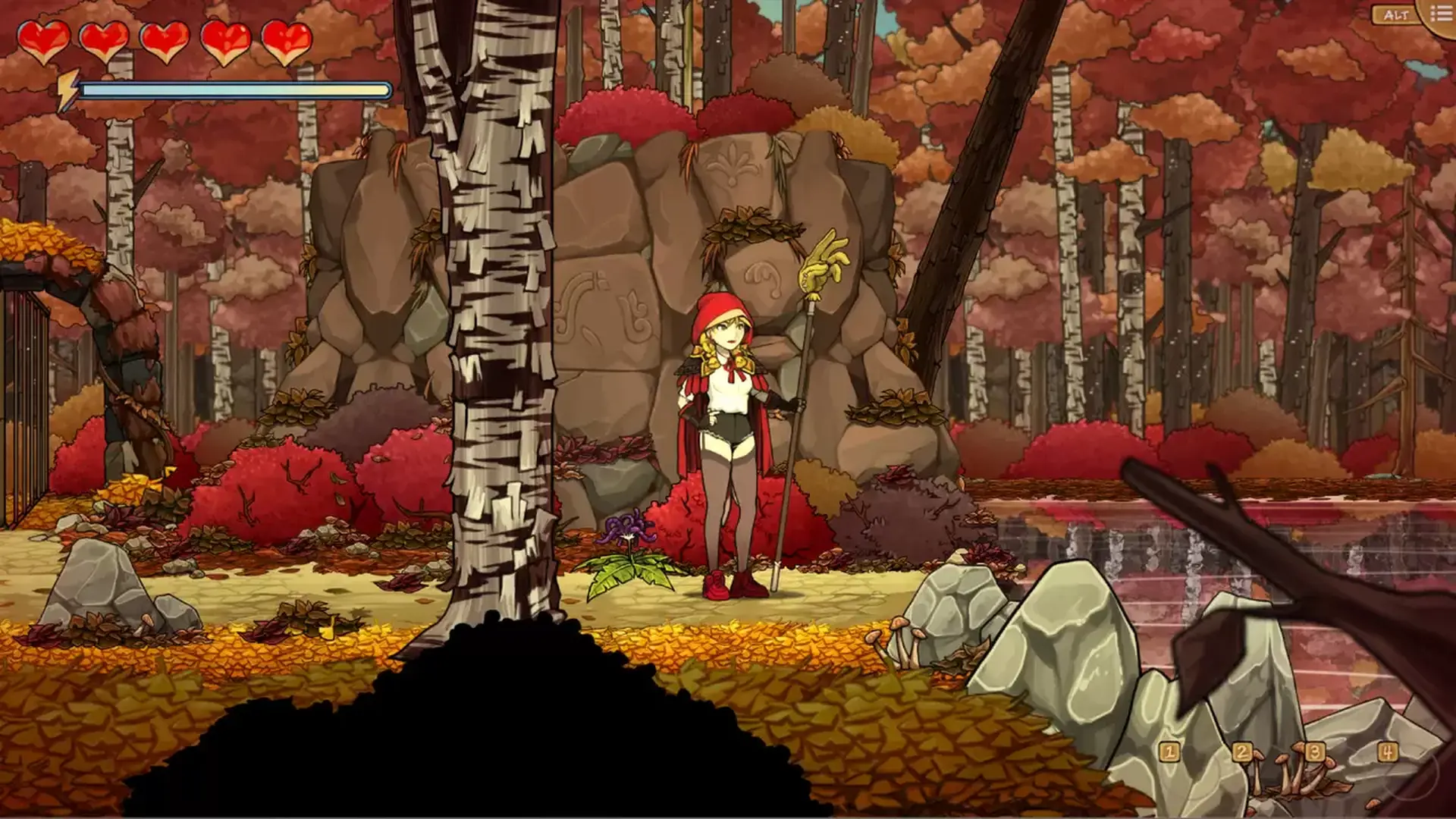
红被一阵龙卷风扔到了这片陌生的土地。经过一系列意外之后,她需要负责带领一个倒霉的矮人族剧团安全穿过邪恶森林。问题是,坏脾气的黑女巫莱法巴有个习惯,她会把那些想要从她的森林里穿过的游客们烧成灰烬。红被不幸地打败了,但一个法术让她得以重新开始这一天。我们刚刚上路的新手能否继承红女巫的衣袍,鼓起勇气战胜等待着她的每个灾难?

image

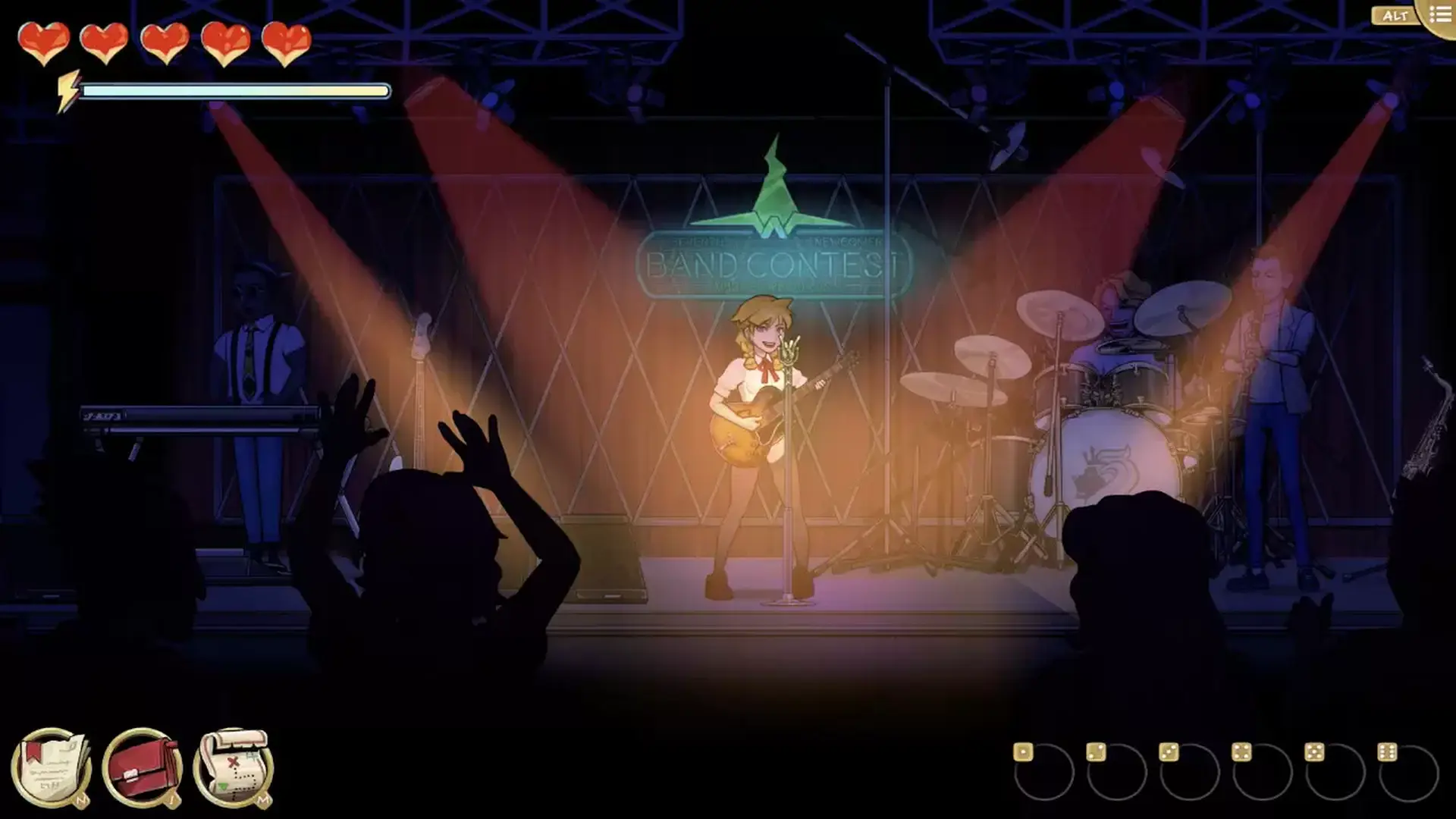
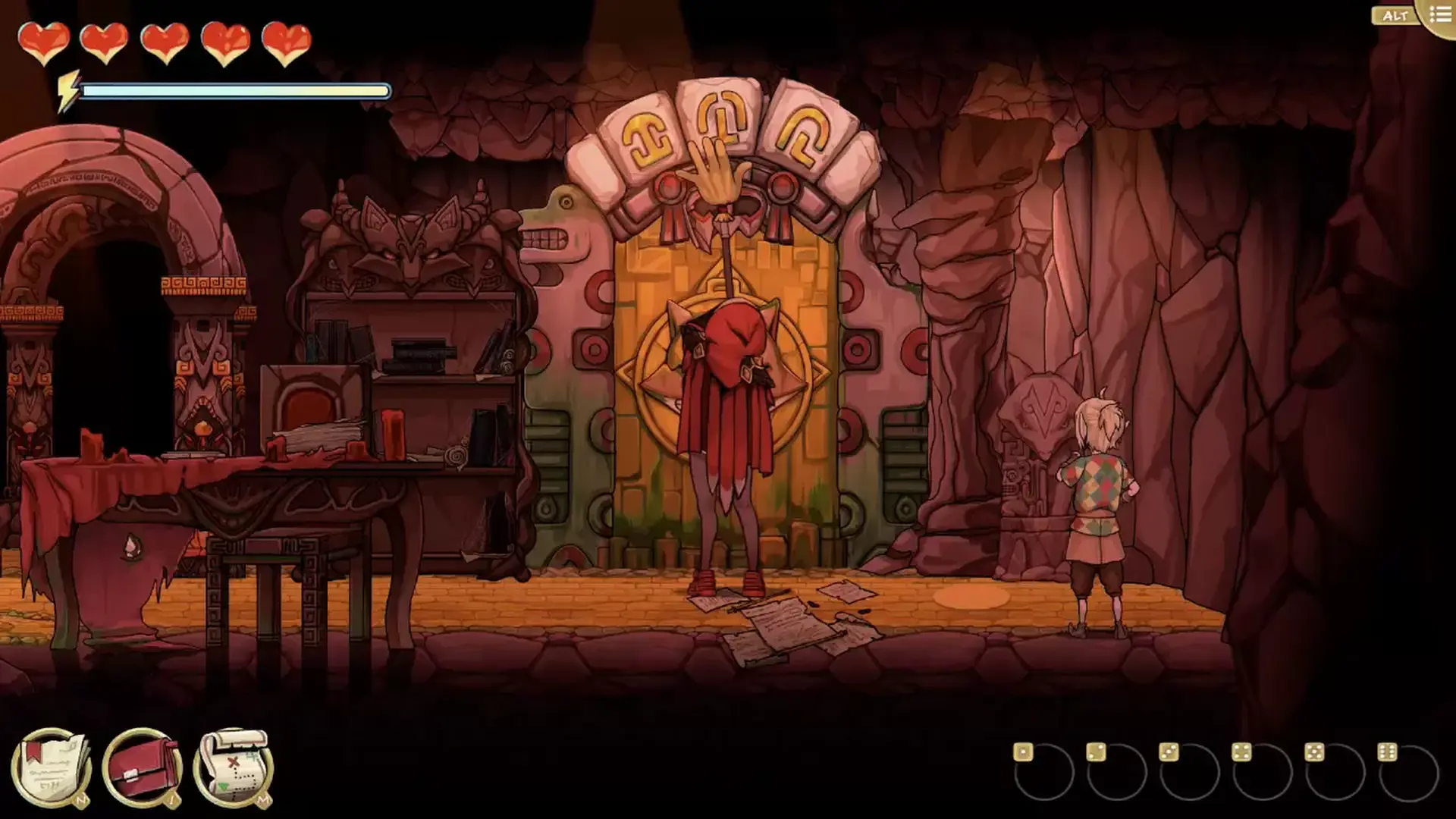
《红帽仙踪 (Scarlet Hood and the Wicked Wood)》是一款剧情冒险游戏。你必须扮演红重新经历七天的不幸,做出一系列抉择来带领你的矮人族剧团安全走出邪恶森林。你的决定会导致不同的结局。最重要的是,你可以完全投入到这次奇妙的冒险之中!

image

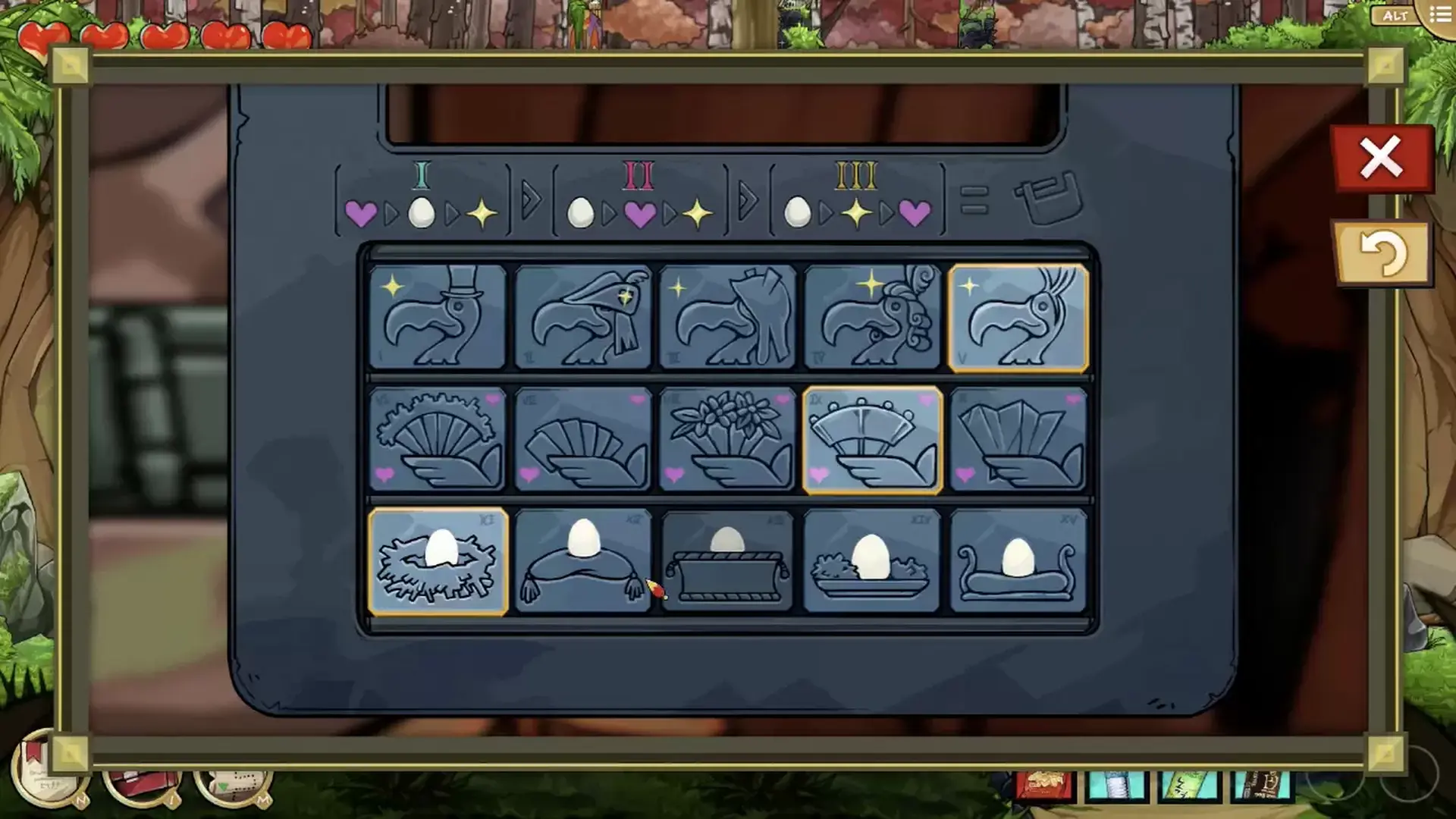
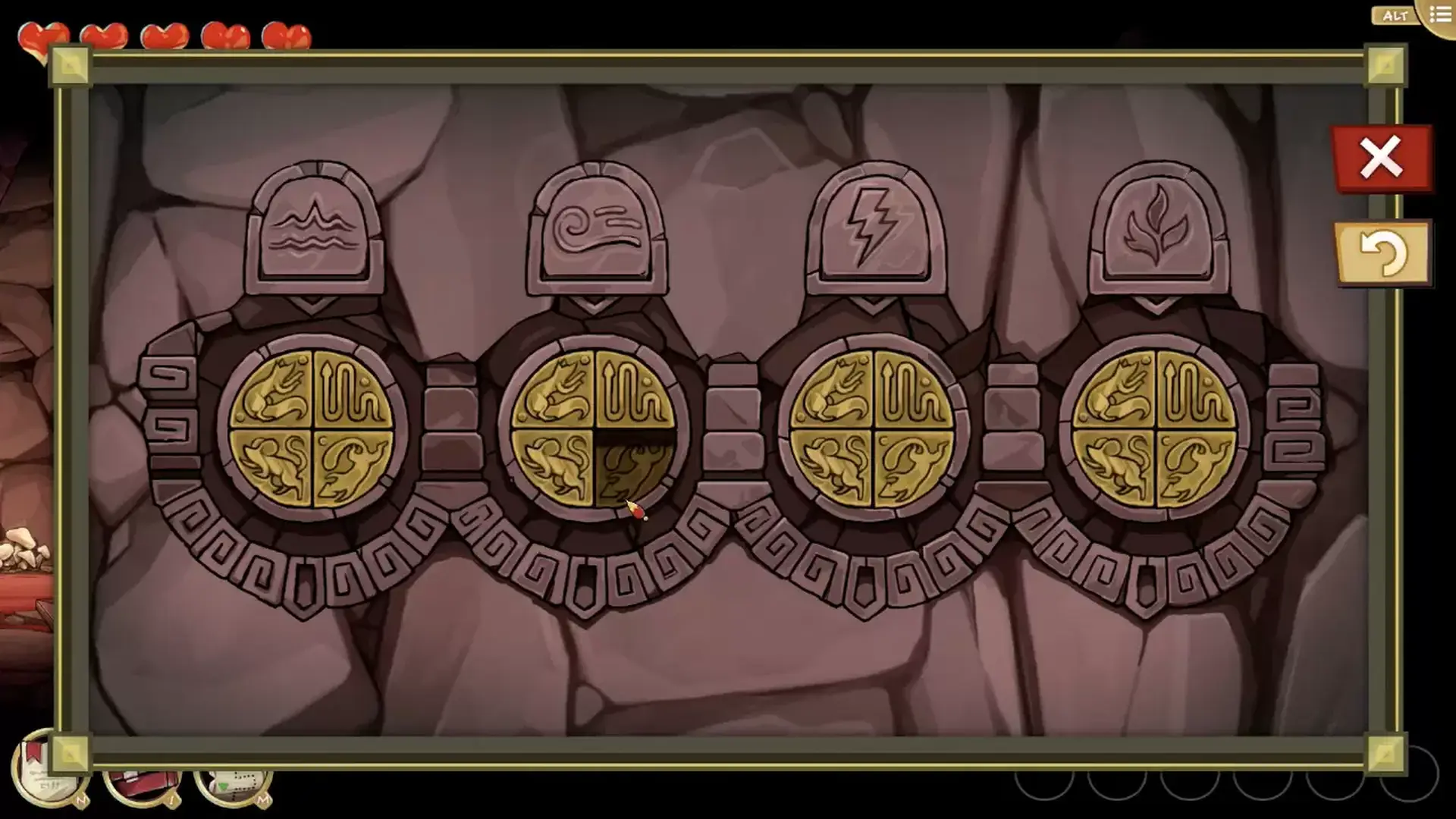
  • 解决令人兴奋的谜题。
  • 在叙事性的时间循环中生存。
  • 做出会永久影响你的故事的关键决定。
  • 躲避饥饿的狼。
  • 欣赏手绘图形。
  • 使用Scarlet的巫术技能来避免被发现。
  • 根据你的游戏方式来解锁多个结局。


© 2021 Devespresso Games Inc., all rights reserved.
© 2021 Headup GmbH, all rights reserved.

最低配置:

  • 需要 64 位处理器和操作系统
  • 操作系统: Windows XP (64Bit)
  • 处理器: Core2Duo
  • 内存: 5 GB RAM
  • 显卡: Any with hardware 3D acceleration
  • DirectX 版本: 7.0
  • 存储空间: 需要 5 GB 可用空间
  • 声卡: Soundblaster / equivalent
  • 附注事项: x64, .Net 3.5

推荐配置:

  • 需要 64 位处理器和操作系统
  • 操作系统: Windows10 (64Bit)
  • 处理器: i5 or above
  • 内存: 6 GB RAM
  • 显卡: Nvidia 7900 / equivalent
  • DirectX 版本: 9.0
  • 存储空间: 需要 6 GB 可用空间
  • 声卡: Soundblaster / equivalent
  • 附注事项: x64, .Net 3.5

最低配置macOS:

  • 操作系统: 10.6.8 (64Bit)
  • 处理器: Core2Duo
  • 内存: 5 GB RAM
  • 显卡: Any with hardware 3D acceleration
  • 存储空间: 需要 5 GB 可用空间
  • 声卡: Soundblaster / equivalent
  • 附注事项: Scarlet Hood has not been officially notarized by Apple yet, but is fully functional on MacOS versions 10.6.8 (64Bit) or higher.

推荐配置macOS:

  • 操作系统: Version 10.6.8 or above (64Bit)
  • 处理器: 2.3 GHz Intel Core i5
  • 内存: 6 GB RAM
  • 显卡: Nvidia / AMD GPU with 256 MB or more
  • 存储空间: 需要 6 GB 可用空间
  • 声卡: Soundblaster / equivalent
  • 附注事项: Scarlet Hood has not been officially notarized by Apple yet, but is fully functional on MacOS versions 10.6.8 (64Bit) or higher.
steam

1. Enregistrez un compte Steam.

2. Dans le menu "Mes jeux", cliquez sur "Activer via Steam..." et entrez la clé