The site language may differ from the one you are using.
Select the language:
Apply
close

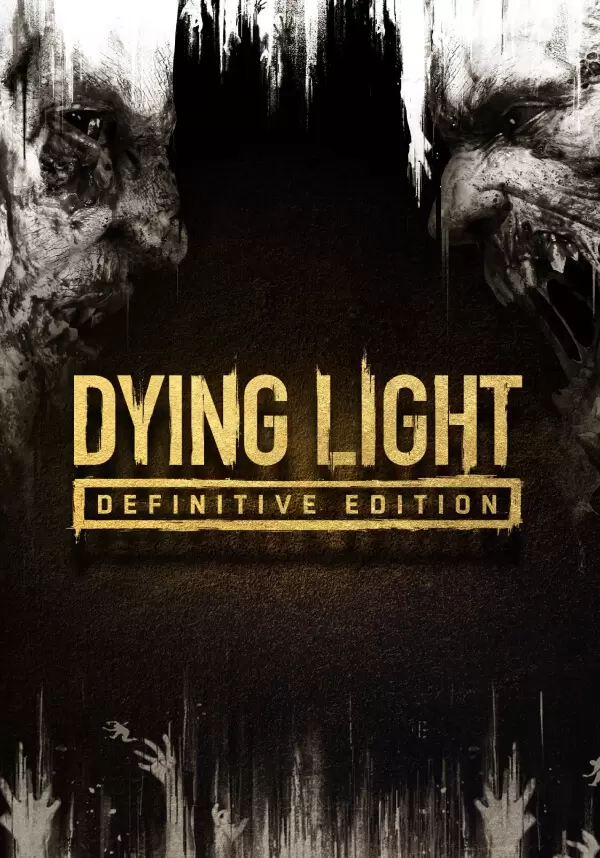
Dying Light: Definitive Edition

game
Classification d'âge:
18+
Langue:
EN
Plate-forme:
PC
Date de sortie:
21 septembre 2021
Développeur:
Acheter
Ce produit n'est pas disponible dans votre région
Classification d'âge:
18+
Langue:
EN
Plate-forme:
PC
Date de sortie:
21 septembre 2021
Développeur:

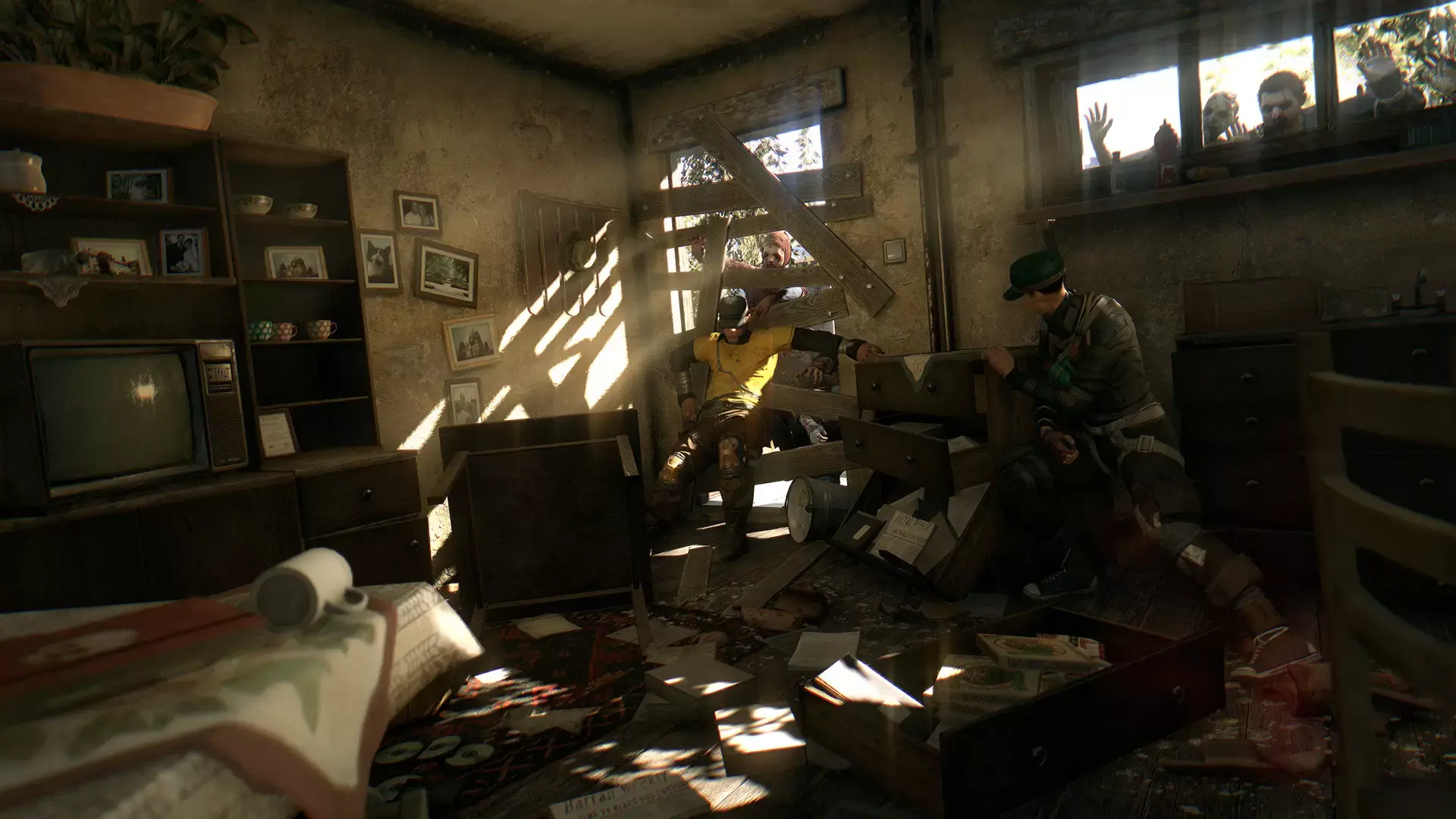
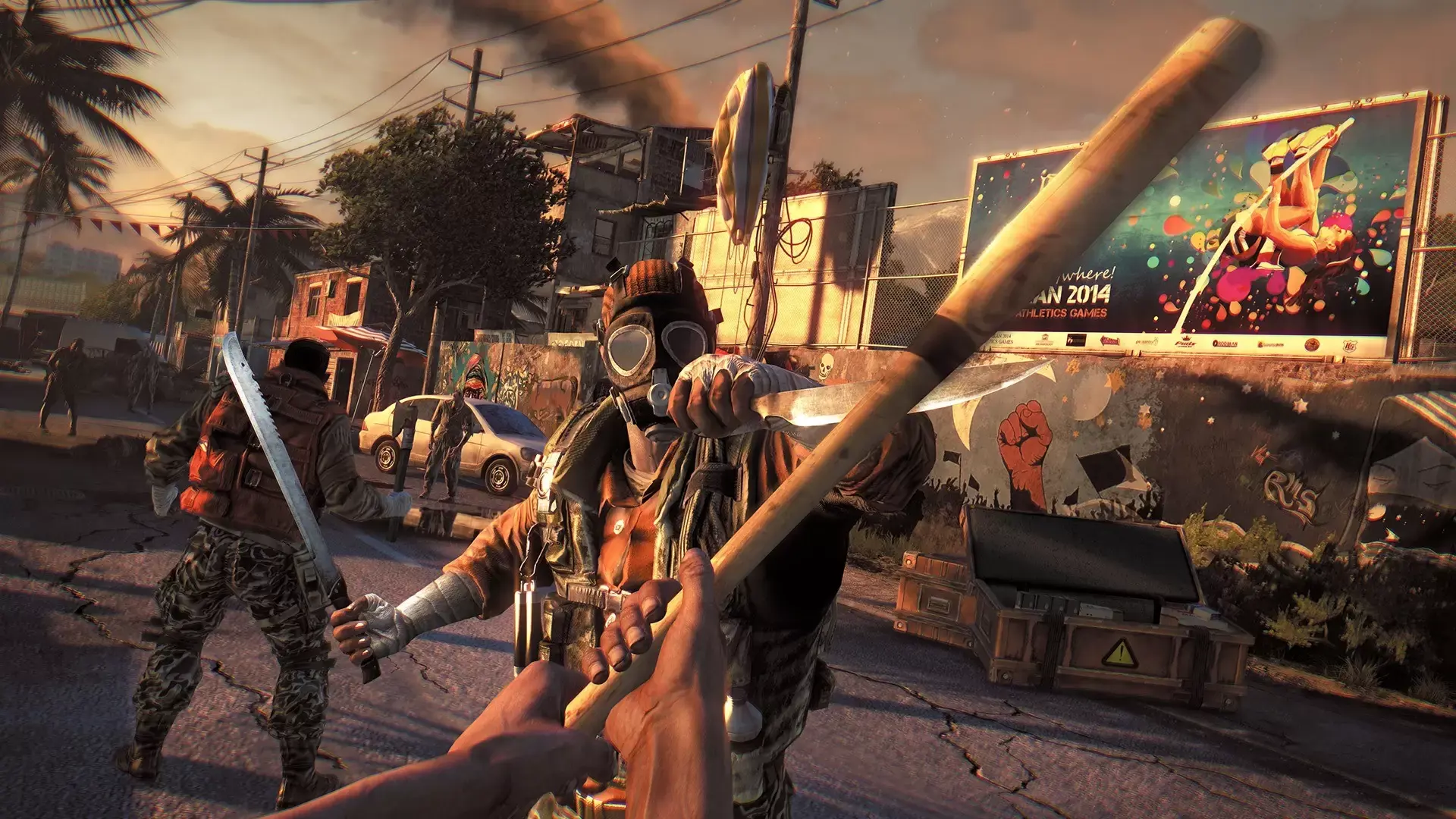
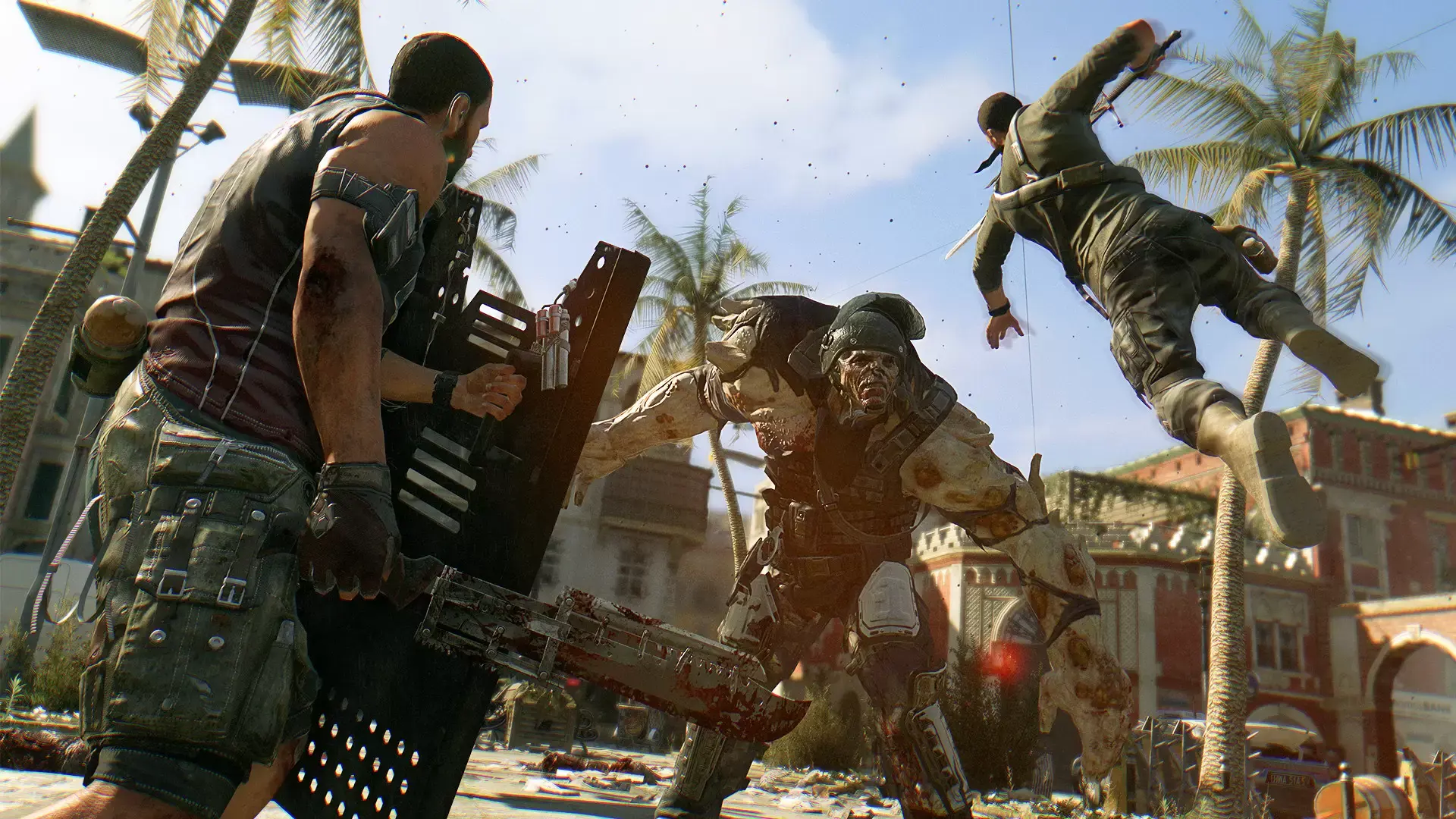
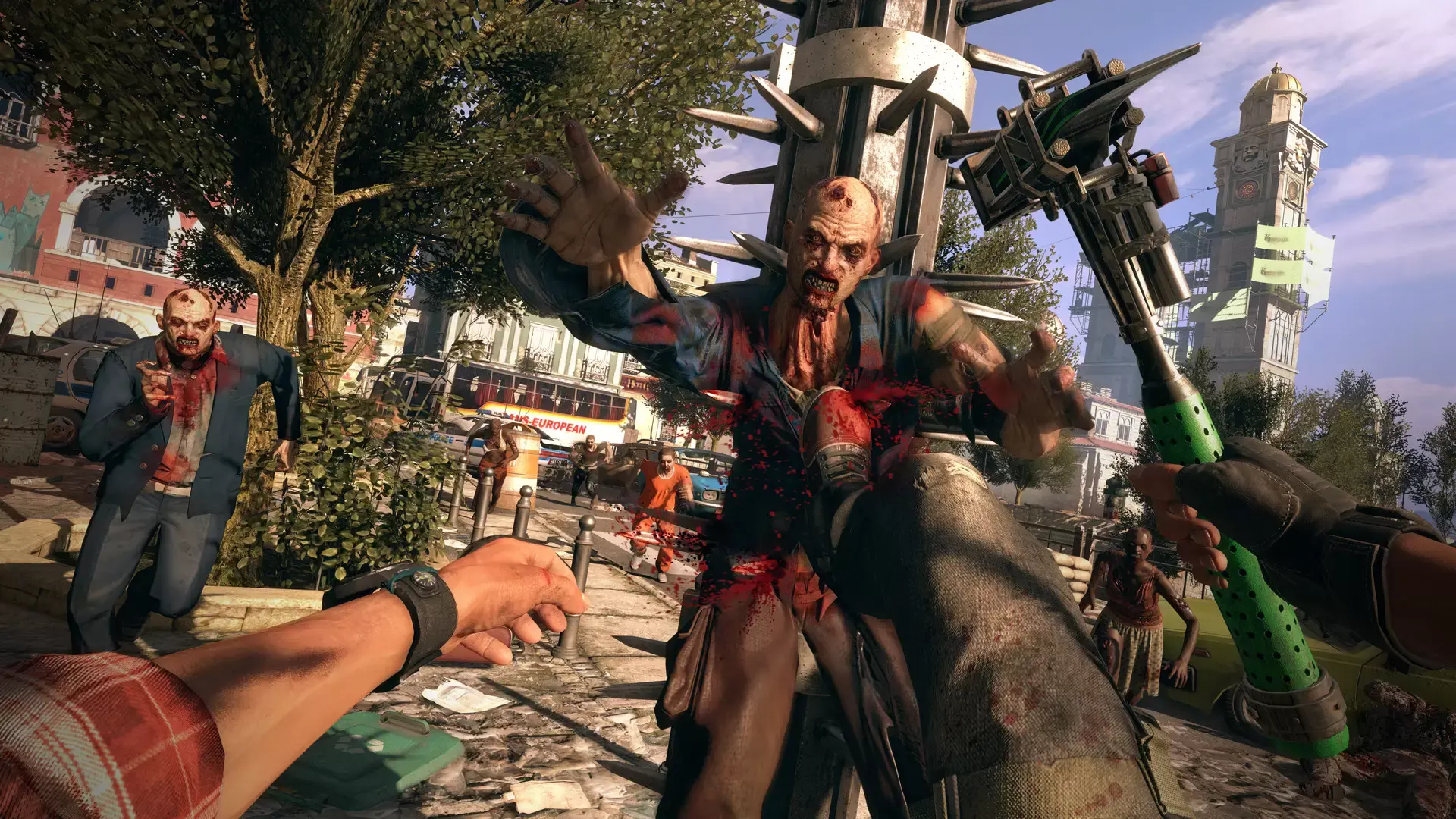
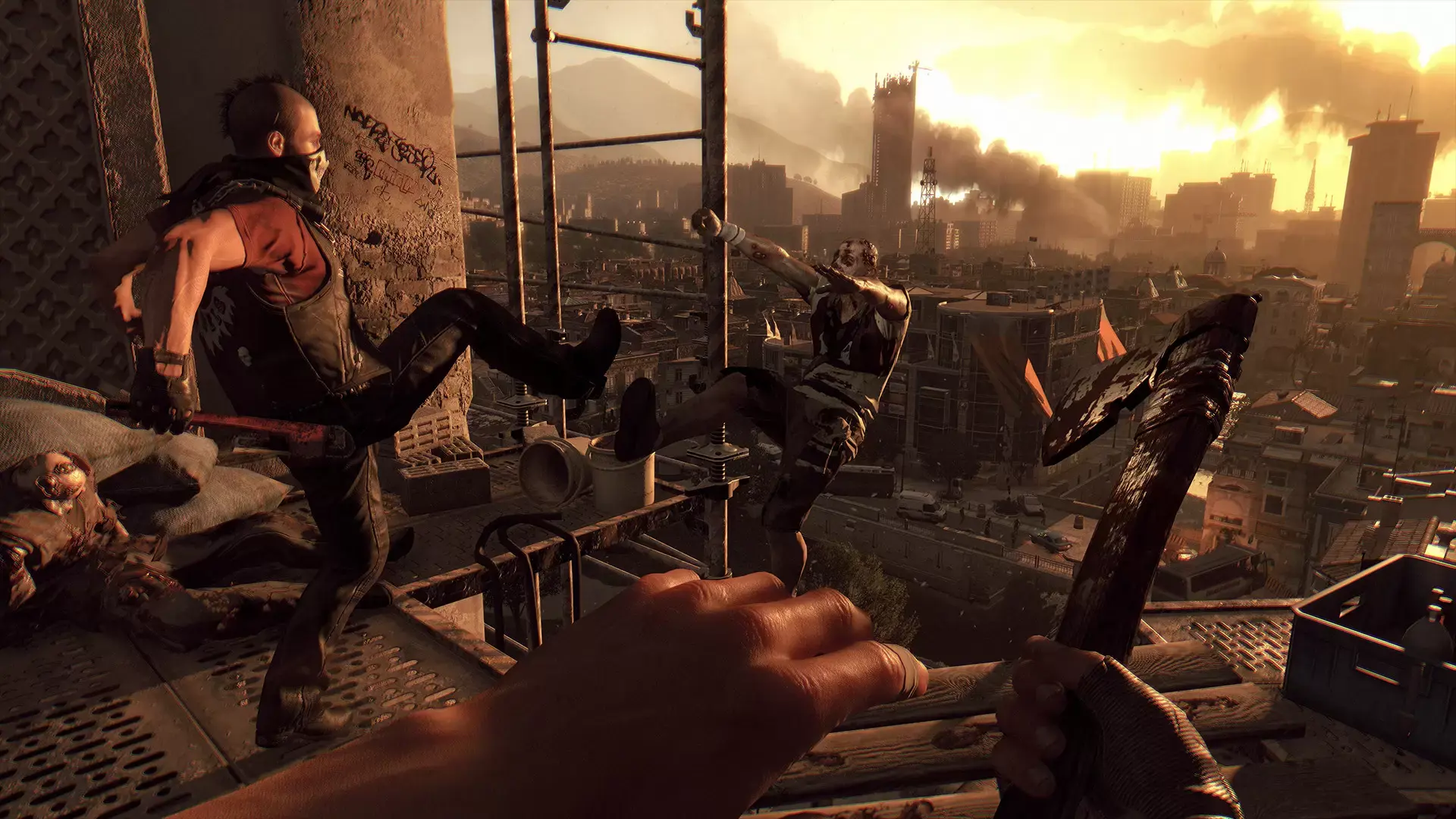
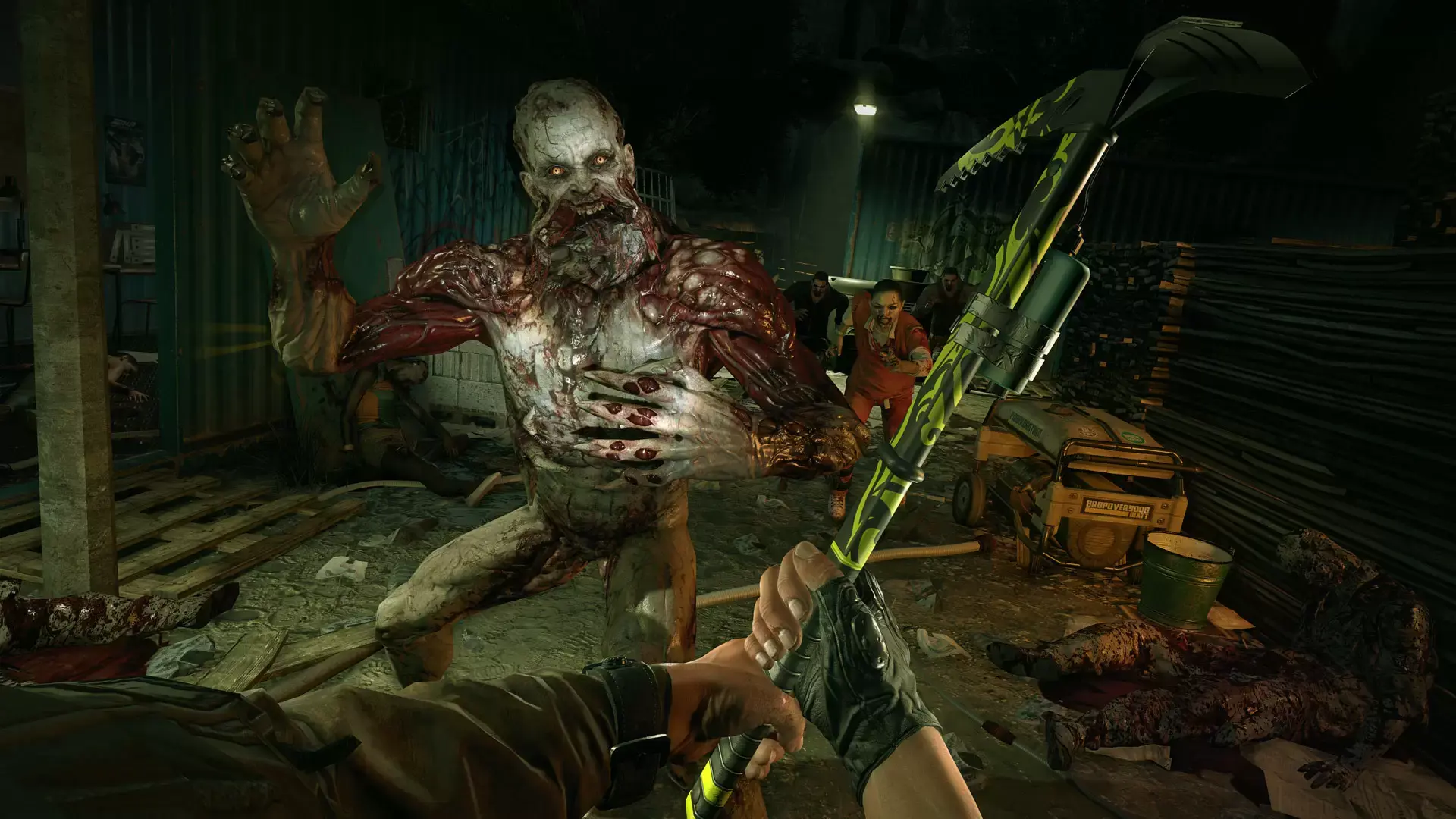
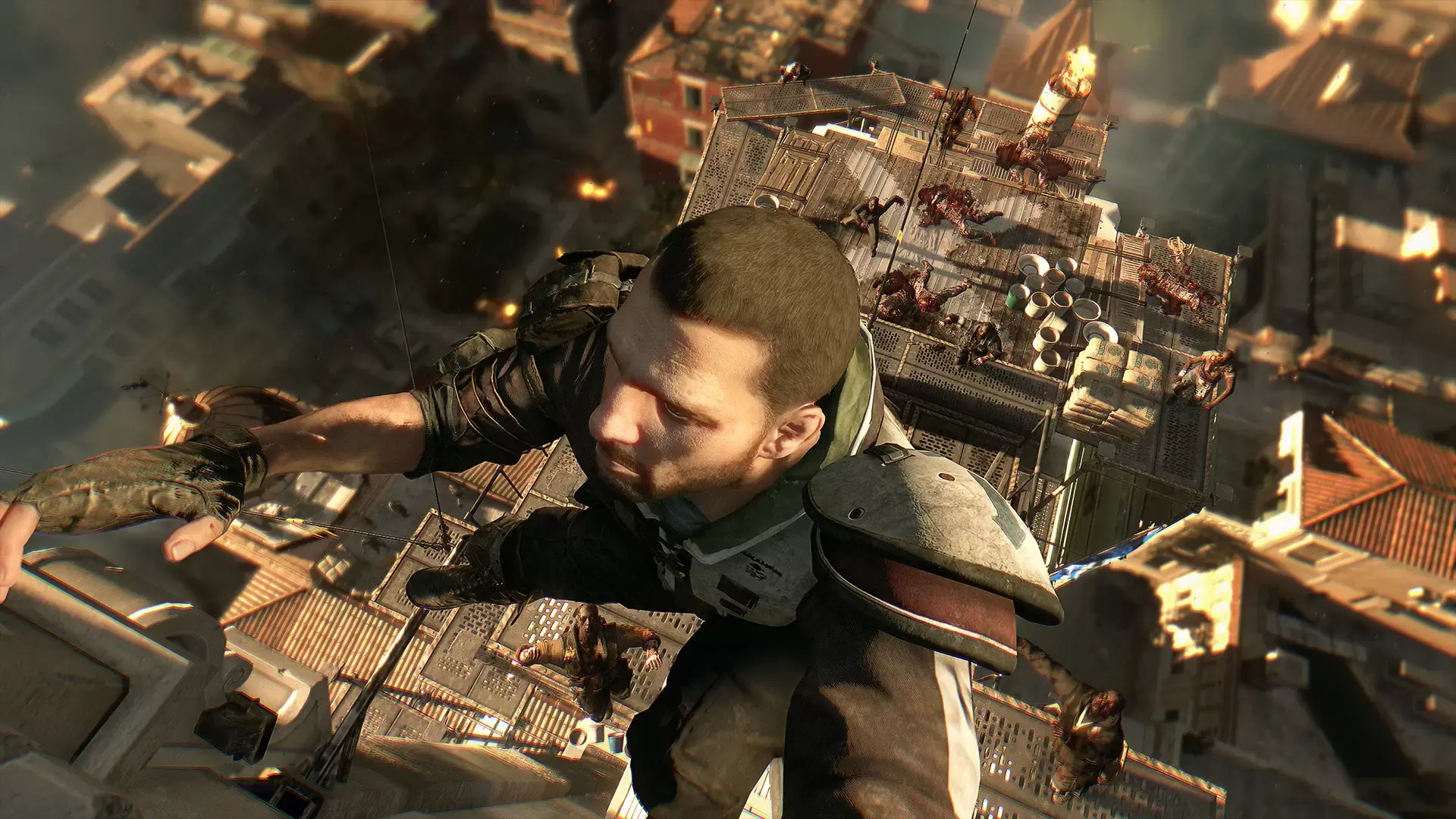
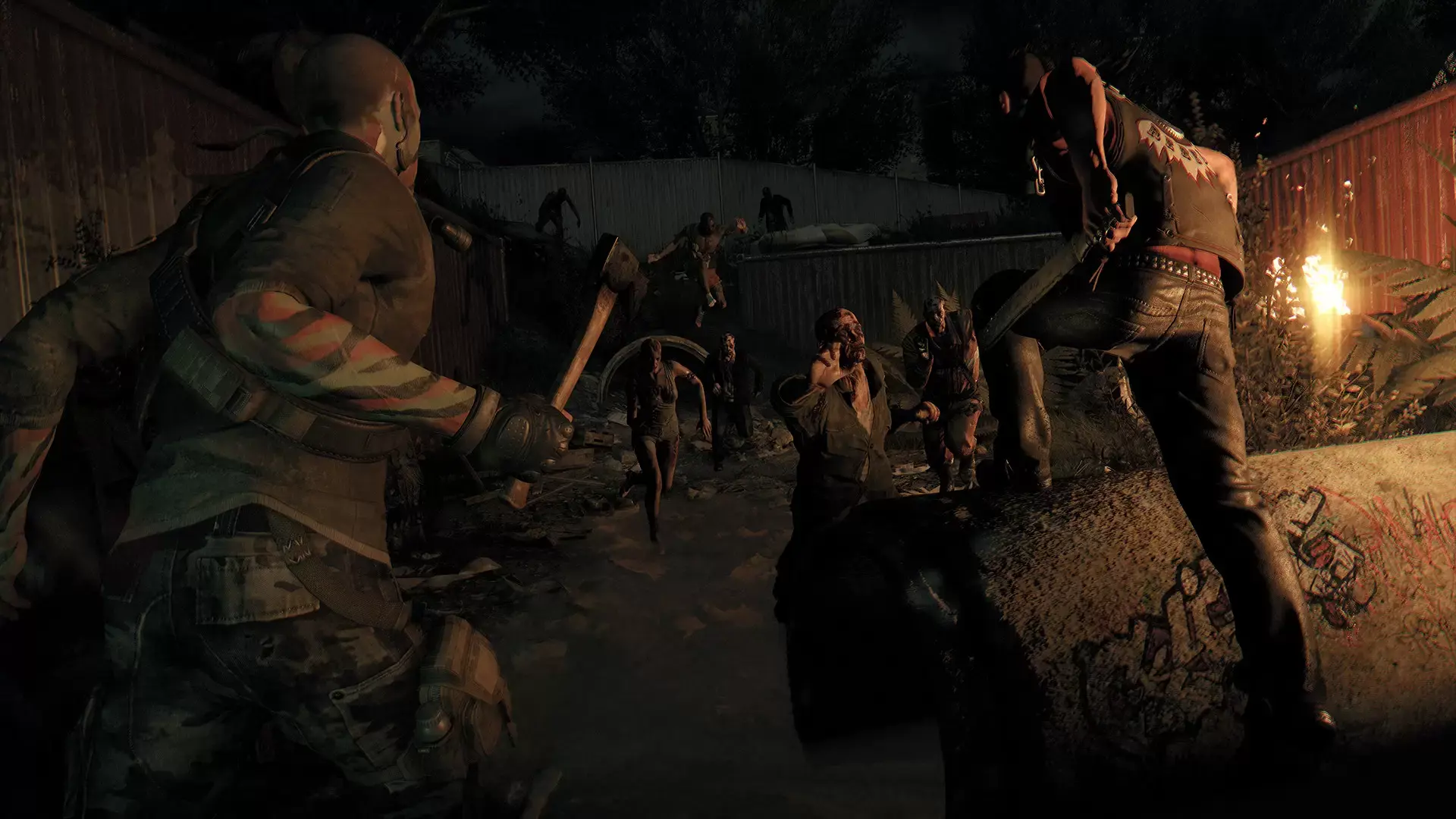
在《消逝的光芒》的这一最终版本中,你将在一个受感染的世界中漫游,同时磨炼战斗与跑酷技巧。

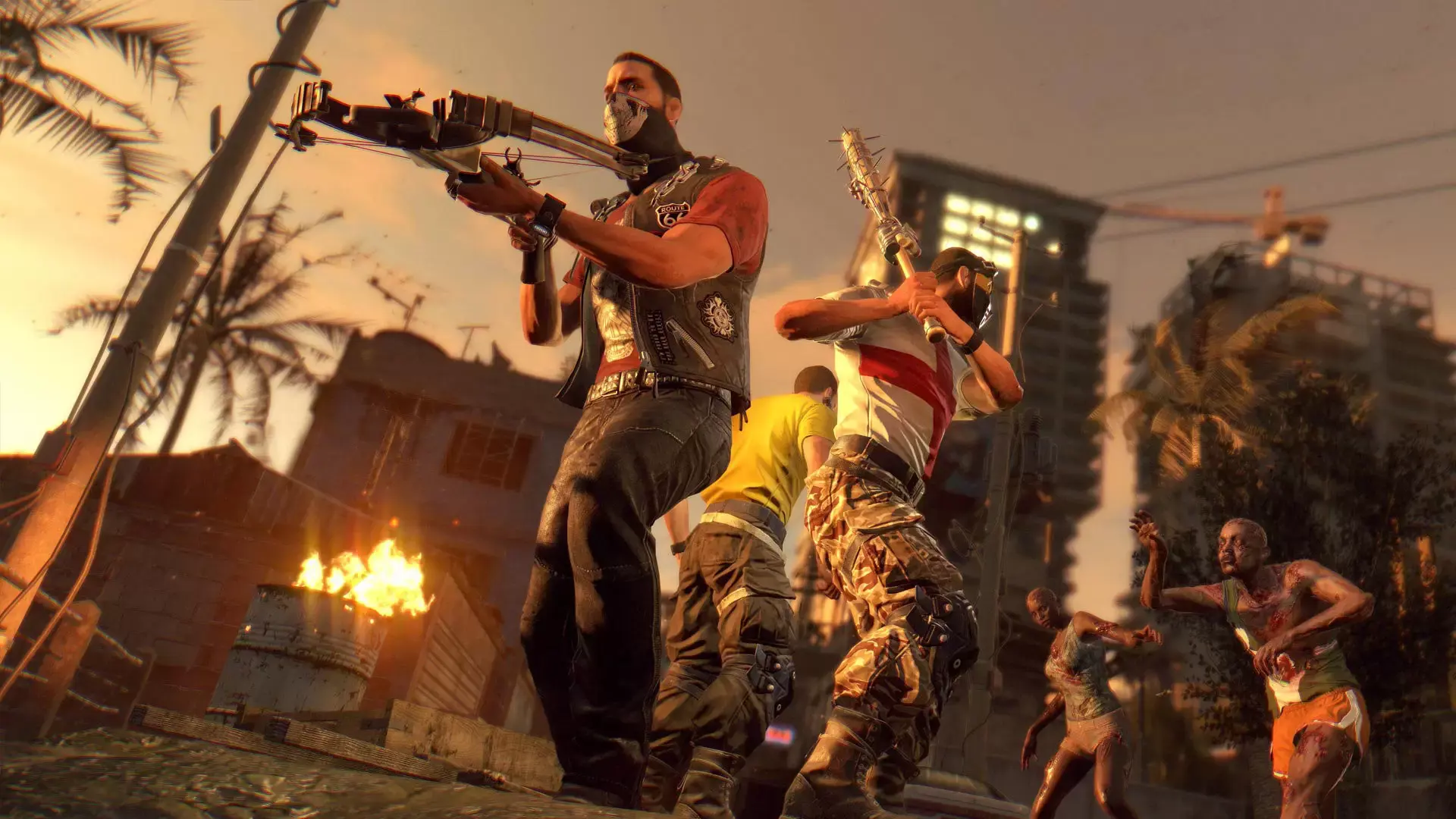
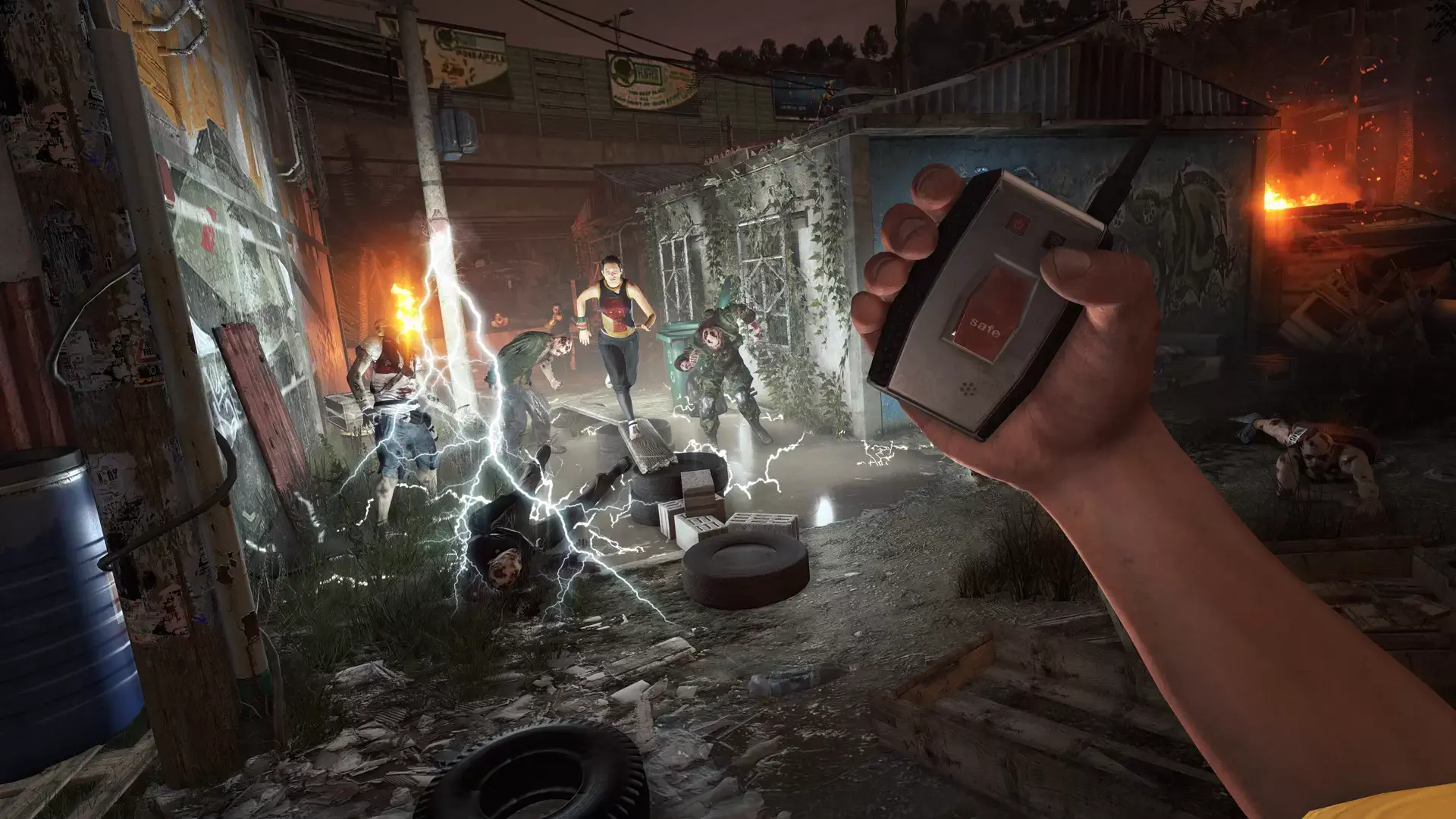
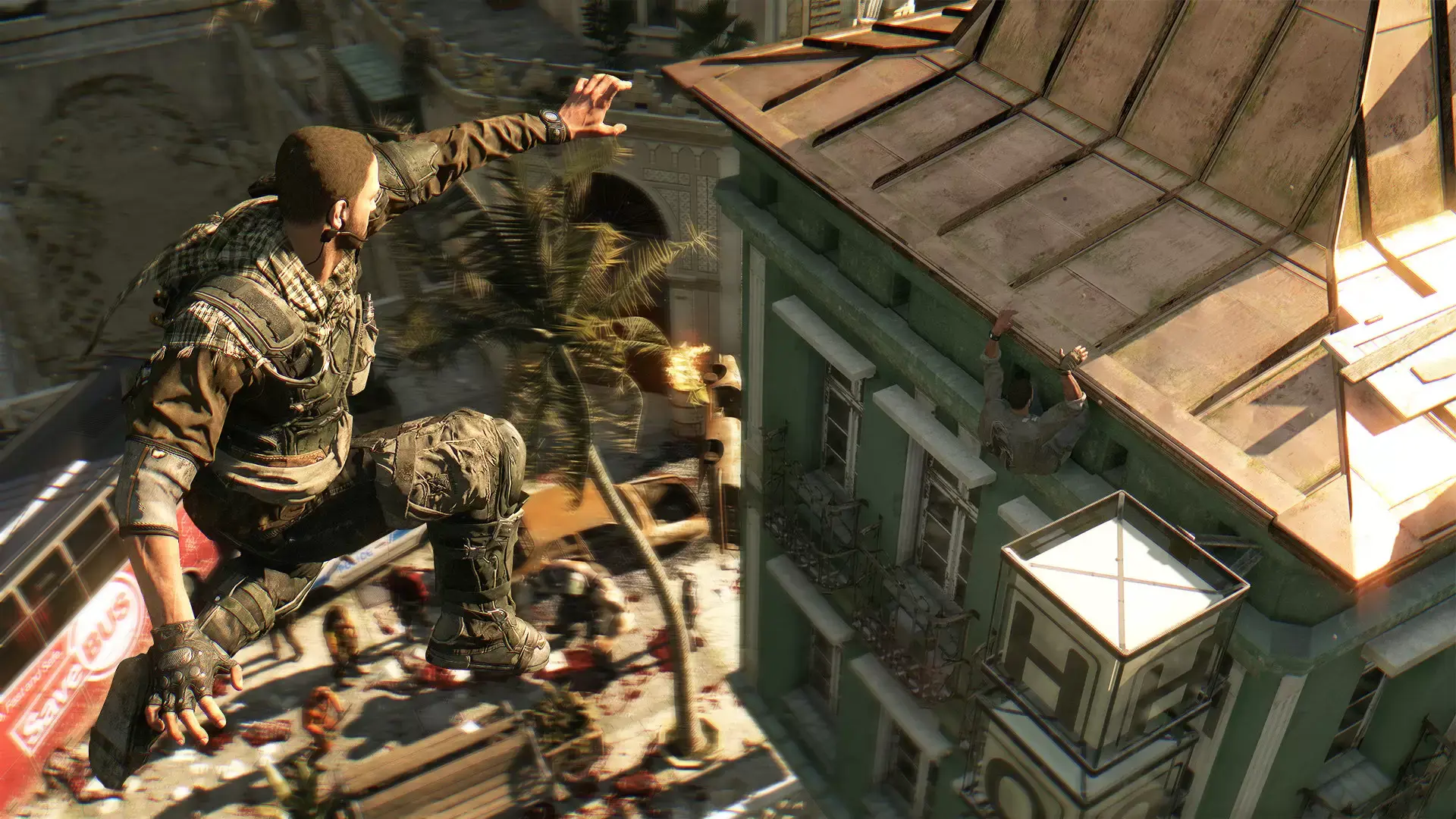
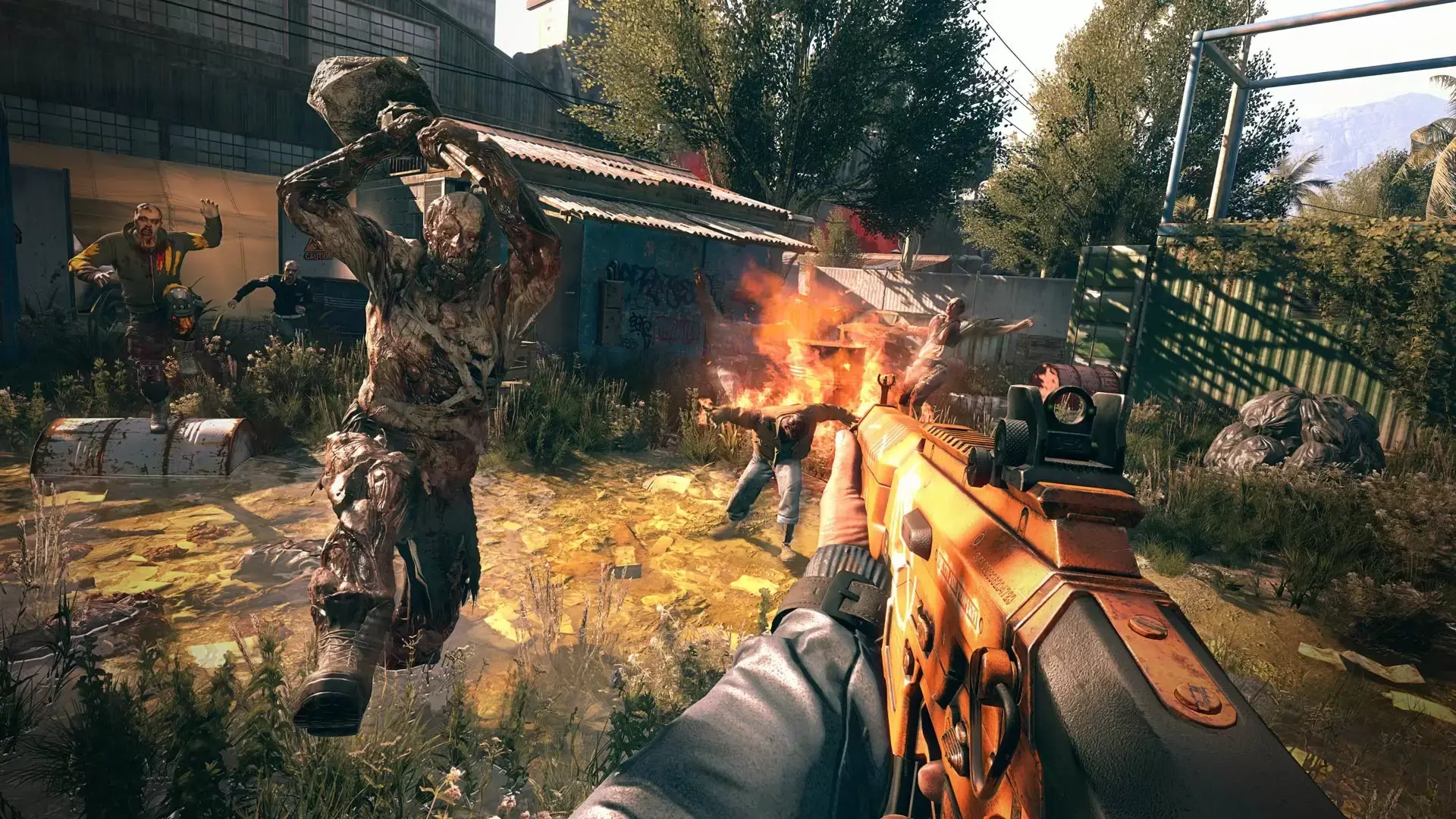
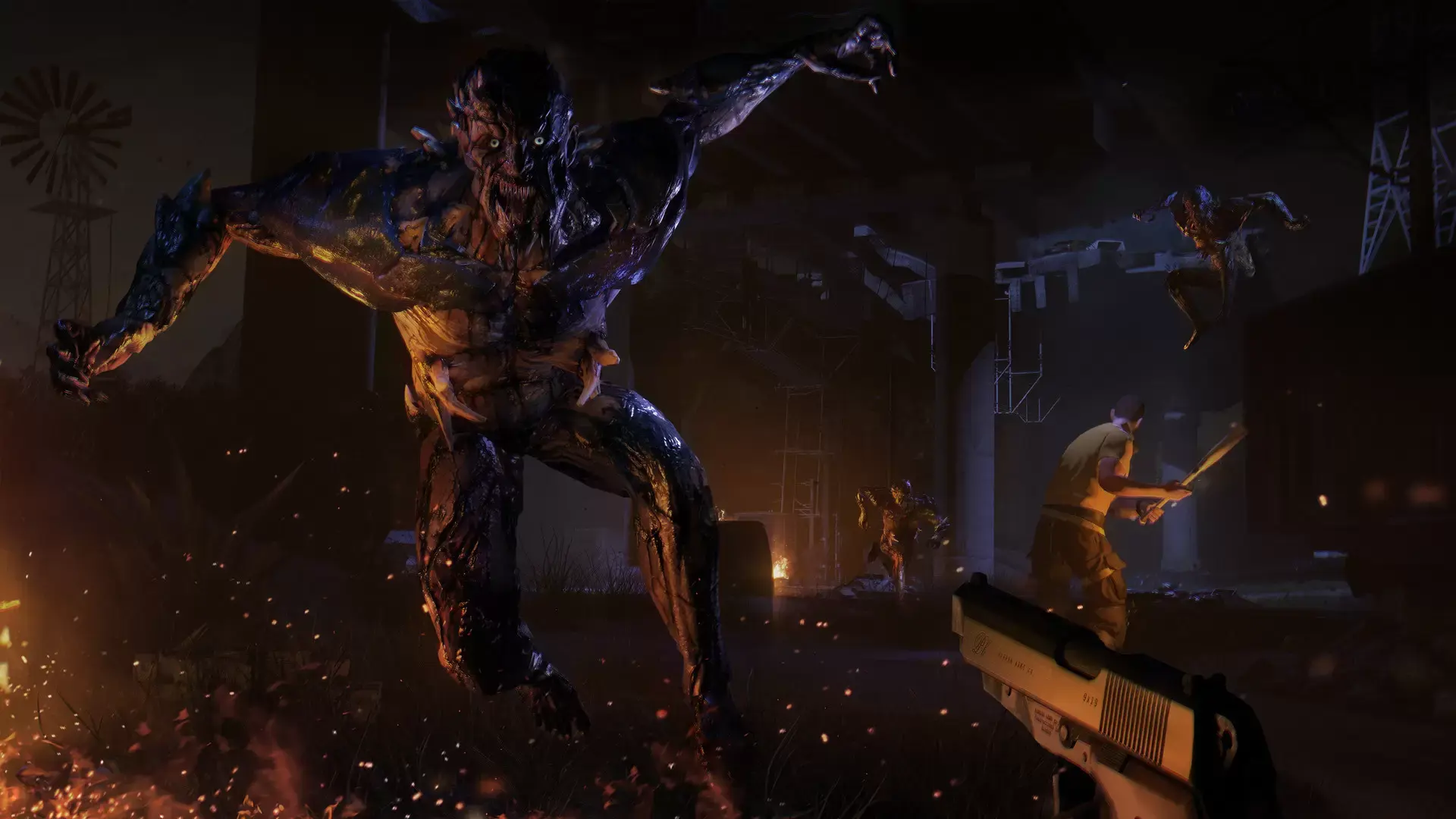
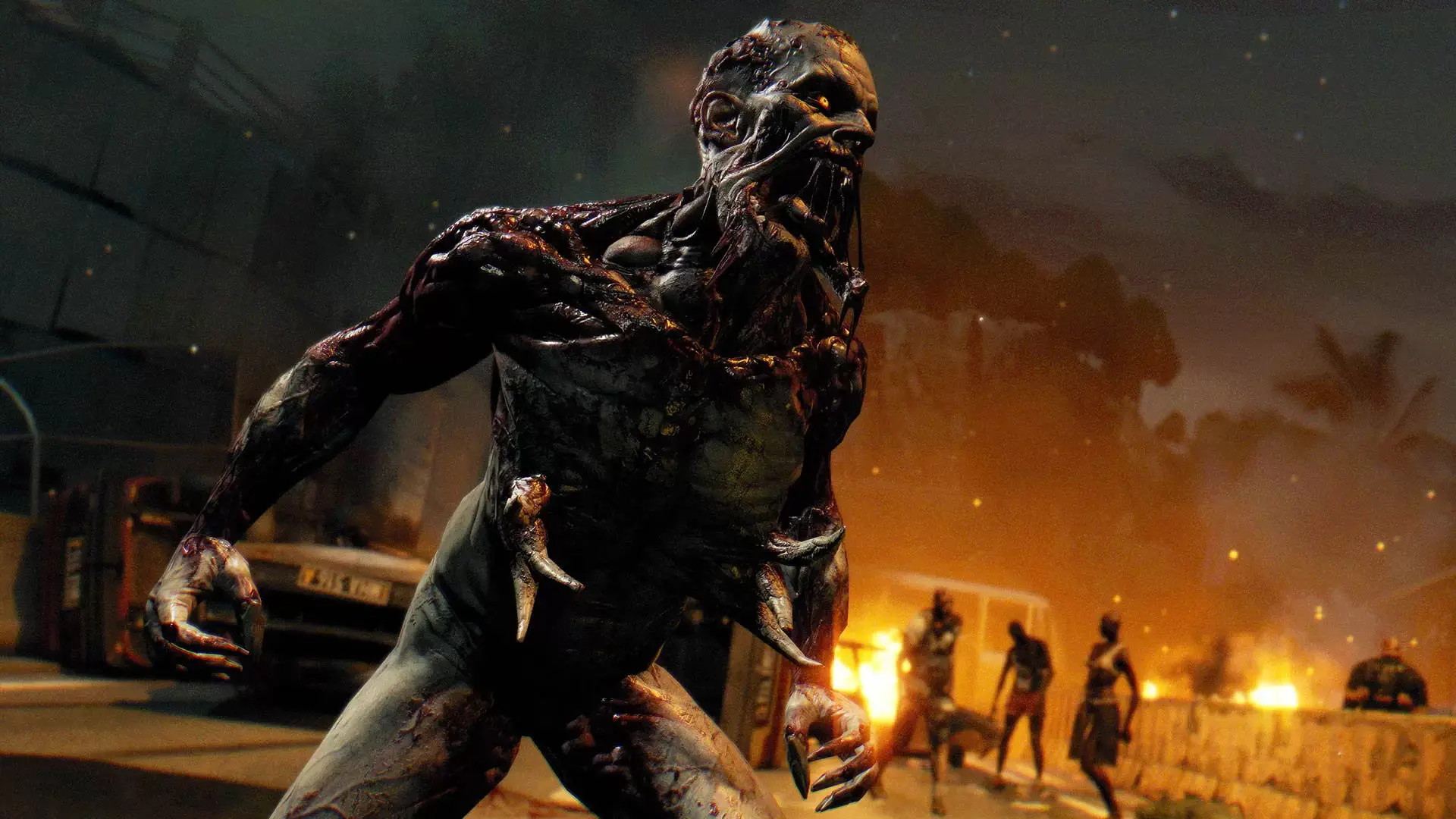
现在,你可以体验到《消逝的光芒》的全部内容,只需入手这款广受好评的开放世界丧尸生存游戏的最终版本。《消逝的光芒》决定版包含四款主线DLC和二十二款礼包,将本游戏七年来推出的所有内容一站式放送,提供最完整的游戏体验。探索这个末世背景的世界。驾驶越野车在哈兰大开杀戒,在波扎克的试炼中存活,探索新隔离区,并享受多种多样的新皮肤和武器带来的乐趣!

特色:

  • 屡获殊荣的《消逝的光芒》完整版游戏。
  • 《消逝的光芒:信徒》 - 此大型扩展包内含一段全新剧情、广阔的原创地图,以及一辆可自定义的越野车供你驾驶。
  • 《消逝的光芒》波扎克部落 - 拥有支线剧情的游戏模式,颇有难度。
  • 烹饪与货物 - 两个额外的隔离区。
  • 终极幸存者礼包 - 内含限定武器和服装。
  • 地狱突袭 - 黑暗奇幻背景的新游戏模式。
  • 大量新皮肤和武器,让屠杀丧尸变得更有乐趣:

碰撞测试皮肤礼包 ⧫ 5周年礼包 ⧫ 哈兰突击队礼包 ⧫ 疯狂枪手礼包 ⧫ 夜魔猎手礼包 ⧫ 白色死神礼包 ⧫ 复古枪手礼包 ⧫ 赖斯精英礼包 ⧫ 神父礼包 ⧫ 哈兰囚犯礼包 ⧫ 复古风礼包 ⧫ 鼠战士礼包 ⧫ 游戏高手礼包 ⧫ 冰雪行动礼包 ⧫ Volkan战斗护甲礼包 ⧫ 机密行动礼包 ⧫ 维京人:哈兰袭击者礼包 ⧫ 哈兰战术单位礼包 ⧫ 宇航员礼包 ⧫ 范克兰礼包 ⧫ 柴油朋克礼包 ⧫ 10周年礼包 ⧫ 地狱突袭


DYING LIGHT & DYING LIGHT: THE FOLLOWING © Techland 2021. Published by Techland. All other trademarks and copyrights are the property of their respective owners.

最低配置

  • 操作系统: Windows® 7 64-bit / Windows® 8 64-bit / Windows® 8.1 64-bit
  • 处理器: Intel® Core™ i5-2500 @3.3 GHz / AMD FX-8320 @3.5 GHz
  • 内存: 8 GB RAM DDR3
  • 硬盘: 40 GB free space
  • 图形: NVIDIA® GeForce® GTX 560 / AMD Radeon™ HD 6870 (1GB VRAM)
  • DirectX 版本: Version 11
  • 声卡: DirectX® compatible
  • 附注事项: Laptop versions of graphics cards may work but are NOT officially supported. Windows-compatible keyboard, mouse, optional controller (Xbox 360 Controller for Windows recommended)

推荐配置

  • 操作系统: Windows® 7 64-bit / Windows® 8 64-bit / Windows® 8.1 64-bit
  • 处理器: Intel® Core™ i5-4670K @3.4 GHz / AMD FX-8350 @4.0 GHz
  • 内存: 16 GB RAM DDR3
  • 硬盘: 40 GB free space
  • 图形: NVIDIA® GeForce® GTX 780 / AMD Radeon™ R9 290 (2GB VRAM)
  • DirectX 版本: Version 11
  • 声卡: DirectX® compatible
  • 附注事项: Laptop versions of graphics cards may work but are NOT officially supported. Windows-compatible keyboard, mouse, optional controller (Xbox 360 Controller for Windows recommended)
steam

1. Enregistrez un compte Steam.

2. Dans le menu "Mes jeux", cliquez sur "Activer via Steam..." et entrez la clé