注意: 需要有虚拟现实头戴式显示器。请参阅系统要求以获得更多信息。
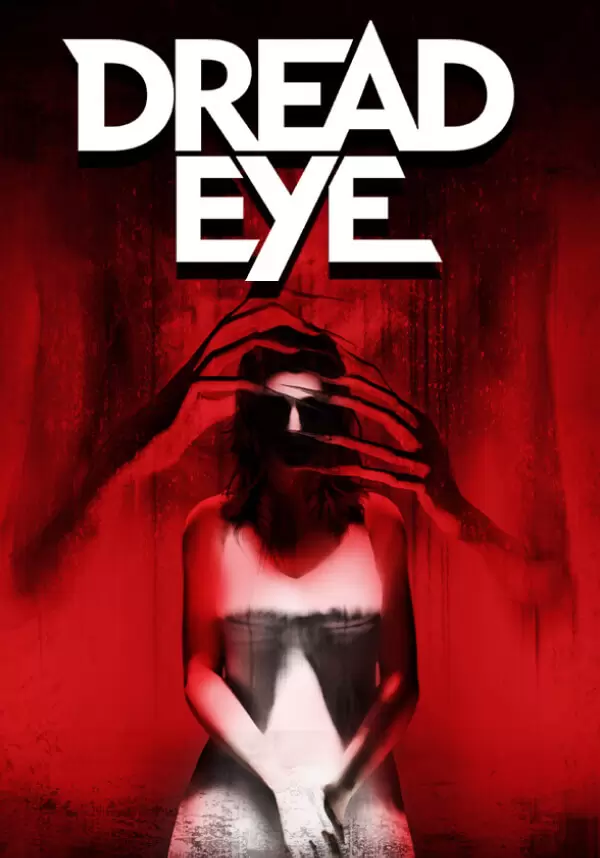
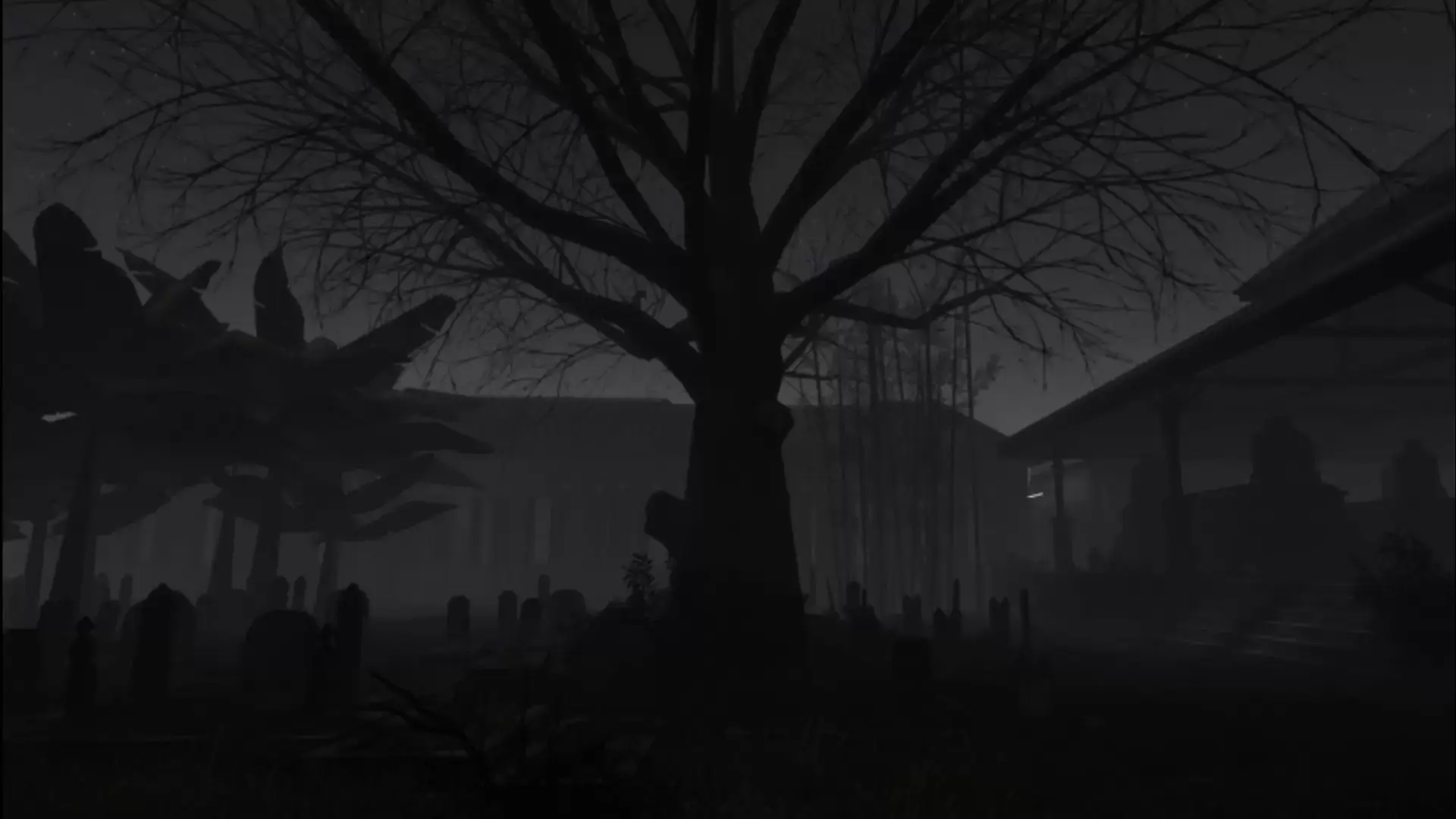
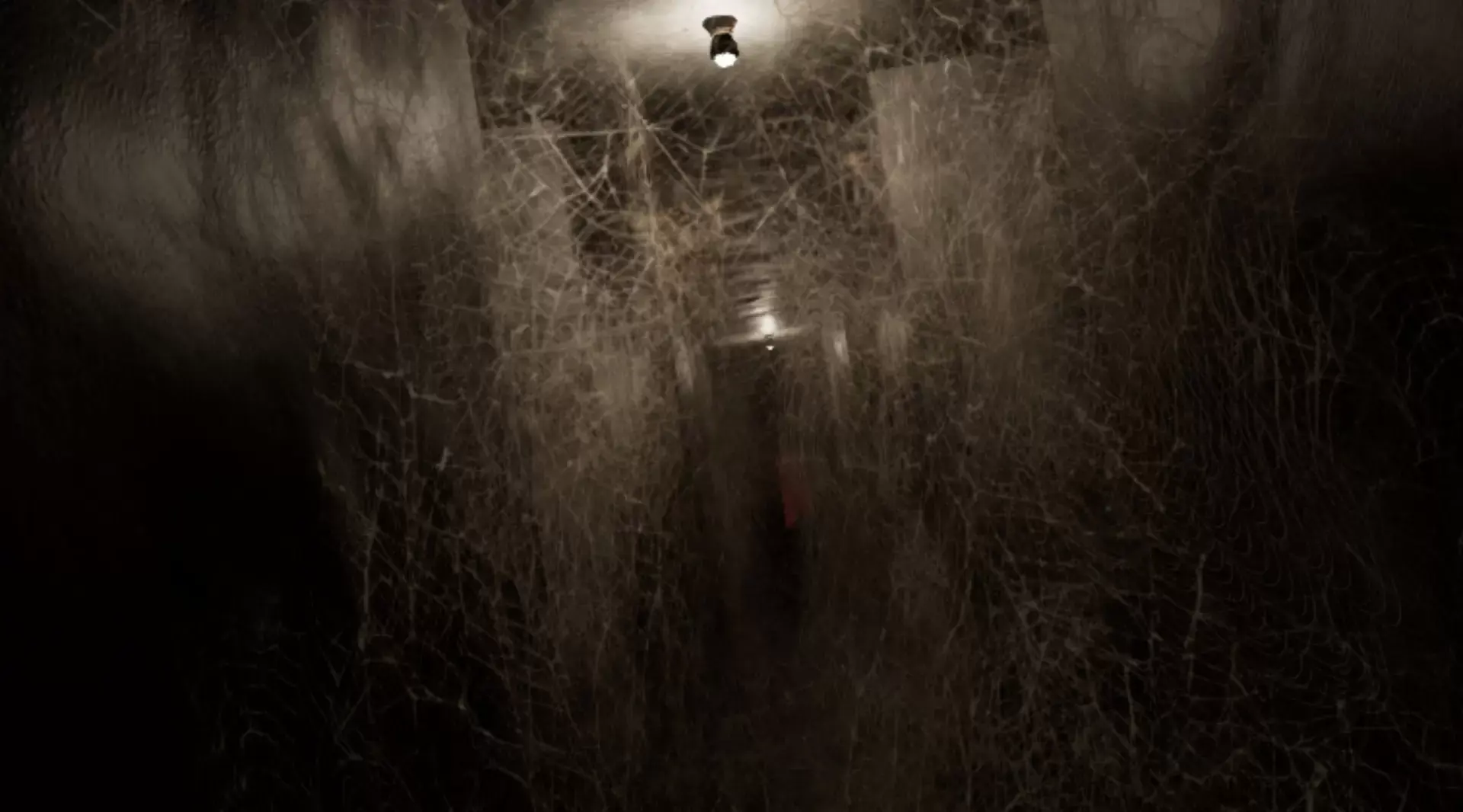
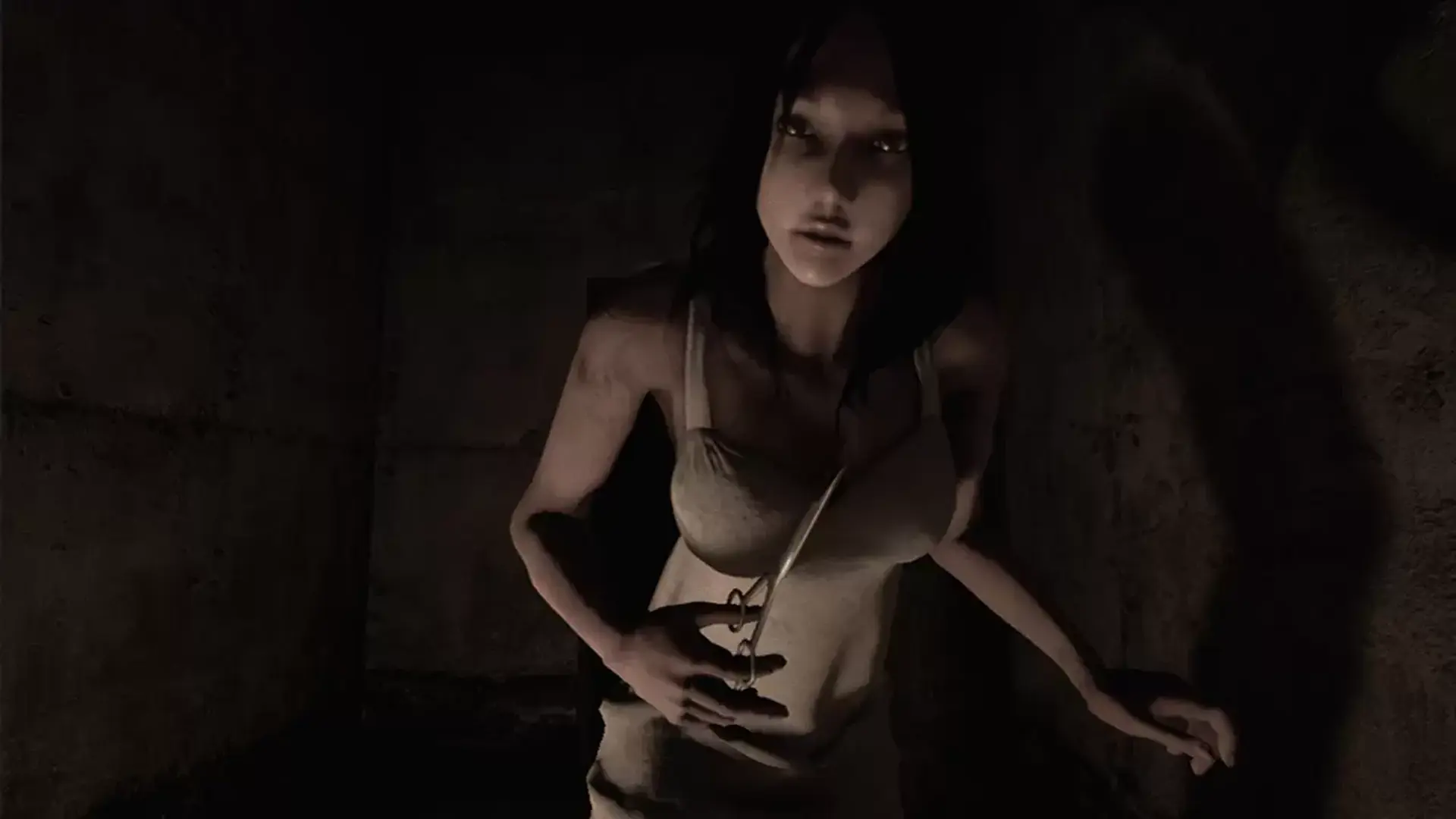
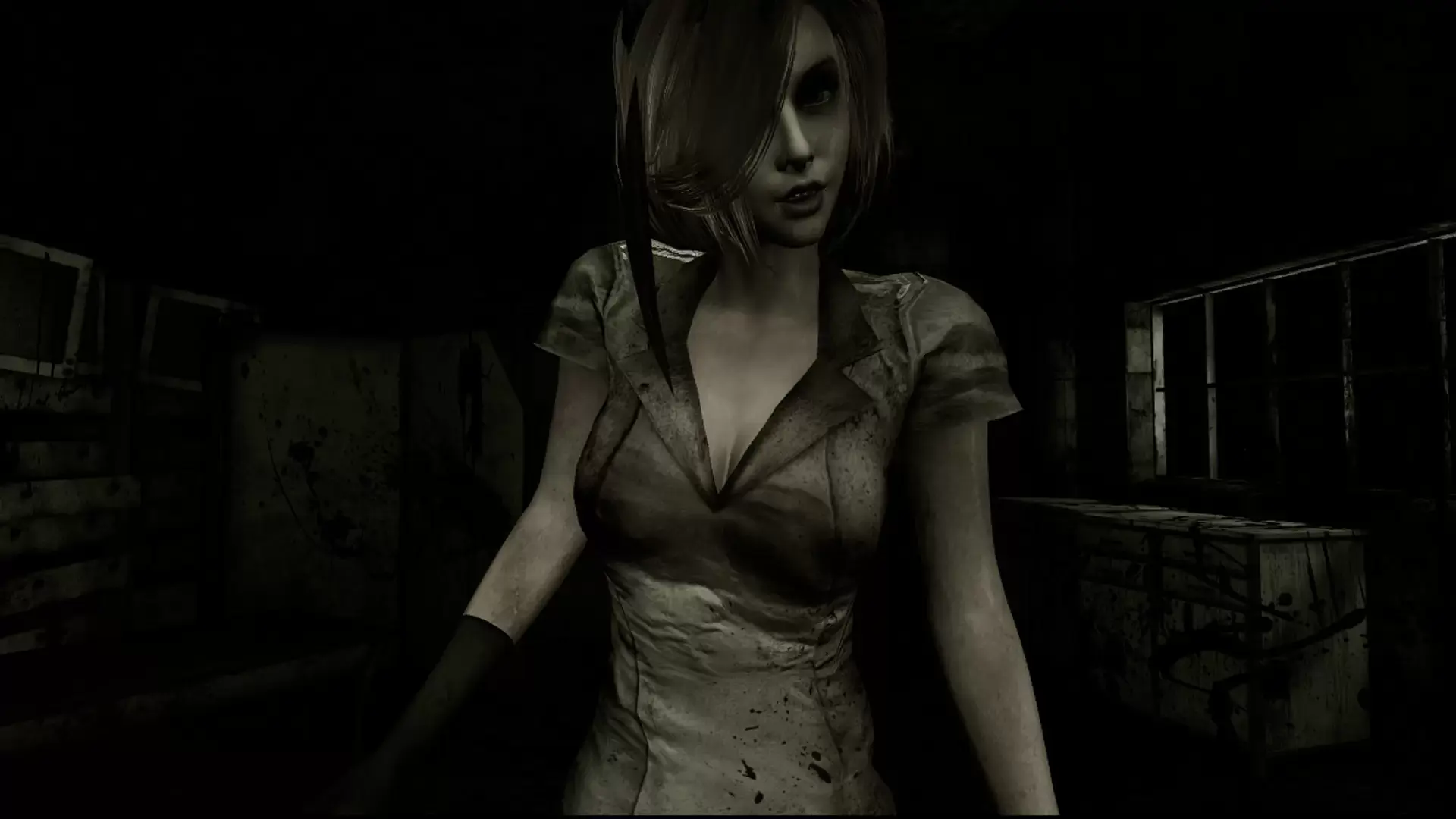
DreadEye VR是一款虚拟现实体验,让你成为一名印尼萨满(dukun)。当你练习一个古老的仪式时,制作和组合成分,打开通往精神领域的大门,与死者交流。让自己沉浸在印尼闹鬼农村的恐怖体验中,发现潜藏在阴影中的可怕恐怖!
《惊魂之眼VR》的设计和开发从头到尾都是为了营造完全沉浸式的氛围和游戏,是我们为真正令人不安的、恐怖的虚拟现实体验所做的努力。
关于仪式
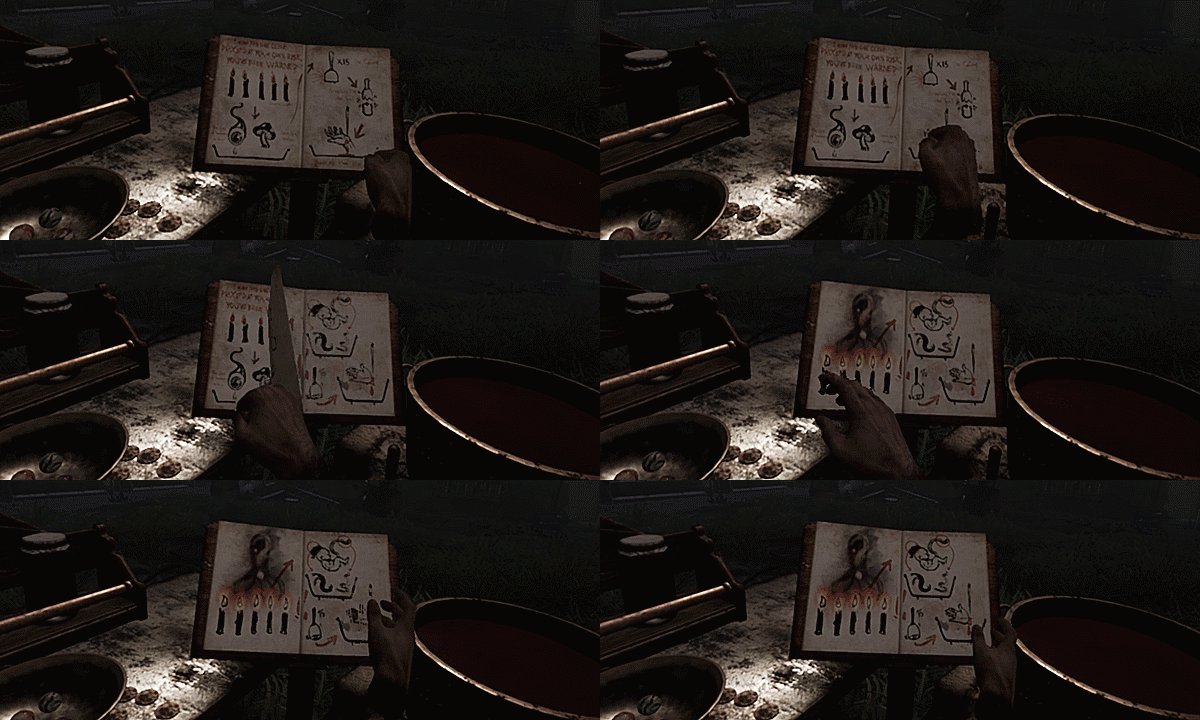
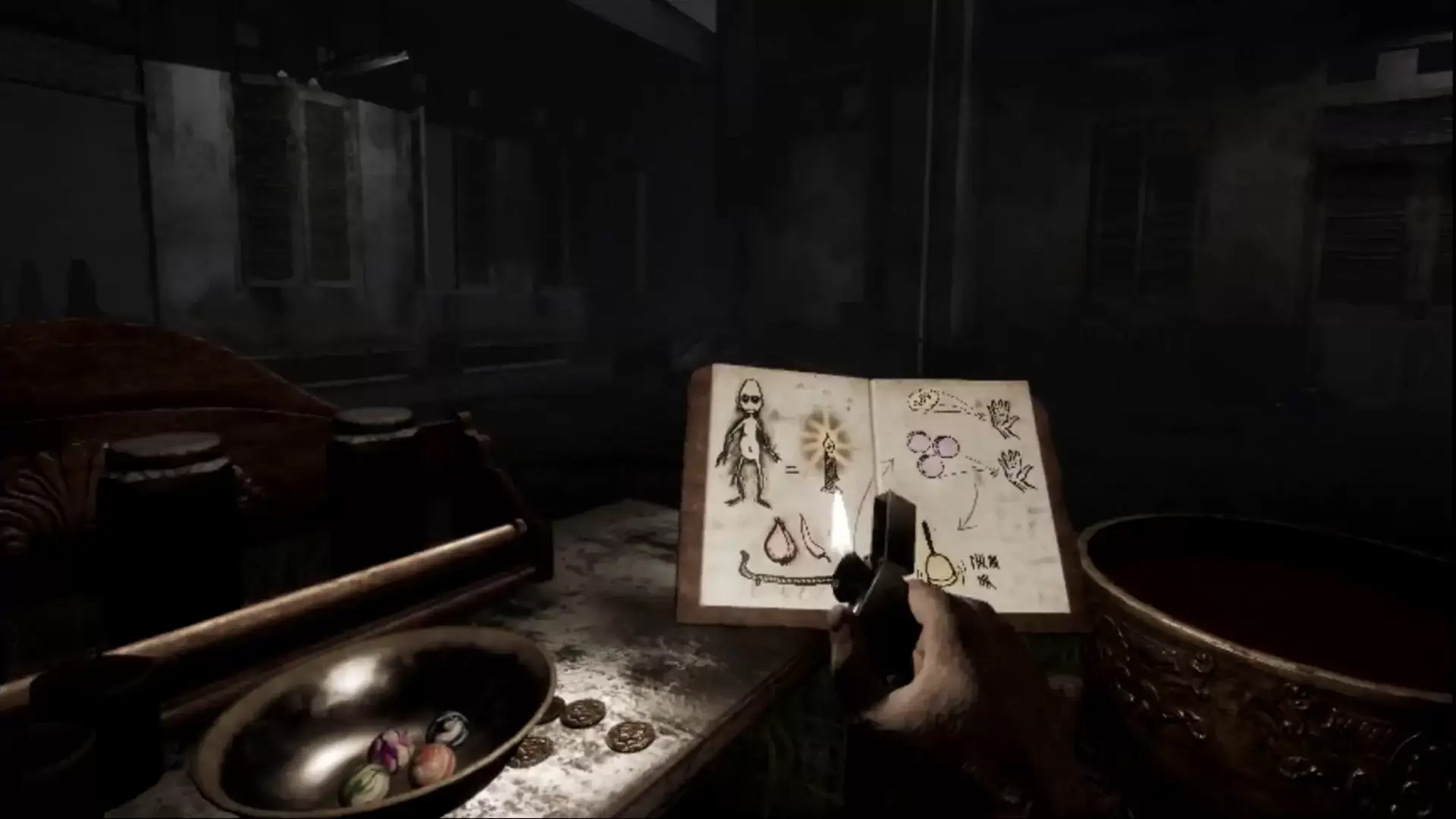
请参考书中的步骤方法来召唤灵魂。
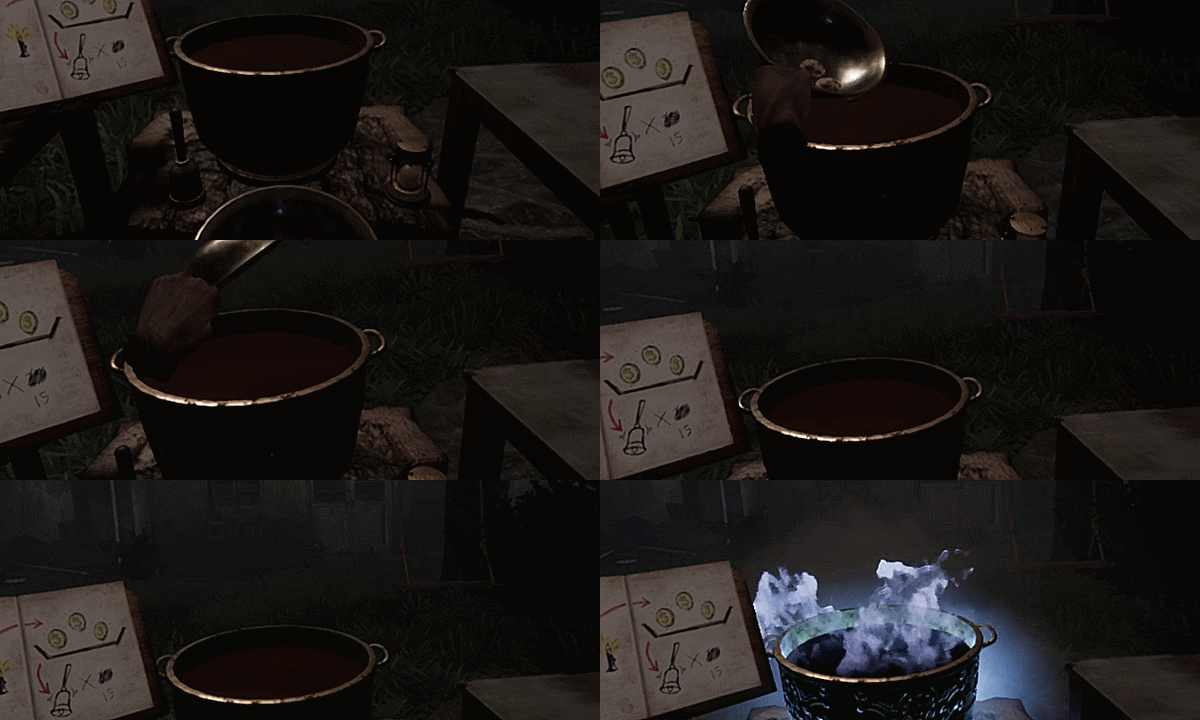
用碗准备需要它的仪式秘方。
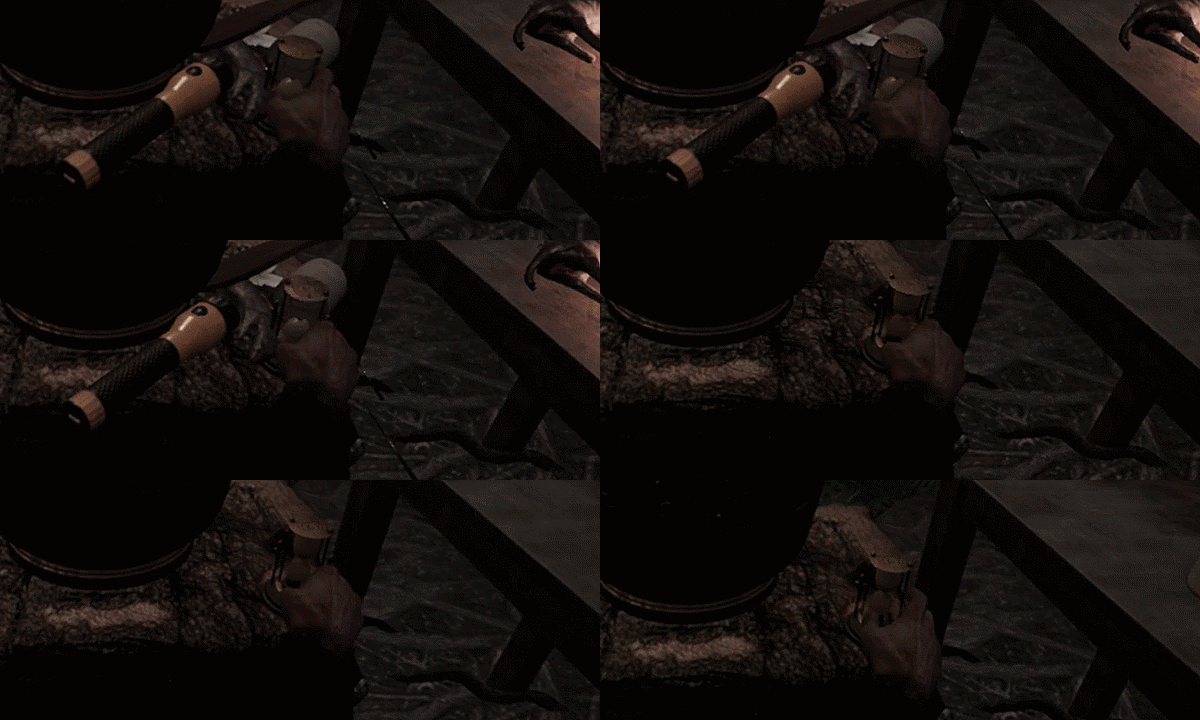
如果事情变得很乱,就用沙漏想一想,从头再来。
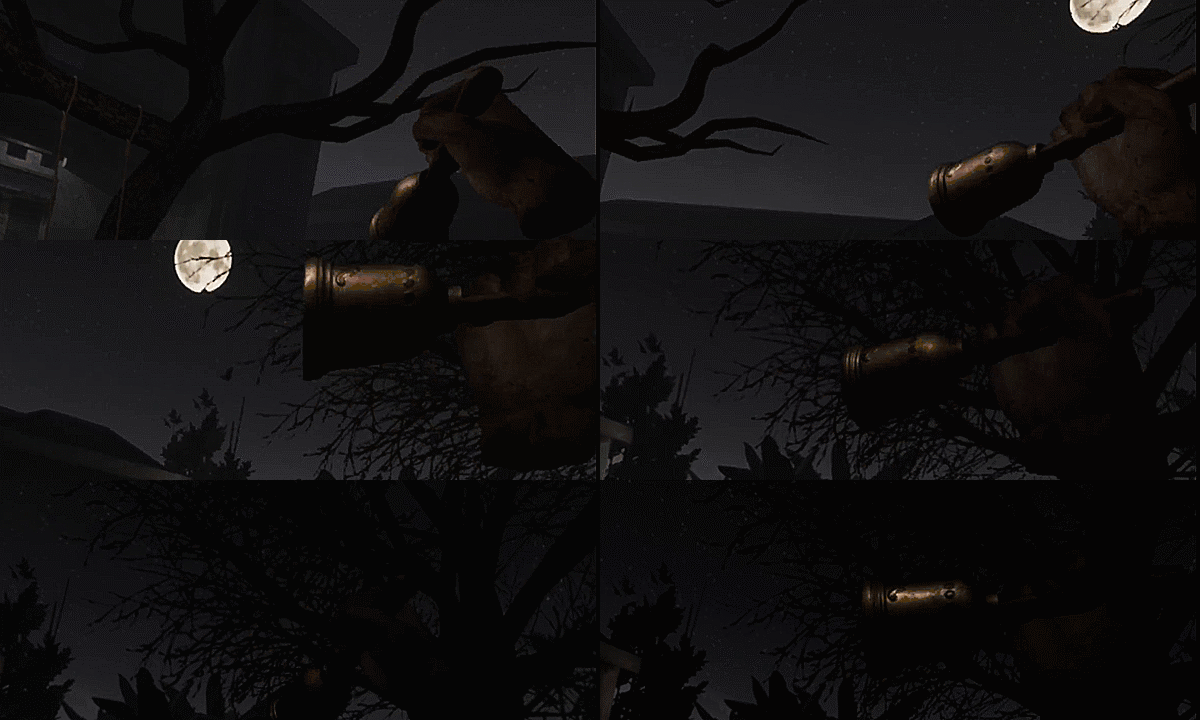
完成仪式,召唤不安分的死者。

用手电筒照亮鬼魂。
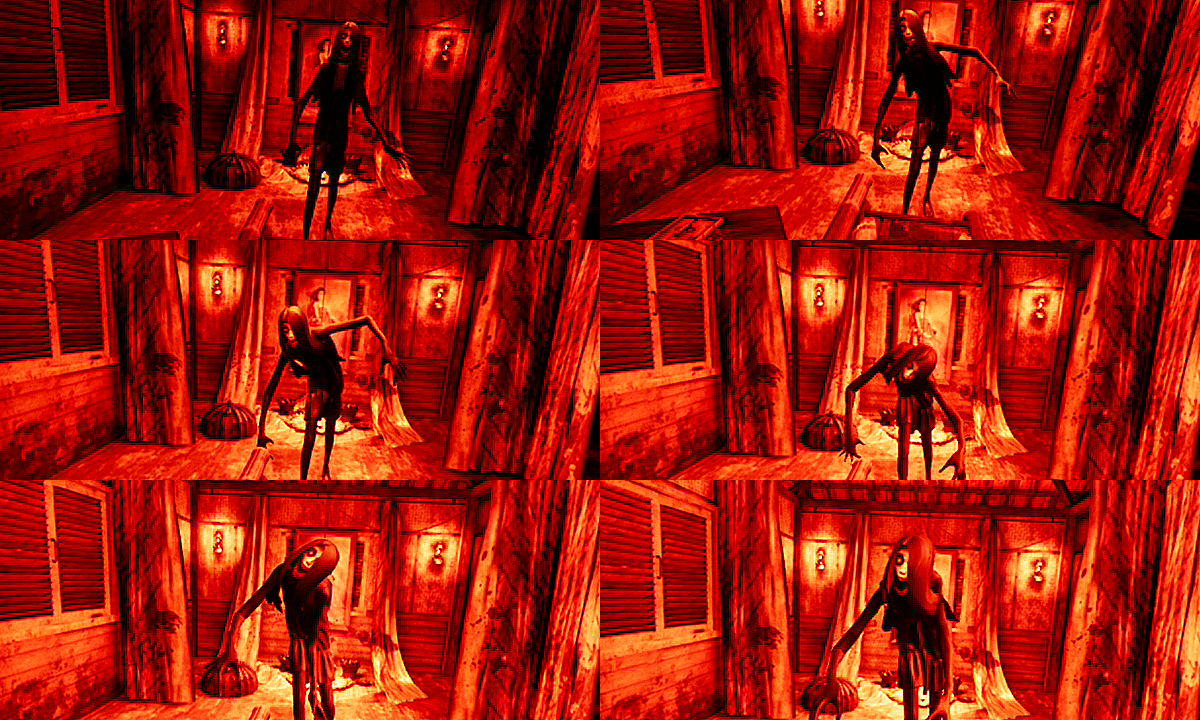
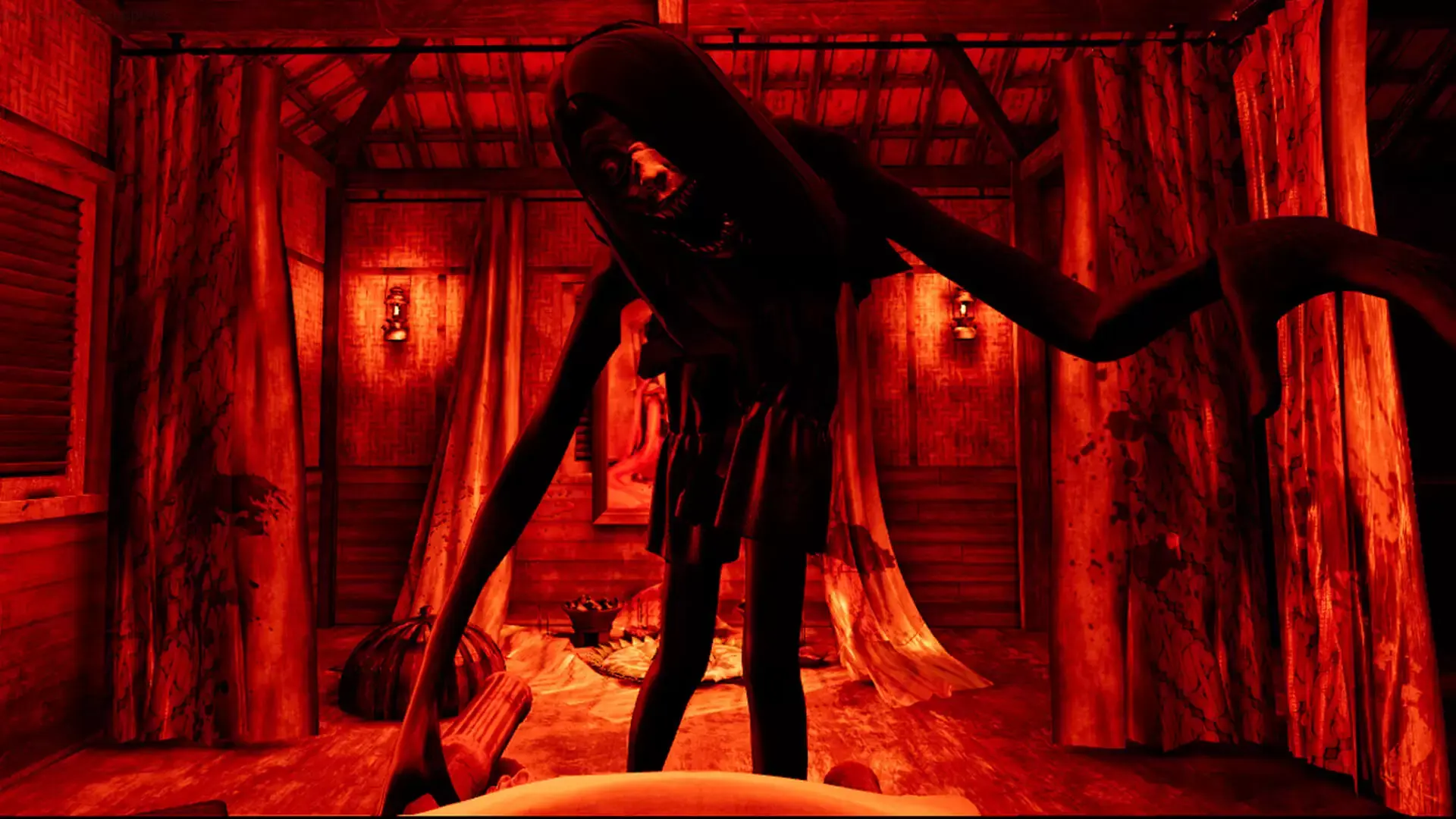
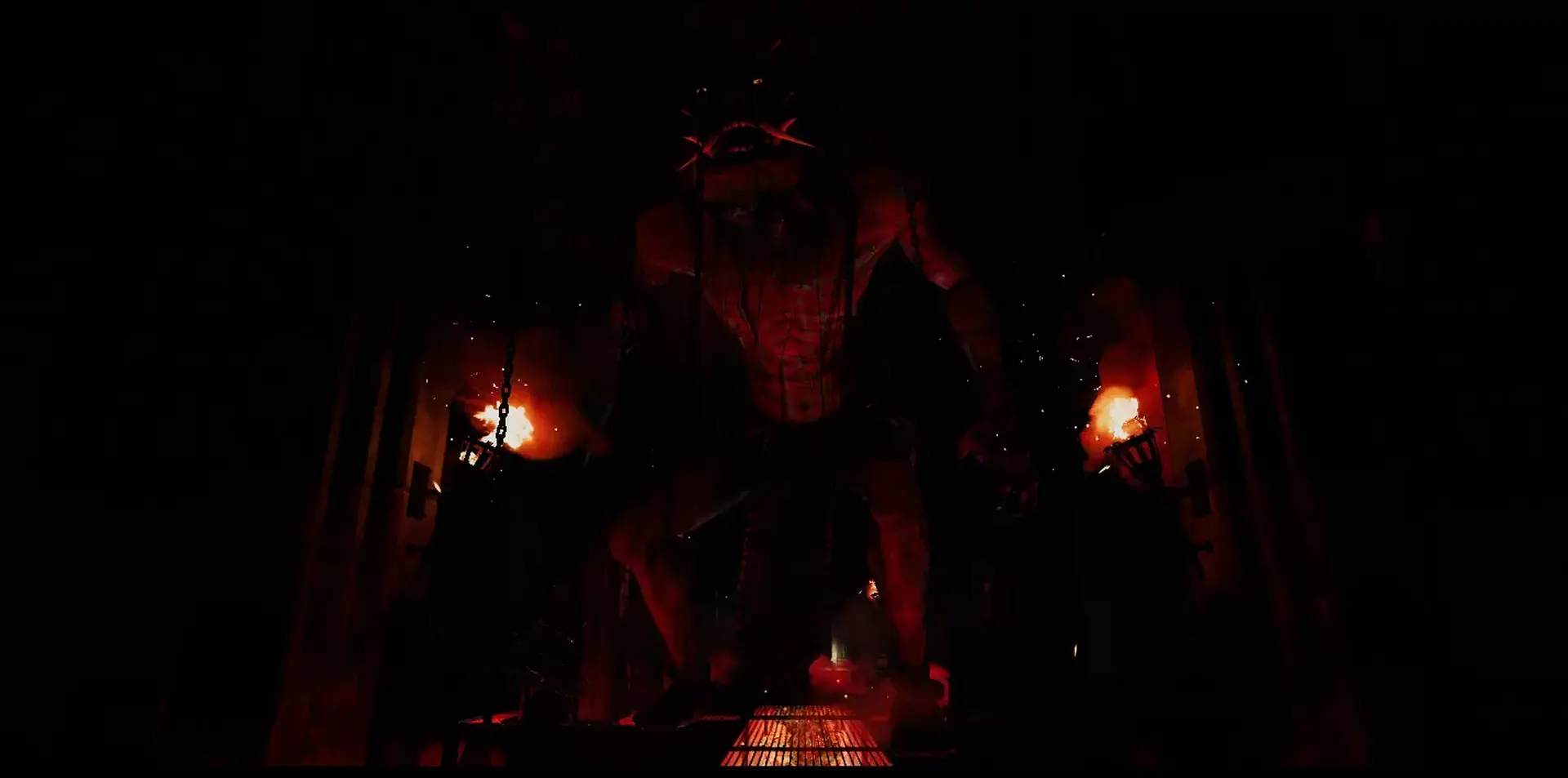
进入精神世界,忍受恐怖。
游戏特色
组合、工艺和公社
结合秘药与死者交流。
进入灵界
在印尼独特的乡村环境中克服众多谜题。
斗魂
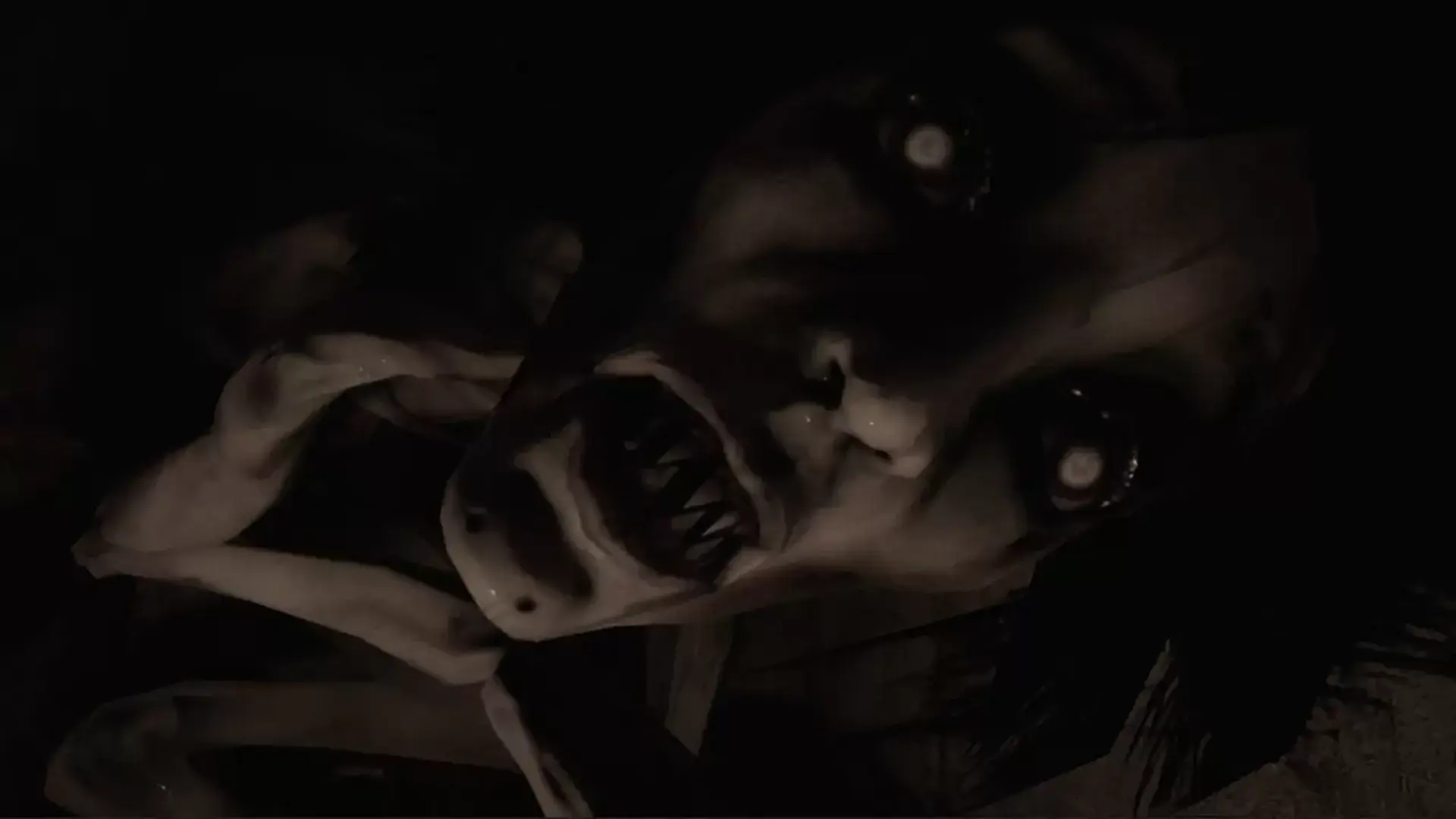
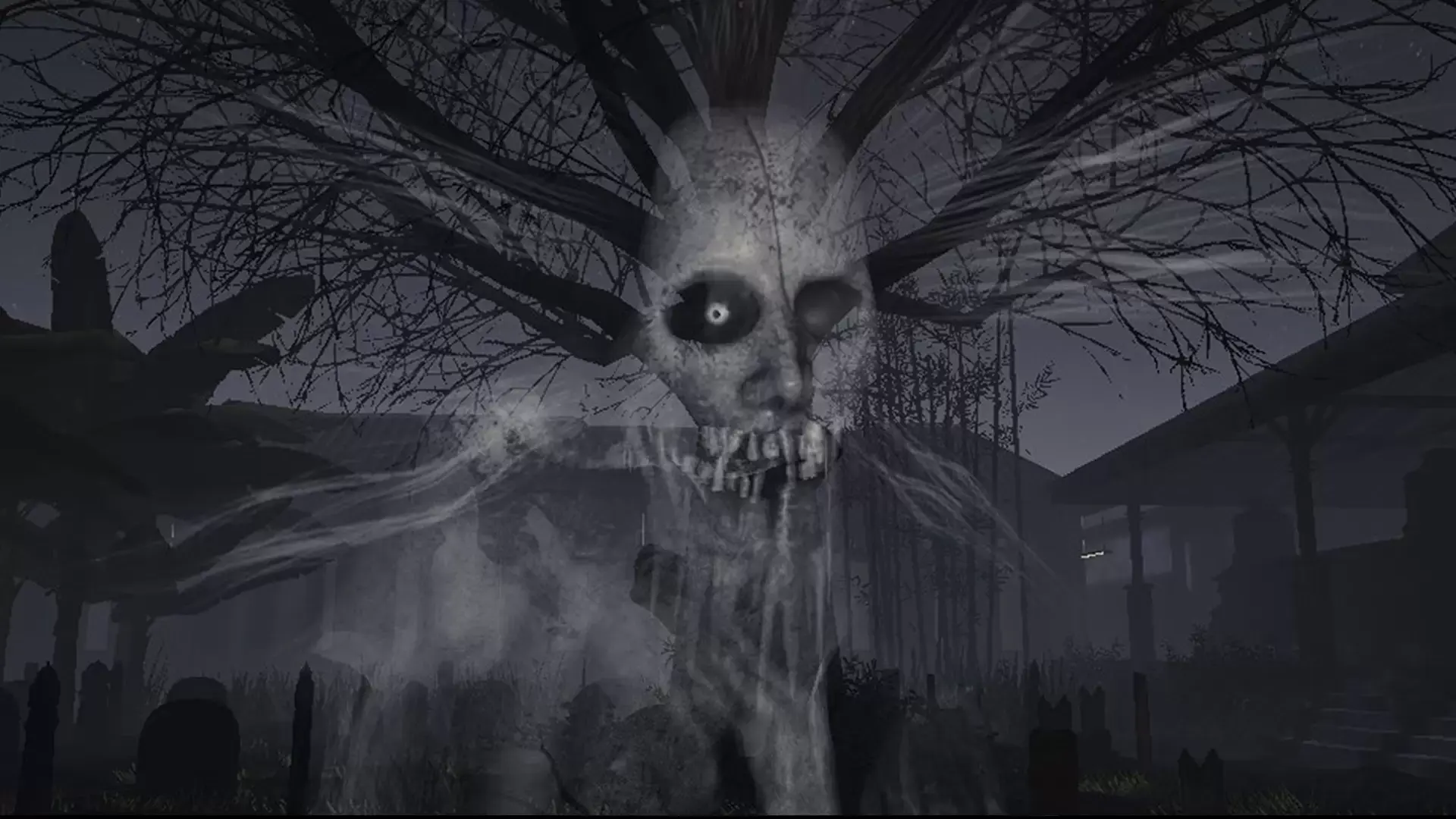
忍受来自恶灵的不停折磨,它们会慢慢吞噬你的灵魂。
从DreadOut™宇宙中了解更多关于印尼的精神
深入了解来自DreadOut宇宙的恐怖鬼魂传说。
恐惧中求生!
©2017. DreadEye is a registered trademark of PT. Digital Semantika Indonesia. Developed by Digital Happiness All rights reserved.
DreadEye VR uses the Unreal® Engine. Unreal® is a trademark or registered trademark of Epic Games, Inc. in the United States of America and elsewhere. Unreal® Engine, Copyright 1998 – 2017, Epic Games, Inc. All rights reserved.
©2017 Valve Corporation. Steam and the Steam logo are trademarks and/or registered trademarks of Valve Corporation in the U.S. and/or other countries.
©2017 Valve Corporation. Steamworks and the Steamworks logo are trademarks and/or registered trademarks of Valve Corporation in the U.S. and/or other countries.
steam
1. Enregistrez un compte Steam.
2. Dans le menu "Mes jeux", cliquez sur "Activer via Steam..." et entrez la clé